
Company brain across your stack
Agently builds a shared knowledge layer across connected tools so it can retrieve context from workspaces, documents, messages, and integrations before taking action.

Agently is an AI workforce platform for startup teams that connects to 100+ tools, builds a shared company brain, and uses agents coordinated by Jarvis to carry out work across the stack.
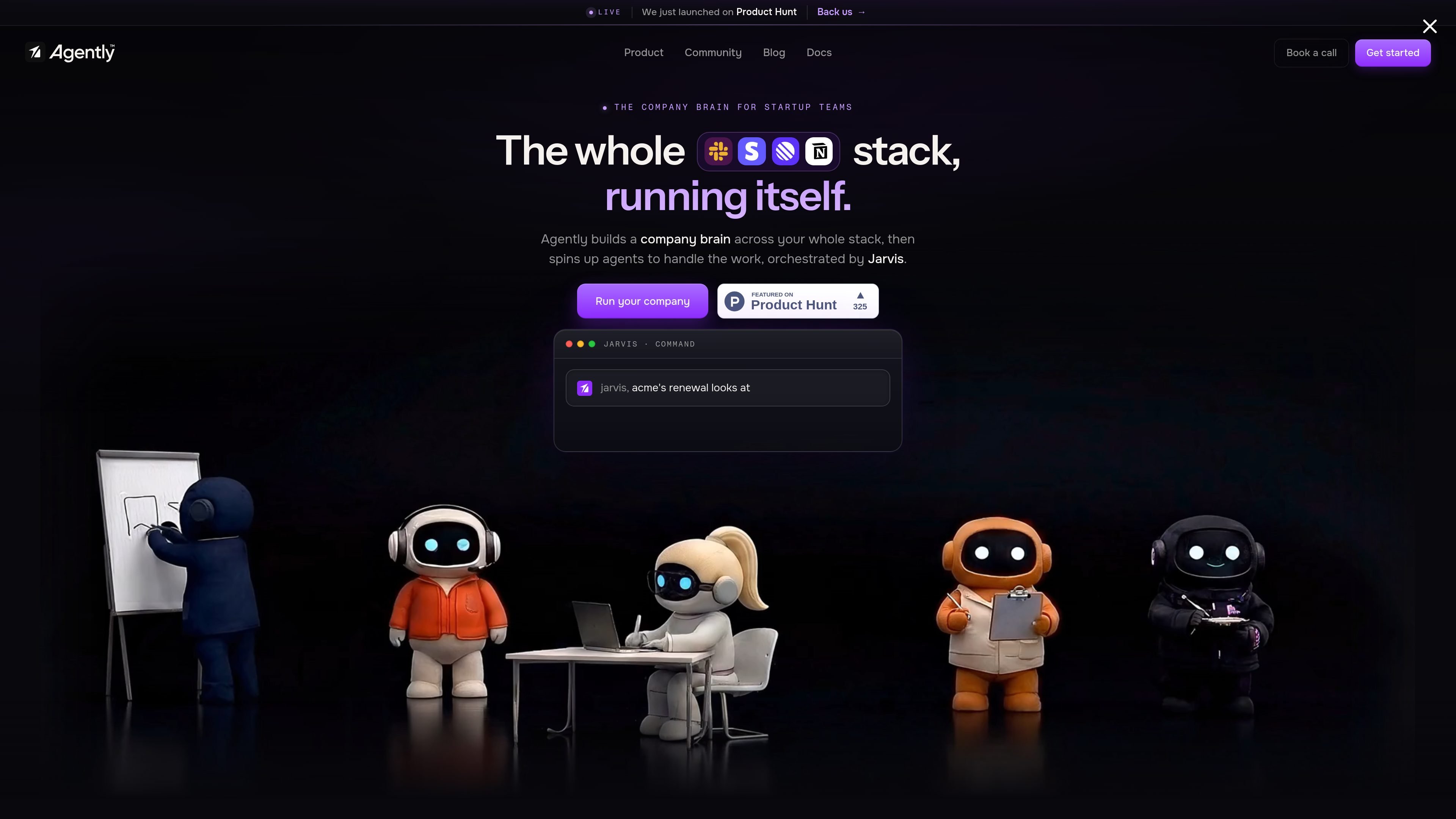
Agently is an AI workforce platform that builds a company brain across your connected tools and uses that context to run specialized agents. The product is organized around Jarvis, an orchestrator that routes work to agents and turns tasks into real actions rather than chat replies.
The site positions Agently for startup teams that want to automate operational work across systems such as Slack, Notion, Google Drive, Stripe, HubSpot, GitHub, Gmail, Linear, and Jira. It emphasizes two-way integrations, live updates, and outputs that land as documents, pages, sheets, and other shareable artifacts.
Documentation describes Agently as a set of connected building blocks that includes workspaces, agents, brain, spaces, pages, channels, integrations, and a scheduler. The overall workflow is to connect tools, let the brain sync context, then let Jarvis and the agents handle recurring work with optional approval on sensitive actions.
Agently builds a shared knowledge layer across connected tools so it can retrieve context from workspaces, documents, messages, and integrations before taking action.
Jarvis coordinates specialized agents, routes work, and tracks tasks in a live command center so you can see what is triggered, running, and shipped.
The product connects through 100+ live, two-way OAuth integrations, with examples spanning Slack, Linear, Notion, Google Drive, Stripe, HubSpot, GitHub, Gmail, Figma, PostHog, Asana, and Jira.
Agents can draft, send, update, and report in real systems, producing outputs such as docs, presentations, sheets, HTML pages, and Notion-style pages instead of chat responses.
Security and control features include workspace-level isolation, passwordless sign-in, permission controls, HMAC webhook verification, and approval steps for sensitive actions.
Use Agently to keep a customer success or operations workflow moving when new signals appear in Slack, Stripe, HubSpot, or Linear. The brain can surface context and agents can draft updates or take the next step instead of leaving the work as a manual handoff.
Teams can use the Page and document outputs to generate weekly status docs, launch trackers, board updates, or internal briefs that stay linked to live workspace context.
Sales and growth teams can connect CRM and messaging tools, then have agents flag changes, draft outreach, or support prospecting workflows with live data.
Founders and lean teams can delegate repetitive admin work such as posting updates, sending summaries, and maintaining project status without opening every tool themselves.
Teams that need review steps can route important actions through approval before anything is sent or posted, making the system more suitable for controlled operational workflows.
Agently builds a company brain across your connected tools, then uses Jarvis to orchestrate specialized agents that can draft, send, update, and report. The work happens in the background and produces real artifacts such as pages, sheets, documents, and Slack updates.
The site says Agently connects to 100+ tools through MCP connectors. Examples shown include Slack, Linear, Notion, Google Drive, Stripe, HubSpot, GitHub, Gmail, Figma, PostHog, Asana, and Jira.
You can set guardrails so agents run autonomously or pause for approval on actions that send, pay, or post. The security page also says important or irreversible actions can request approval through the Decisions system in your Inbox.
Agently says data is encrypted in transit and at rest, workspace data is isolated, and information is never used to train AI models. It also states that integration credentials are managed through Composio and raw OAuth tokens are not stored by Agently.
Getting started documentation says you can create an account with passwordless sign-in and no credit card required, and get up and running in under 5 minutes.

Dcyde is a decision log for product teams that captures what was decided, the reasoning behind it, and the source in one shared place. It supports pinning decisions from Slack, Figma, or inside Dcyde and keeps the record searchable over time.

Goldfish is an AI memory app for macOS that helps you reply, write, summarize, and continue using the context already on your Mac. It stores memory locally and writes in your tone.

Biji ist eine vielseitige Plattform, die entwickelt wurde, um die Produktivität durch innovative Werkzeuge und Funktionen zu steigern.

runevr is a connected workspace for creative teams that combines boards, media review, chat, recordings, drive, calls, and AI agents in one room-based environment. It is designed to reduce tool switching and keep project context together.

Lasso is an ecommerce product data platform for enriching catalog records, processing supplier files, generating product content, and monitoring competitors. It combines a web app with a REST API, SDK, and MCP server for teams and developers.

CreateOS Sandbox is an isolated compute environment for running code and agent workloads inside Firecracker micro-VMs. It is designed for workflows that need machine-level isolation, private networking between sandboxes, and programmatic control through SDK, CLI, or MCP.