Ancher icon

Ancher

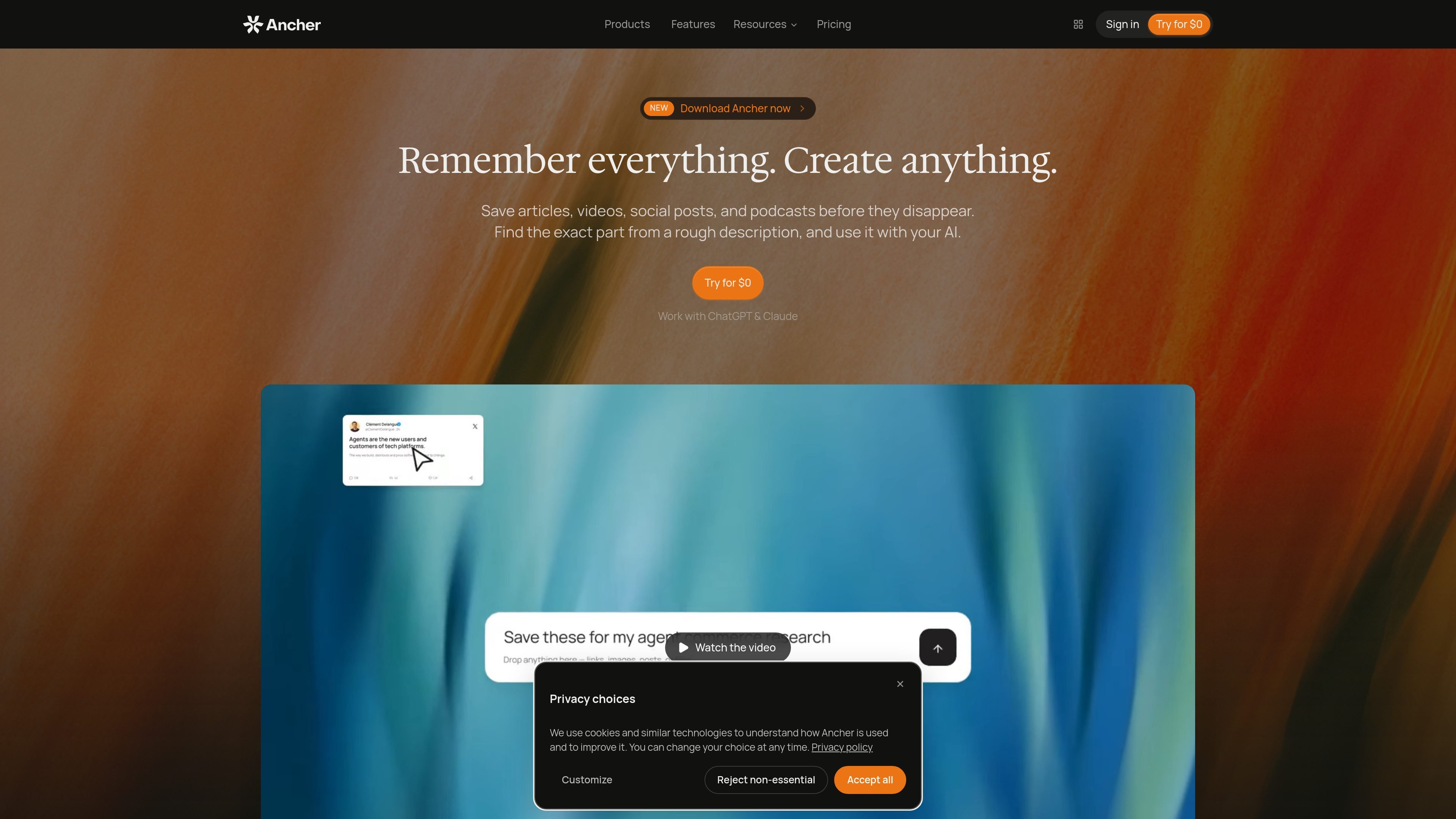
Ancher is an AI knowledge base and research assistant that captures articles, videos, PDFs, screenshots, notes, and other sources, then makes them searchable and connected. It helps researchers, writers, product teams, and developers ask questions across saved material and turn selected context into briefs, documents, presentations, and other deliverables.

Ancher

A knowledge base for turning saved material into usable work

Ancher is a personal knowledge base and research assistant that turns material you read, watch, or save into searchable, connected context. It accepts sources including web pages, links, PDFs, videos, screenshots, images, voice notes, and text notes, then organizes them into notes that can be revisited and used in later work.

The workflow moves from capture to retrieval to creation: save material where you find it, search by meaning or ask questions across your saved knowledge, and use selected sources or collections to produce briefs, documents, decks, posts, and other artifacts. Ancher is available through a web app, mobile access, and a browser extension; its documentation also covers terminal and coding-agent workflows.

Capture, retrieve, and create from connected sources

Capture varied source material

Save articles, web pages, links, PDFs, documents, videos, screenshots, images, voice notes, text notes, and snippets into one knowledge base. Browser, Slack, Telegram, and email workflows reduce the need to change tools while collecting material.

Generate structured notes

Saved sources are automatically turned into skimmable notes with key points and takeaways; videos can include keyframes. The site says no tagging, folders, or manual formatting are required for capture.

Search and ask across knowledge

Semantic search finds relevant notes by meaning rather than exact wording. The agent can answer across notes, collections, files, and artifacts, and source-linked answers let you open the material supporting a response.

Connect related ideas

Ancher links new content to previously saved material, with the product describing patterns, contradictions, and evolving themes surfacing as the knowledge base grows.

Work with focused context

Collections provide a defined group of sources and ideas as context for a question or creation task. Answers and conversations can also be saved as notes, while existing artifacts can be brought back into chat.

Produce reusable deliverables

Create research briefs, reports, documents, PRDs, slide decks, HTML pages, images, audio summaries, and video explainers from selected context. Finished outputs can be previewed, downloaded, shared, or reused.

Practical ways to use Ancher

  • Research and literature review

    Save papers, PDFs, videos, and notes in a focused collection, then ask questions across them or generate a structured brief. Source-linked answers help trace claims back to the material used.

  • Writing and editorial work

    Collect articles, interviews, videos, and social posts over time, then reconnect related ideas when planning a memo, newsletter, post, or other written deliverable.

  • Product and design planning

    Bring together product references, screenshots, design notes, strategy documents, and competitor material. Use the resulting context for PRDs, reports, presentations, or visual artifacts.

  • Developer research workflows

    Use the CLI or Agent Skills to let a coding agent save and search Ancher content, or work with the knowledge base from a terminal and automation-oriented workflow.

Pros and Cons

Pros

  • Supports a broad set of inputs, including articles, PDFs, videos, screenshots, images, voice notes, and text notes.
  • Semantic search and source-linked answers help users locate relevant material and inspect the basis for responses.
  • Collections let users constrain questions and creation tasks to a chosen group of sources.
  • Can produce several output types, including research briefs, reports, documents, slide decks, HTML pages, audio summaries, and video explainers.
  • Offers web, mobile, browser-extension, CLI, and coding-agent access points for different collection and research workflows.

Cons

  • The quality and usefulness of generated answers and deliverables depend on the sources captured and the context selected.
  • The free plan includes occasional generation and 100 credits per month; regular or heavier generation requires a paid plan.
  • The available page evidence does not specify detailed retention, export-format, or collaboration limits.

FAQ

What is Ancher?

Ancher is a personal knowledge base and research assistant for saving content, finding it later, asking questions across saved material, and turning selected context into finished work.

What can I save in Ancher?

You can capture articles and web pages, links, PDFs and documents, videos, screenshots and images, voice notes, text notes, and ideas or snippets. The site also describes saving from services such as X, LinkedIn, YouTube, Reddit, and Instagram, along with browser, Slack, Telegram, and email workflows.

How does Ancher help me retrieve information?

Ancher provides semantic search, so relevant notes can be found even when you do not remember the exact wording. Its agent can answer questions using saved notes, collections, files, and artifacts, with source-linked answers that open the supporting material.

What can Ancher create?

Selected sources and notes can be used to create research briefs, reports, documents, articles, PRDs, slide decks, HTML pages, images, audio summaries, and video explainers. Outputs can be downloaded, shared, added to a collection, or brought back into chat.

Where can I use Ancher?

Ancher offers a web app, mobile access for saving links, screenshots, and ideas, and a browser extension for one-click capture. Its documentation also describes a CLI and Agent Skills for using an Ancher knowledge base from a terminal or supported coding agents.

Quick Facts

Category
AI knowledge base and research assistant
Primary workflow
Capture, connect, recall, and create
Supported inputs
Web pages, links, PDFs, documents, videos, screenshots, images, voice notes, and text notes
Access
Web app, mobile, browser extension, CLI, and Agent Skills
Free plan
$0 with 100 credits per month and all core features
Paid plans
Digest at $5/month or $59.99 yearly; Pro at $15/month or $179.99 yearly