
Chat-based video editing
Describe trims, scene changes, cleanup, or other edits in chat, then refine the result manually in the timeline when needed.

Async is a browser-based AI video and audio production suite for creators and teams. It combines chat-based and timeline editing with recording, captions, audio cleanup, AI generation, localization, and short-form repurposing tools.
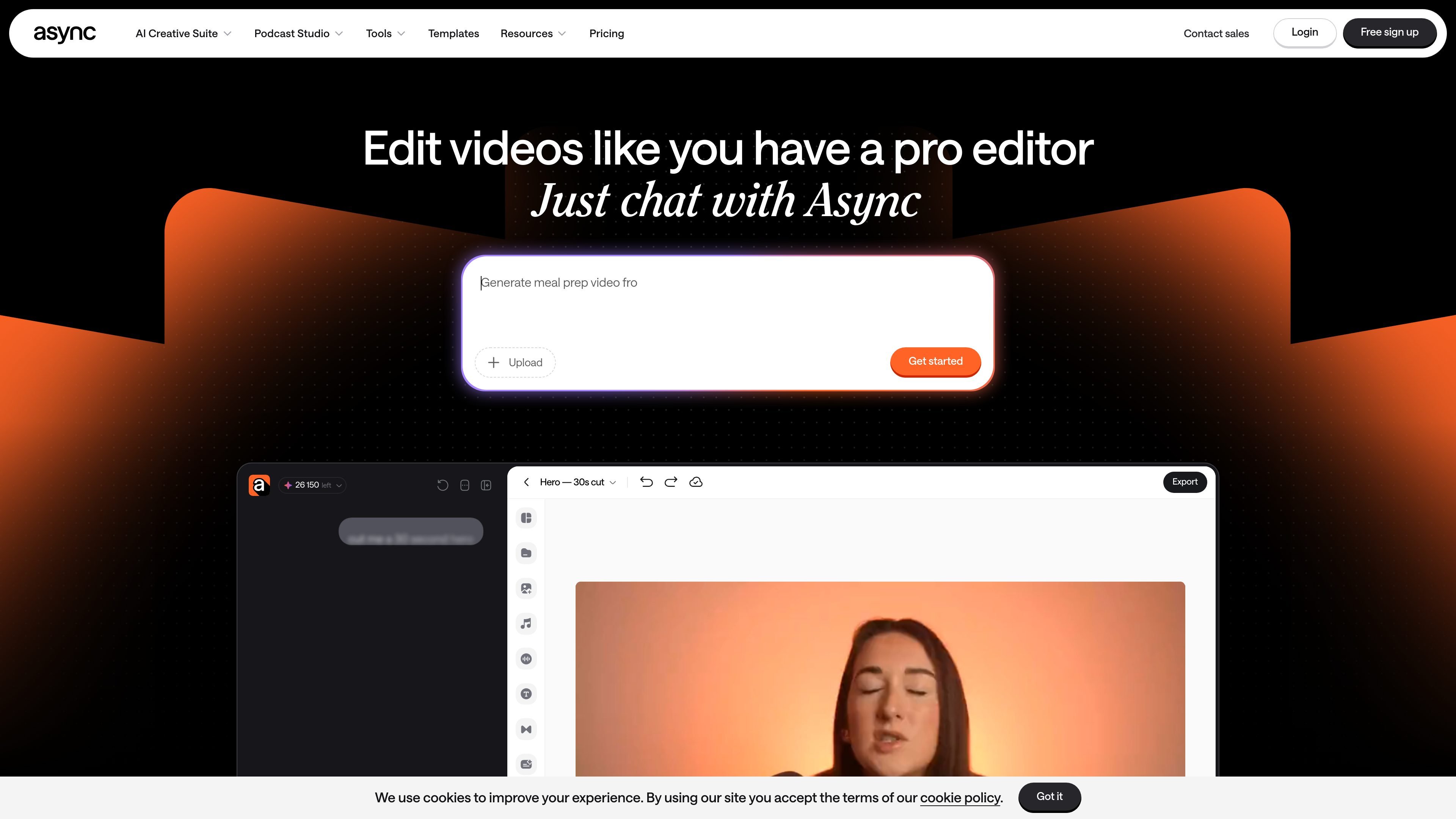
Async is a browser-based AI creative suite for producing video and audio content. Its central workflow combines chat-based editing with a manual timeline, so users can start from uploaded footage or generated media, describe the desired changes, and make precise adjustments when necessary.
The platform covers the path from recording and rough-cut cleanup to captions, audio treatment, AI-generated visuals or music, short-form repurposing, and publishing-oriented formatting. It is designed for individual creators and teams that want to produce ads, podcasts, interviews, social clips, explainers, vlogs, and similar video formats in one workspace.
Describe trims, scene changes, cleanup, or other edits in chat, then refine the result manually in the timeline when needed.
Split, trim, reorder, hide, or mute footage, and remove filler, pauses, repeats, and weak takes from longer recordings.
Generate subtitles, adjust their styling and line breaks, translate them, and use dubbing tools to adapt videos for other languages.
Create short-form clips from longer videos and reframe or resize content for formats used by TikTok, Instagram Reels, YouTube Shorts, LinkedIn, and other platforms.
Use AI tools for background removal, color grading, video enhancement, cinematic blur, eye-contact correction, audio cleanup, B-roll, music, sound effects, and generated footage.
Record in a browser with invited guests, 4K video, uncompressed WAV audio, and separate tracks for each speaker that are stored in the cloud for editing.
Record a remote conversation in the browser with invited guests, capture separate tracks, and move the saved recordings into the editor for cleanup and assembly.
Upload a long recording, remove pauses and repeated takes, clean up background noise, add captions, and produce a finished episode or video.
Find strong moments in podcasts, webinars, interviews, or recordings and turn them into captioned, reframed clips for short-form social channels and ads.
Create or patch visual and audio material with generated B-roll, footage, music, sound effects, or voice tools, then combine it with existing footage in the edit.
Translate and dub an existing video, add subtitles, and adapt its framing for different platforms or audiences without rebuilding the whole project.
Upload footage to Async and describe the change you want in chat. You can also adjust the result manually in the timeline when you need more control.
Yes. Async can trim and reorganize footage, remove backgrounds, add subtitles, enhance the image, reframe content, and create shorter clips from a prompt. The site notes that AI edits can require review.
Async can generate subtitles automatically and provides dubbing, translation, and multilingual voice tools for adapting content to other audiences.
Yes. Async Recording Studio runs in a browser, lets you invite guests, and records separate tracks for speakers. The tracks are saved to cloud storage and can move directly into editing.
Async offers a free tier and subscription plans for creators and teams. AI capabilities use credits, and the pricing page lists additional credit top-up options; exact usage depends on the tool and generation.

Zella is a screen recorder and on-device AI video editor for Mac and iPhone. It helps creators record screens or cameras, automatically clean up footage, add captions, reframe clips, and export videos without uploading the core project to the cloud.

Jupitrr Cut is a free iOS and Android teleprompter and recording app for scripted talking-head videos. It records scenes separately, lets users retake individual lines, trims pauses, and stitches the takes into a jump-cut video.

Optimo is a free, open-source CLI for optimizing and converting images and videos with format-specific commands built on ImageMagick and FFmpeg. It helps developers prepare web assets, batch process media, and automate compression from the shell or a Node.js script.

CAMB.AI Streams dubs live audio in multiple languages in real time for broadcasts on platforms like YouTube, Twitch, and X. It plugs into existing live workflows using common streaming protocols and avoids a post-production step.

Tavus is an AI video platform for building real-time, face-to-face agents, digital twins, and AI companions. It combines APIs, custom replicas, and multilingual conversational workflows for developers and teams.

HiringPartner.ai is an autonomous AI recruiting platform for sourcing, screening, and interviewing candidates 24/7. It supports ATS-connected workflows, bulk resume uploads, and reviewable interview outputs for hiring teams.