
Map existing database structures
Point BaseBuddy at existing Supabase or Postgres tables, fields, and relations. The saved mapping tells the editor how to read and write content without forcing a new CMS schema.

BaseBuddy is an open-source Supabase CMS and WordPress-like editor for existing Supabase and Postgres databases. It helps teams edit content, manage media, and control permissions without rebuilding their schema around a new CMS.
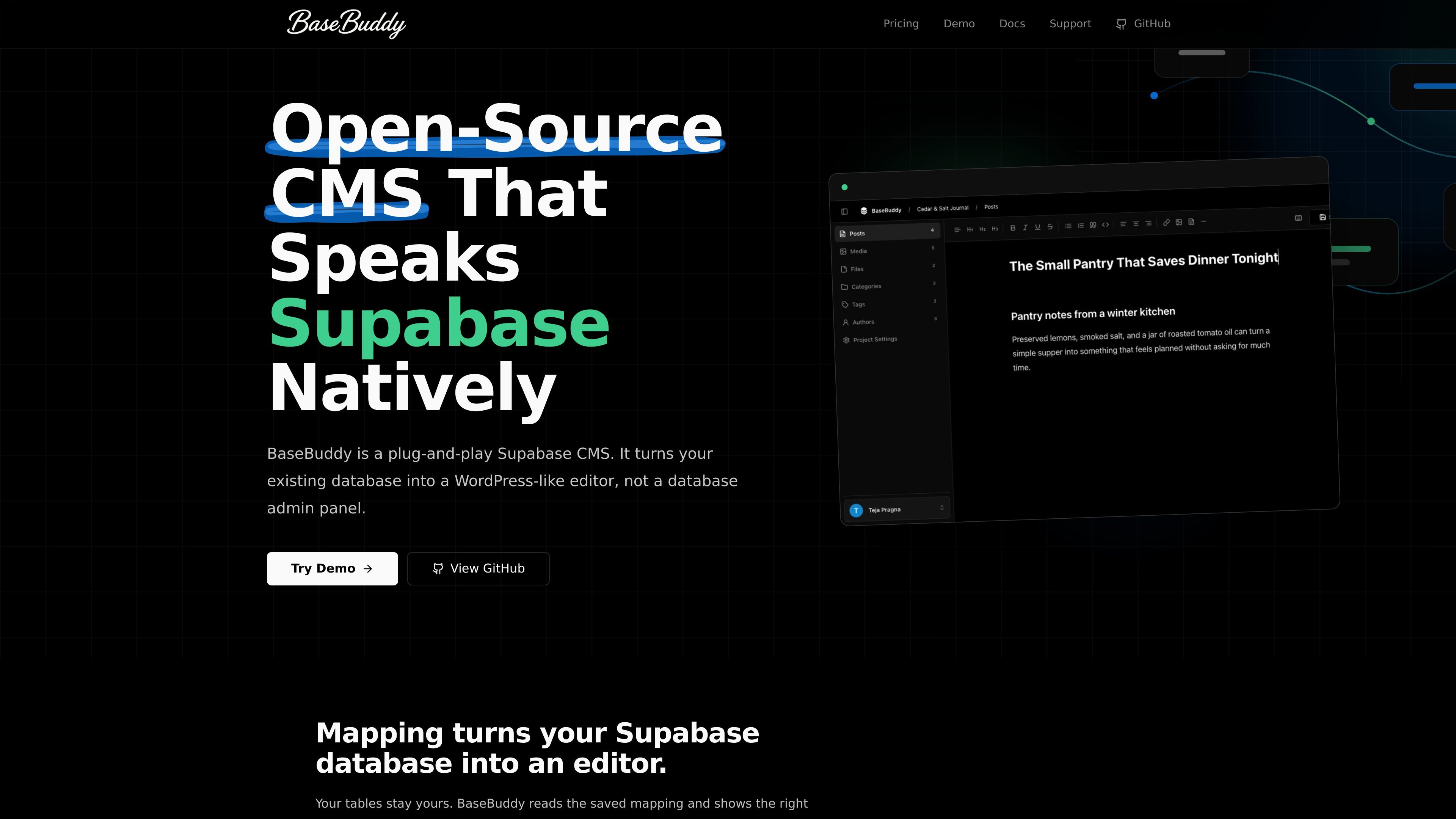
BaseBuddy is an open-source Supabase CMS and WordPress-like editor for existing Supabase and Postgres databases. It is designed to sit on top of your current data model, letting you map existing tables, fields, relations, and storage into a content editor without rebuilding the schema around a new CMS.
The product focuses on content teams that want a familiar editing experience while keeping ownership of their database and storage. BaseBuddy supports Markdown and HTML editing, sidebar customization, media and files from Supabase Storage or S3-compatible buckets, and role-based access controls with user-specific permissions.
Its docs and setup flows also cover installation, first-run setup, CLI-assisted configuration, mapping revisions, and safe production operation. The overall model is to keep writes explicit and limited to mapped fields, with publish, unpublish, and archive handled as separate actions.
Point BaseBuddy at existing Supabase or Postgres tables, fields, and relations. The saved mapping tells the editor how to read and write content without forcing a new CMS schema.
Use a WordPress-like editor for Supabase content with Markdown and HTML support, keyboard shortcuts, and slash commands for faster editing.
Work with media and files from Supabase Storage buckets or S3-compatible storage, so content and assets stay tied to the same backend environment.
Choose which mapped fields appear in the editor sidebar, helping each project keep the editing UI focused on the fields editors actually need.
Use roles, user-specific permissions, owner boundaries, and author scopes to control who can view and edit content.
Review SEO fields and content checks before publishing, with explicit publish, unpublish, and archive actions available in the editor.
Connect BaseBuddy to an existing Supabase or Postgres database when you want a CMS layer without redesigning tables around a new content model.
Give editors a familiar writing interface for posts and pages with Markdown, HTML, sidebar fields, and explicit publish controls.
Manage media libraries and file uploads from Supabase Storage or S3-compatible buckets alongside the content they belong to.
Set up role-based access for teams that need author-scoped editing, invite management, and tighter permissions around who can change what.
Review SEO fields and checks before content goes live when the workflow needs a final editorial pass inside the editor.
BaseBuddy is designed for existing Supabase and Postgres databases. You connect the app, create a project, map your tables and fields, and then use the editor without rebuilding your schema around a new CMS model.
The docs mention installation, onboarding, local setup, and setup checks. BaseBuddy also supports CLI-assisted setup with schema inspection, mapping drafts, and verification before saving.
BaseBuddy is built for content editing workflows: mapped fields, Markdown and HTML editing, media and files, SEO fields, permissions, and explicit publish, unpublish, and archive actions.
The source documents support Supabase Storage and S3-compatible buckets for media and files. They do not list broader third-party integrations on the public site pages provided.
BaseBuddy is open source and self-hosted. The pricing page says there is no hosted SaaS plan, no paid tier, and no seat billing for self-hosted use.

Falconer is an AI-powered company brain that keeps internal documentation accurate, searchable, and up to date by syncing with tools like GitHub, Slack, and Linear. It helps engineering and cross-functional teams centralize knowledge and answer questions from a shared source of truth.

Lasso is an ecommerce product data platform for enriching catalog records, processing supplier files, generating product content, and monitoring competitors. It combines a web app with a REST API, SDK, and MCP server for teams and developers.

Struere is an AI-native platform for turning spreadsheet data into structured operational software with dashboards, alerts, and automations. It is aimed at teams that want to replace manual spreadsheet workflows without building custom tools from scratch.

Ably Chat is a chat API platform for building custom realtime chat applications. It supports room-based messaging, typing indicators, presence, reactions, and message updates, with usage-based pricing options for different deployment stages.

garden-md is an open-source Node.js CLI that turns meeting transcripts into a local company wiki. It links entities across transcripts, keeps the original text intact, and renders the result as a browsable wiki.

Ghost ist ein terminalbasierter KI-Assistent für Chats, Code-Generierung und Aufgaben direkt in der Kommandozeile. Mit kostenlosen Modellen, Linux, macOS und Windows. Open Source.