Bayeslab icon

Bayeslab

Bayeslab is an autonomous data agent and AI analyst that turns connected business data into traceable reports, visualizations, and executive-ready outputs. It is aimed at teams that want deeper analysis without doing the work manually in spreadsheets or ad hoc SQL workflows.

Bayeslab

Overview

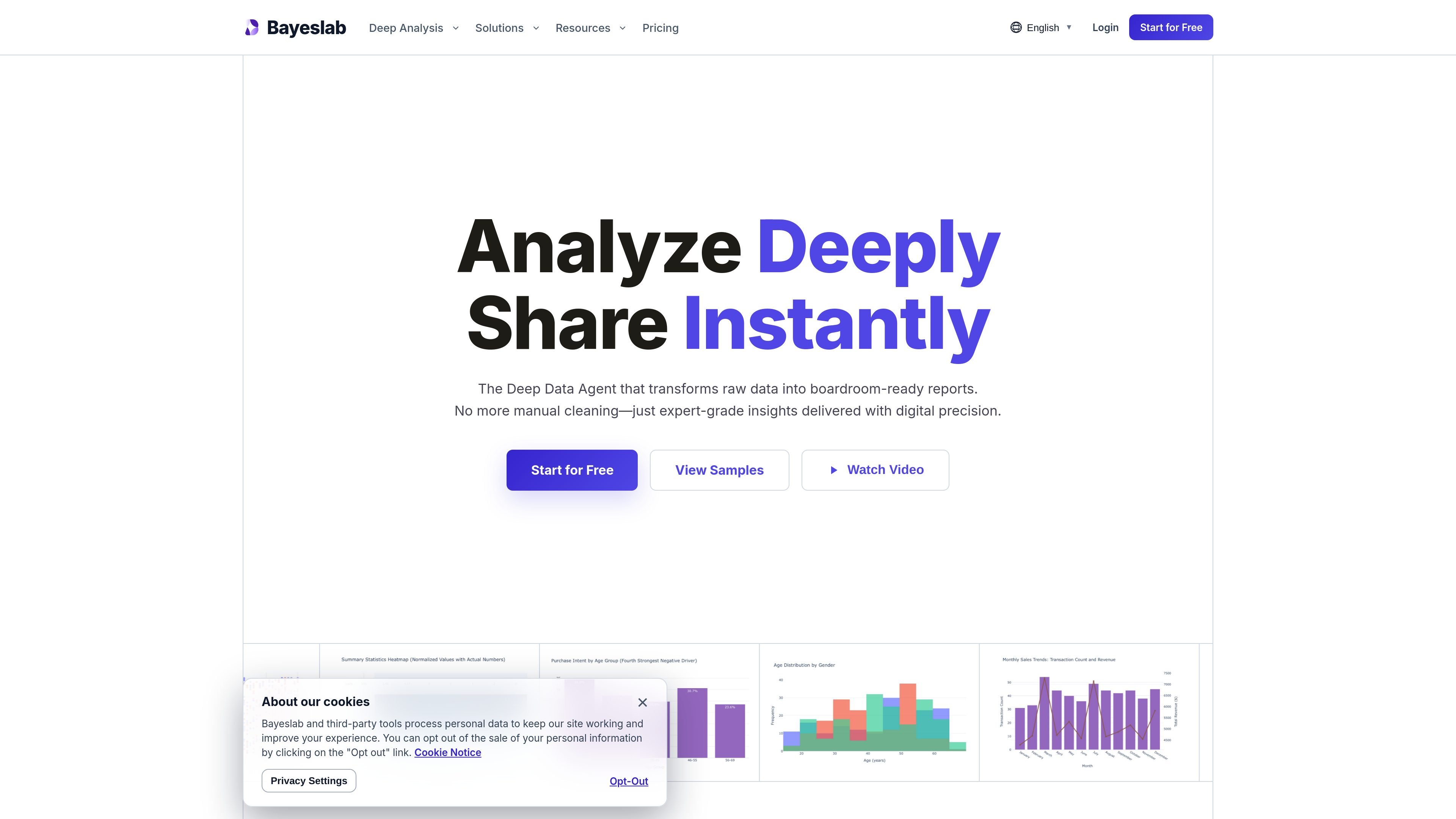
Bayeslab is an autonomous data agent and AI analyst for deep analysis. It is designed to turn raw business data into boardroom-ready reports, combining code-based analysis, reasoning, and presentation-friendly outputs.

The product positions itself as a replacement for manual spreadsheet work and ad hoc querying. Users can connect data sources, define metrics, run multi-step analysis, and produce narrative reports, visualizations, and exports that are traceable back to the underlying data.

Core capabilities

Deterministic analysis with audit trails

Bayeslab says it uses a proprietary engine that writes and runs code, verifying each step before output. The product also emphasizes immutable audit trails so every calculation can be traced back to its source.

Autonomous hypothesis testing

The homepage describes agents that explore edge cases, test hypotheses, and follow multi-step analytical paths. This is meant to uncover the story behind the data rather than only returning a query result.

Unified metric system

Bayeslab states that users can define business logic and KPIs once, then apply them consistently across analyses. That supports a single version of truth across recurring work.

Native connectors for common tools

The product highlights 50+ native connectors and one-click access to business data, including SQL databases and SaaS platforms. The integrations page lists sources across marketing, product, customer success, databases, and search.

Executive-ready reporting and editing

The homepage says Bayeslab produces editorial-grade reports, narratives, visualizations, and PPTX exports. It also supports post-editing so users can refine narrative text, chart choices, and styling.

Team workflows and scheduled analyses

Pricing and homepage copy both point to collaboration features such as shared workspaces, granular permissions, public sharing links, and scheduled analyses on higher tiers.

Practical use cases

  • Boardroom reporting from raw data

    Use Bayeslab to review historical performance data, define KPIs, and generate a repeatable analysis with traceable calculations for finance or operations review.

  • Cross-functional growth analysis

    Connect product, marketing, or growth sources such as GA4, Amplitude, HubSpot, or ads platforms to investigate trends and test hypotheses across funnel stages.

  • Customer and risk analysis

    Use the supported data sources and report outputs to examine customer churn, purchase patterns, or risk signals and present the findings in a readable format for stakeholders.

  • Team operations reviews

    Pull together team metrics from tools like Slack, Notion, Jira, Monday, or Google Sheets to centralize operational views and share analyses across a workspace.

  • Recurring analysis workflows

    Run scheduled analyses and share links or exports for recurring updates when a team needs regular reporting rather than one-off exploration.

Pros and Cons

Pros

  • Supports a wide range of connected data sources, including many named SaaS and analytics tools.
  • Emphasizes reproducibility with deterministic traces and immutable audit trails.
  • Produces executive-oriented outputs such as narrative reports, visualizations, and PPTX exports.
  • Includes collaboration features such as shared workspaces, permissions, and public sharing on higher plans.

Cons

  • The public site does not provide a full documentation set or a detailed integration directory for every connector.
  • Several advanced capabilities are described at a high level, but the source does not show deep product documentation for setup, security, or limits.
  • Enterprise pricing and governance details are available only through a sales contact flow.

FAQ

What is Bayeslab used for?

Bayeslab is presented as an autonomous data agent and AI analyst. The source shows it can connect to data, run analyses, and generate boardroom-ready reports with audit trails and executive-style outputs.

Does Bayeslab have a free plan or paid tiers?

The homepage says you can start for free, and the pricing page shows Free, Pro, Team, Elite, and Enterprise options. Paid plans are offered with monthly billing, while Enterprise requires contacting sales.

What kinds of data sources can it connect to?

The source shows support for direct connections and one-click access to business data, including SQL databases and SaaS tools. The integrations page also lists sources such as Google Analytics 4, HubSpot, Slack, Stripe, Airtable, Google Sheets, and many others.

What outputs does Bayeslab generate?

The product is designed to produce narrative reports, visualizations, and PPTX exports, and the homepage says outputs include a deterministic trace back to the raw source. The source does not show a full public API reference or detailed setup documentation.

How do you get started?

The seed partner page says users can connect data from SQL, Snowflake, or CSV, and the homepage emphasizes no complex setup. Beyond that, the public source does not describe every configuration step in detail.

Quick Facts

Category
AI data analysis
Product type
Autonomous data agent / AI analyst
Website
bayeslab.ai
Primary output
Boardroom-ready reports with visualizations and narrative summaries
Data sources
SQL, Snowflake, CSV, and many native integrations
Pricing
Free plan plus Pro, Team, Elite, and Enterprise options