
Keep long sessions from stalling
Keeps the Mac awake only while a Claude Code or Codex session is running, then allows normal sleep to resume when the work ends.

BlackFlare is a macOS menu bar app for Claude Code and Codex that keeps the Mac awake during long runs, sends finish or attention alerts, and shows usage. It also lets users switch defaults and route notifications to Mac, Telegram, or Slack.
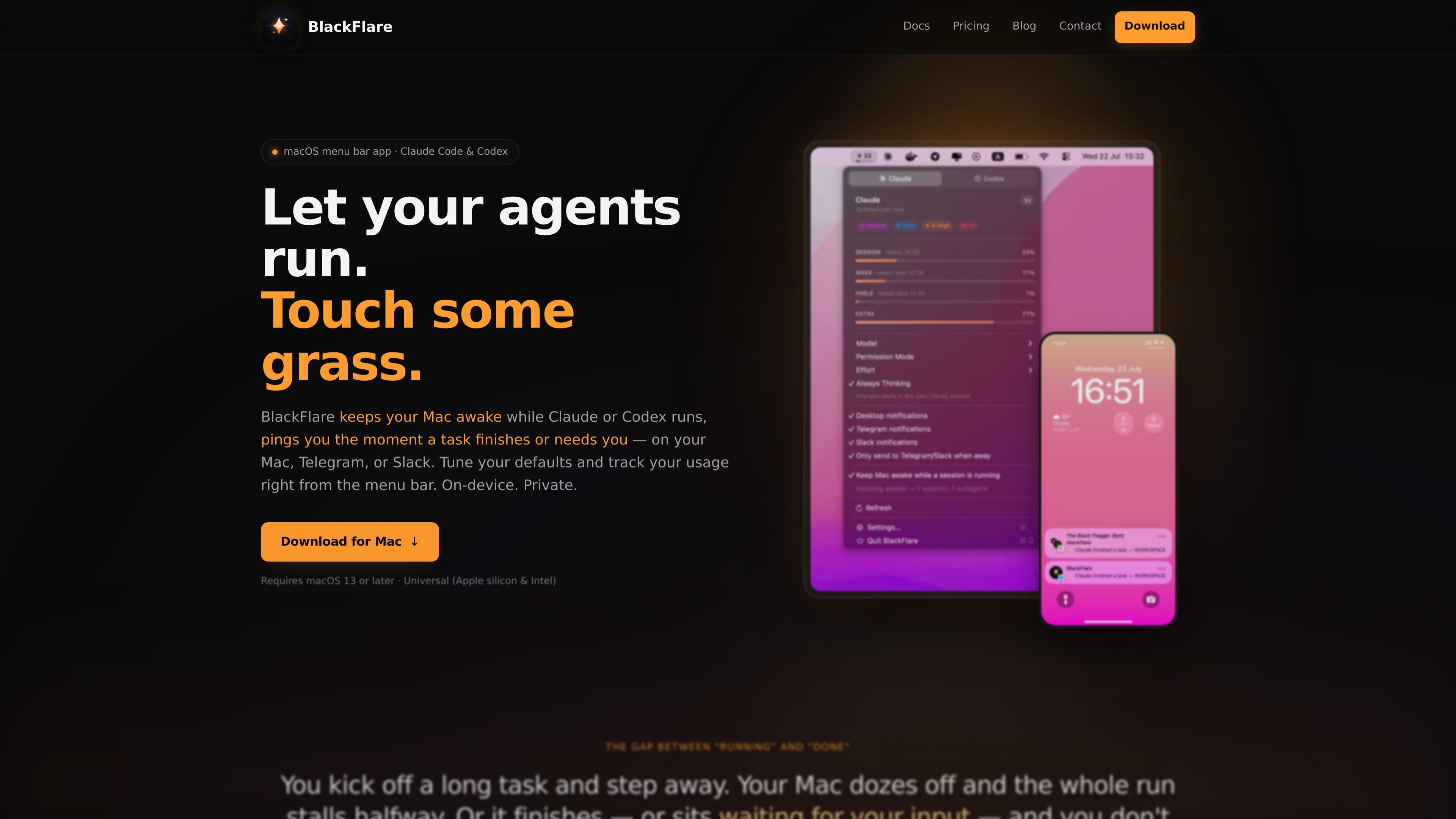
BlackFlare is a macOS menu bar app for Claude Code and Codex sessions. It keeps your Mac awake during long runs, sends notifications when a task finishes or needs input, and lets you change common defaults from the menu bar instead of editing config by hand.
It is designed for people who start agentic coding sessions and then step away. BlackFlare can notify you on your Mac, Telegram, or Slack, and it also shows usage information for Claude and Codex so you can watch limits before you hit them.
Keeps the Mac awake only while a Claude Code or Codex session is running, then allows normal sleep to resume when the work ends.
Sends a notification when a session finishes or when it is waiting for input, using native Mac banners and optional Telegram or Slack routing.
Lets you set default model, permission mode, effort level, and thinking mode from the menu bar so the next session starts with those settings already applied.
Shows Claude and Codex usage in the menu and menu bar icon, with per-model tracking and threshold alerts.
Supports Claude Code and Codex sessions across the terminal, VS Code, and JetBrains IDEs, with an "only when away" option for notification routing.
Uses read-only Keychain access for Claude usage data and keeps the app on-device, without accounts, analytics, or telemetry.
Start a long Claude Code refactor or Codex test run, close the laptop, and rely on BlackFlare to keep the Mac awake until the session ends.
Stay aware when an agent is waiting on input or has finished work, with a notification on the Mac and optional Telegram or Slack delivery when you are away.
Set preferred model, permission mode, effort, and thinking mode once, then let BlackFlare apply those defaults to the next session without manual flag entry.
Watch per-model usage and threshold warnings from the menu bar so you can see Claude and Codex consumption before you run into limits.
Use Slack notifications to keep a whole team informed, or use Telegram for personal remote alerts when you are away from your desk.
Yes. BlackFlare watches Claude Code and Codex sessions whether they run in a terminal, inside VS Code, or inside JetBrains IDEs.
Yes. The pricing page says desktop notifications are free for the first 7 days, and the paid license unlocks them along with Keep Awake and Telegram/Slack notifications.
BlackFlare reads your Claude token from the macOS Keychain with read-only access so it can show usage. The token is not written anywhere by BlackFlare and is only transmitted to Anthropic.
Yes. BlackFlare can forward notifications to Telegram or Slack, and it includes an "only when away" mode so you are not pinged at your desk and on your phone at the same time.
BlackFlare requires macOS 13 or later and is a universal build for Apple silicon and Intel Macs.

ByteAsk is a terminal-first AI coding agent for C and C++ that edits repositories and verifies changes with the real compiler, debugger, sanitizers, and tests before showing a diff. It offers a free tier plus paid plans, with editor connectors and zero-retention handling described in the source.

CreateOS Sandbox is an isolated compute environment for running code and agent workloads inside Firecracker micro-VMs. It is designed for workflows that need machine-level isolation, private networking between sandboxes, and programmatic control through SDK, CLI, or MCP.

hob is an independent workspace for coding agents that keeps agent sessions, terminals, history, and follow-up work organized around the tools and providers you already use. It is aimed at developers who want local control over routing, history, and workspace structure rather than a bundled model stack.

Manta AI is an autonomous web app testing tool for teams that want to map application behavior, catch regressions, and generate tests without writing scripts or maintaining selectors. It works from a URL and supports plain-English test flows, run results with screenshots, and scheduled or deployment-triggered checks.

Redline is a budgeting tool for Claude Code that paces sessions to stay within time, token, cost, or plan-percentage limits. It uses Claude Code’s native hooks and statusline to help sessions finish with a usable result instead of stopping abruptly.

SonOf connects to your repo and PM tool, audits the codebase and surrounding product context, and turns approved work into shipped tickets with senior engineering review. It is aimed at founders and engineering leaders who need backlog help without hiring a full team immediately.