
Create surveys from a prompt
Describe a research brief or feedback goal in natural language and have the assistant turn it into structured survey questions and answer choices.

Survey MCP Server connects BlockSurvey with Claude Chat, Claude Code, and ChatGPT so users can create, edit, publish, and share surveys through natural-language instructions. It helps researchers, product teams, developers, CX teams, HR teams, and founders manage survey workflows from an AI conversation or terminal.
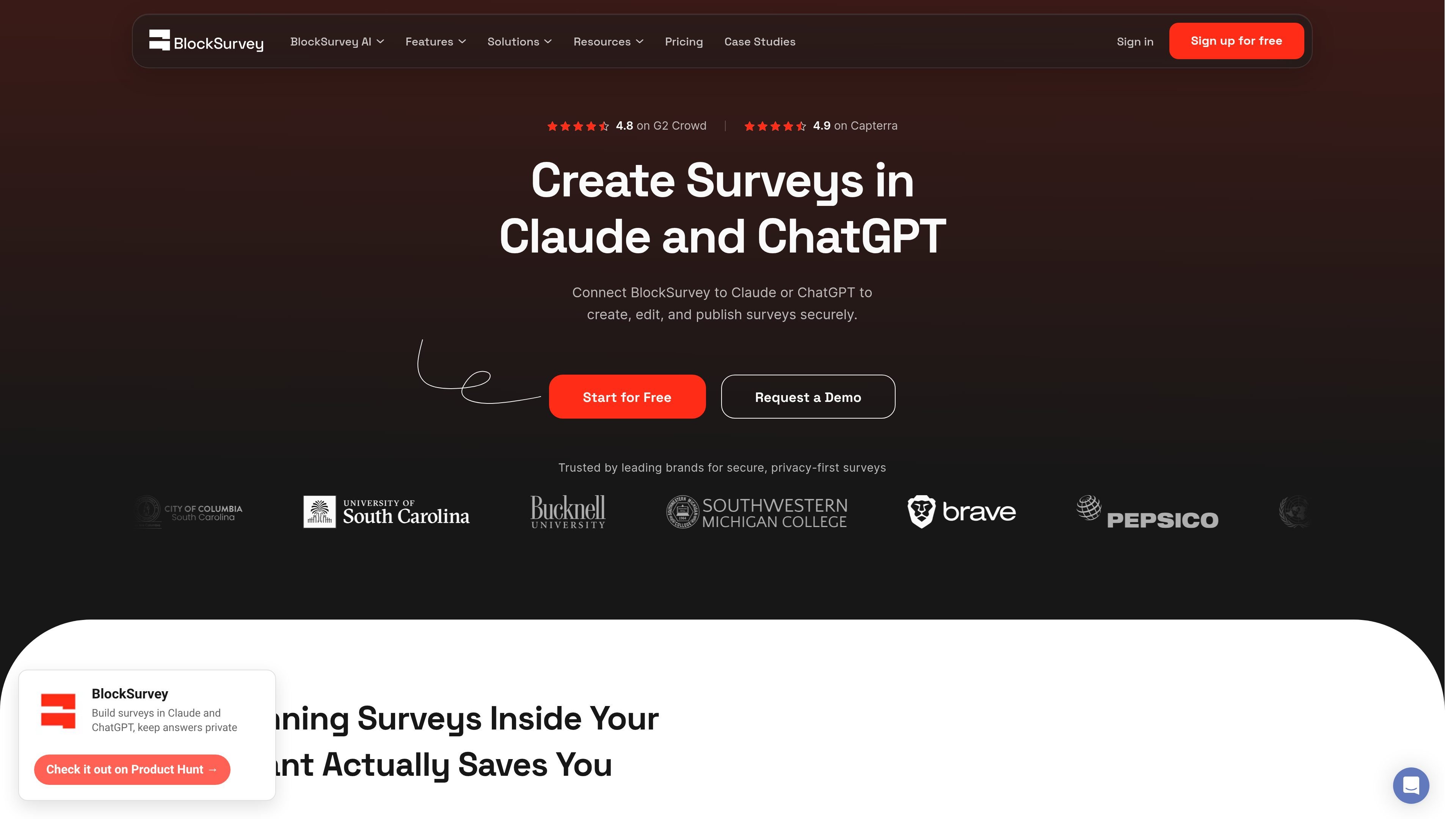
Survey MCP Server connects BlockSurvey to AI assistants so users can create and manage surveys through natural-language instructions. It supports Claude Chat, Claude Code, and ChatGPT, allowing a connected BlockSurvey account to be used from a conversation or terminal workflow.
The core workflow covers drafting questions, revising survey structure, updating introductory and completion screens, publishing changes, and obtaining a shareable link without switching to a separate survey-building tab. BlockSurvey's broader platform includes privacy and security features such as end-to-end encryption and data ownership, but the supplied sources do not document MCP-specific technical limitations or a required plan.
Describe a research brief or feedback goal in natural language and have the assistant turn it into structured survey questions and answer choices.
Ask the assistant to change, reorder, or remove questions, or adjust required fields, without manually searching through the survey builder.
The server can update welcome and thank-you screens and publish surveys, then provide a live or shareable link within the assistant conversation.
When a question change may affect dependent logic, the assistant checks what relies on that question and warns before proceeding.
Connect one BlockSurvey account across Claude Chat, Claude Code, and ChatGPT so survey work can continue in chat or from a development terminal.
BlockSurvey describes its platform as providing end-to-end encrypted responses, encrypted file uploads, data ownership, anonymous collection options, and privacy-focused controls; these are platform capabilities rather than MCP-specific features.
Turn a study brief into structured questions and answer choices, publish the survey, and refine the design as the research evolves.
Create beta-tester check-ins or feedback surveys from a terminal-based development workflow using Claude Code.
Draft feature feedback surveys in the same conversation used for product planning, reducing the need to move between planning and survey tools.
Build pulse, CSAT, and post-interaction feedback forms, then adjust questions or required fields as the program changes.
Convert an ongoing idea discussion into a validation survey and share it with an audience before ending the conversation.
The server connects BlockSurvey with Claude Chat, Claude Code, and ChatGPT. Claude Chat and ChatGPT use an OAuth connection; Claude Code is connected from the command line with a `claude mcp add` command.
After connecting, users can ask the assistant to create a survey, generate questions and answer choices, edit or reorder questions, update welcome and thank-you screens, publish the survey, and return a shareable link.
The source describes a one-click OAuth connection for Claude's connector directory and ChatGPT's BlockSurvey app, plus a command-line setup for Claude Code. It does not provide further technical requirements or connection limitations.
BlockSurvey offers a free tier, a 14-day free trial, paid plans, and an Enterprise contact-sales option. The supplied sources do not state which specific plan is required for MCP access.
ClawEase is an AI business operator that captures requests across calls, email, SMS, WhatsApp, LINE, and web forms, then completes booking and service workflows in existing web systems. It is aimed at appointment-based businesses that need intake, follow-up, and execution without API changes.

VForms lets you place questionnaires directly inside YouTube videos so viewers answer in context instead of switching to a separate form. It is aimed at collecting feedback and insights through timestamped, embeddable video forms.

Badge is a professional reputation tool that collects anonymous peer reviews and turns them into a Trust Score. It helps job seekers, freelancers, and other candidates present proof of work to recruiters.

UserCall’s Research Triggers lets teams invite users into short AI-moderated interviews at key product moments such as signup, onboarding drop-off, cancellation, or checkout abandonment. It helps product, research, and insights teams capture contextual feedback while the experience is still fresh.

Artifact is a document workflow tool for freelancers, consultants, and agencies. It turns notes into proposals and lets clients approve, sign, and pay from one link.

Jotform AI Data Assistant is an AI-powered workspace for analyzing collected data, building tables, and managing submission follow-up inside Jotform. It helps users turn plain-language requests into summaries, charts, and table actions.