
Codebase-aware question flow
Blueprint reads your codebase before it starts planning, then asks multiple-choice questions that are easier to answer than a free-form design doc.

Blueprint is a planning copilot for coding agents that turns a short task description into a structured markdown plan. It supports compatible harnesses such as Claude Code, Codex CLI, Gemini CLI, and Pi agent.
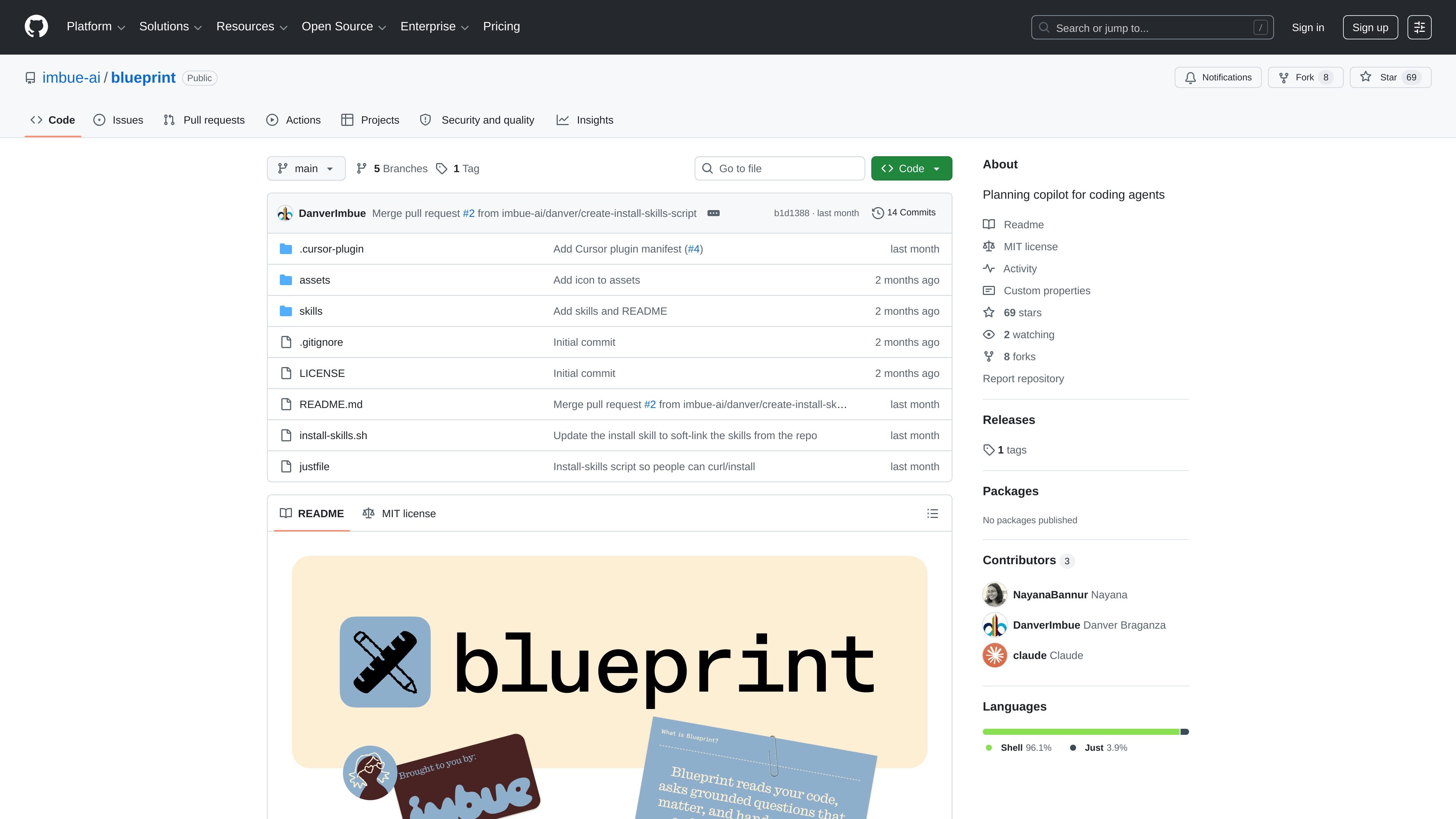
Blueprint is a planning copilot for coding agents. It helps turn a rough task description into a structured plan by asking targeted questions about the work before code is written.
The project is packaged as agent-agnostic skills compatible with `skills.sh`, and the README lists support for Claude Code, Codex CLI, Gemini CLI, Pi agent, and similar harnesses. The output is a markdown plan that you can refine further or hand off to an agent for execution.
Blueprint reads your codebase before it starts planning, then asks multiple-choice questions that are easier to answer than a free-form design doc.
It separates planning between the user and the agent: the user provides the idea and makes decisions, while Blueprint enumerates the considerations and keeps track of them.
The prompts start broad and become more specific, so each round narrows the plan without forcing the user into a long one-shot discussion.
When enough context has been gathered, Blueprint generates a markdown plan that a coding agent can execute in one shot.
It ships as agent skills compatible with skills.sh, with commands for starting a session and generating the final plan.
Blueprint includes built-in Default and Concise templates, and supports custom templates through configuration or inline prompting.
Useful when a project needs a plan before implementation, especially if the work has design trade-offs that are easier to discuss than to encode immediately in code.
Helpful for incremental changes on an existing codebase when the agent needs context about architecture, behavior, and edge cases before writing code.
Works for research experiments or subsystem work where the first pass should gather assumptions, open questions, and implementation choices in a reusable document.
Fits teams that want a lightweight planning step inside the coding-agent workflow rather than a separate spec-writing process.
Blueprint is a planning copilot for coding agents. You start a plan session with a short task description, answer a small set of questions, and then generate a markdown plan that another agent can execute.
It is designed for compatible agent harnesses, including Claude Code, Codex CLI, Gemini CLI, Pi agent, and other tools that can run the skills workflow. The README also says it works with skills.sh-compatible setups.
Blueprint includes two built-in templates: Default and Concise. The README also says you can describe a custom template inline when prompted, or edit templates.json in the Blueprint references folders to add one persistently.
The generated plan is written to `blueprint/<slug>/plan-<slug>.md`. From there, you can continue refining the plan in chat, ask for open questions, or hand the file to your coding agent.
The repository README recommends `npx skills add imbue-ai/blueprint`, and it also provides a curl-based install path for Claude Code that copies the skill into the local Claude skills directory.

CreateOS Sandbox is an isolated compute environment for running code and agent workloads inside Firecracker micro-VMs. It is designed for workflows that need machine-level isolation, private networking between sandboxes, and programmatic control through SDK, CLI, or MCP.

GitBot is a local browser-based workspace for creating reusable coding bots powered by Claude Code, Codex, or OpenCode. It helps developers run those agents across repository folders with persistent threads and configurable permissions.

SonOf connects to your repo and PM tool, audits the codebase and surrounding product context, and turns approved work into shipped tickets with senior engineering review. It is aimed at founders and engineering leaders who need backlog help without hiring a full team immediately.

AakarDev AI helps teams manage AI provider access, project-level setups, logs, and analytics from one dashboard. It supports BYOK workflows and lists providers including OpenAI, Google Gemini, Anthropic, Groq, Mistral AI, and Perplexity AI.

Trigger.dev chat agent is a durable AI chat backend for developers building stateful conversations that can survive refreshes, crashes, and long-running turns. It connects with the AI SDK `useChat` flow and runs on managed infrastructure with no timeout on a turn.

ByteAsk is a terminal-first AI coding agent for C and C++ that edits repositories and verifies changes with the real compiler, debugger, sanitizers, and tests before showing a diff. It offers a free tier plus paid plans, with editor connectors and zero-retention handling described in the source.