
Prompt-to-model generation
Type a prompt and generate a brick model from a text description. The site supports both simple ideas and more specific prompts, such as a sports car or a stylized pineapple.

BrickForgerAI turns a text prompt into a custom brick model with a 3D preview, and, when unlocked, a downloadable .ldr file, parts list, and step-by-step PDF build guide. It is aimed at people who want a buildable brick model rather than a purely visual concept.
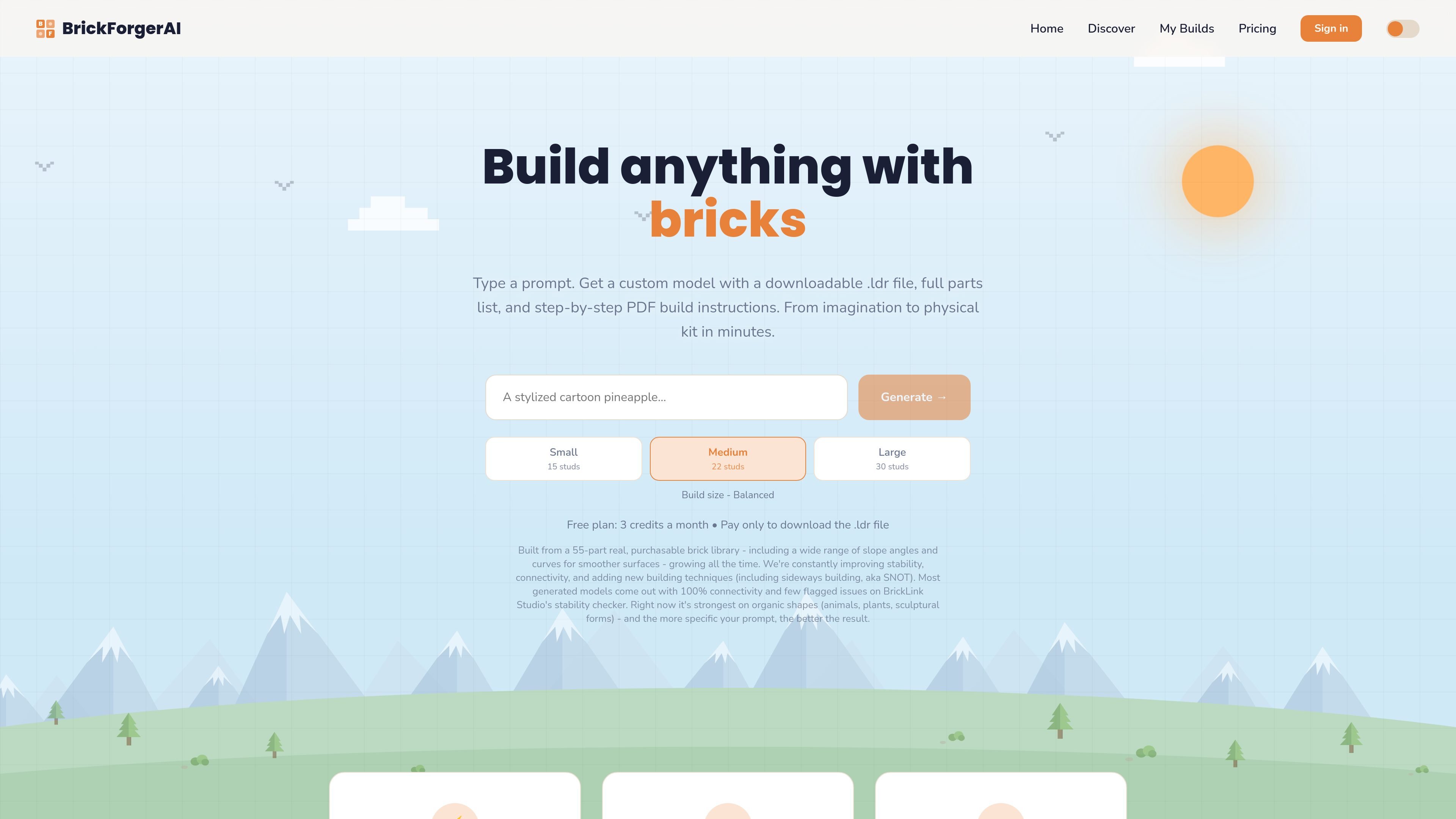
BrickForgerAI turns a text prompt into a custom brick model that can be previewed in 3D and, when unlocked, built from real parts. The product focuses on producing physically buildable models rather than just visual concepts, with outputs that include a downloadable .ldr file, a full parts list, and a step-by-step PDF guide.
The site positions the tool for users who want to go from an idea to a buildable brick model quickly. It notes that the system uses a limited but expanding library of real brick geometry, supports multiple build sizes, and is strongest on organic shapes such as animals, plants, and sculptural forms.
Type a prompt and generate a brick model from a text description. The site supports both simple ideas and more specific prompts, such as a sports car or a stylized pineapple.
Choose Small, Medium, or Large to control the approximate size and detail level of the finished build.
Review each generation in a rotatable 3D view that shows the model in real colors, plus a part count and color breakdown.
Unlock a model to receive a downloadable .ldr file, full parts list, and step-by-step PDF build guide that walks through the build layer by layer.
The system is built around real, purchasable brick, plate, tile, and slope pieces, and the site notes ongoing improvements to stability, connectivity, and techniques such as sideways building.
Start with a short description of an object or scene, then review the generated model in 3D before deciding whether to unlock the build files.
Use the size picker to guide how detailed or compact the final model should be when you are planning a display piece or gift.
Generate organic subjects like animals, plants, or sculptural forms, which the site says are currently its strongest category of results.
Unlock the instructions, then use the parts list and PDF guide to order bricks and assemble the model layer by layer.
Open the .ldr file in BrickLink Studio to inspect the parts list and sanity-check stability before purchasing parts.
Free accounts get 3 build credits per month, Builder gets 12, and Master Builder gets 30. One credit is used each time you generate a model, and credits reset at the start of each calendar month.
Every generation includes a live 3D preview with real colors, plus a part count and color breakdown. The downloadable .ldr file, parts list, and PDF build guide are included on Builder and Master Builder plans, or can be unlocked individually on the Free plan.
Yes. Generated models use standard, purchasable brick, plate, tile, and slope pieces. You can open the .ldr file in BrickLink Studio to check the parts list against BrickLink inventory.
The product is a trial version, and support is informal for now. You can reach the team directly at [email protected].
The source says most generated models come out with 100% connectivity and few flagged issues in BrickLink Studio’s stability checker, but it does not guarantee that every model will be physically stable. Thin, tall, or overhanging designs should be checked in Studio or by hand before ordering parts.

Make Real is a Next.js app that turns hand-drawn wireframes into working HTML prototypes using the tldraw SDK and AI models. It helps users sketch on a canvas, generate code, and review the result in an embedded preview.

PixelDrive is a bulk image generation API for creating many on-brand images from one template through a browser editor, REST API, CSV batch, or MCP. It suits teams that need repeatable image output with cacheable renders and usage-based pricing.

DeepMotion is a web-based AI motion capture and 3D animation platform with Animate 3D for video-to-animation and SayMotion for text-to-animation. It helps creators and teams generate motion in a browser and export results in common production formats.

Cherry Blossom is a browser-based PCB editor that turns plain-English prompts into editable schematics, PCB layouts, and fabrication files. It is built for people who want AI-assisted board drafting with verification checks and open exports.

sizeless is a digital-twin and automated documentation workflow for civil engineering and utility construction. Its SiteScan app turns guided iPhone Pro video captures of trenches and house connections into 3D point clouds, DWG/DXF as-built plans, and GIS-oriented pipe-route models.

Napkin AI verwandelt Text in bearbeitbare Visuals für Präsentationen, Dokumente und teilbare Inhalte. Text zuerst, inkl. Export als PPT, PNG, SVG oder PDF.