
Inspect DOM context and applied styles
Click an element to inspect the styles and attributes applied to it, which helps when reviewing UI behavior or reproducing a visual issue.

BugShot is a Chrome-based bug reporting tool that combines inspection, capture, replay, and issue filing in one browser workflow. It helps QA, design, and development teams document UI issues with context and send reports to connected trackers.
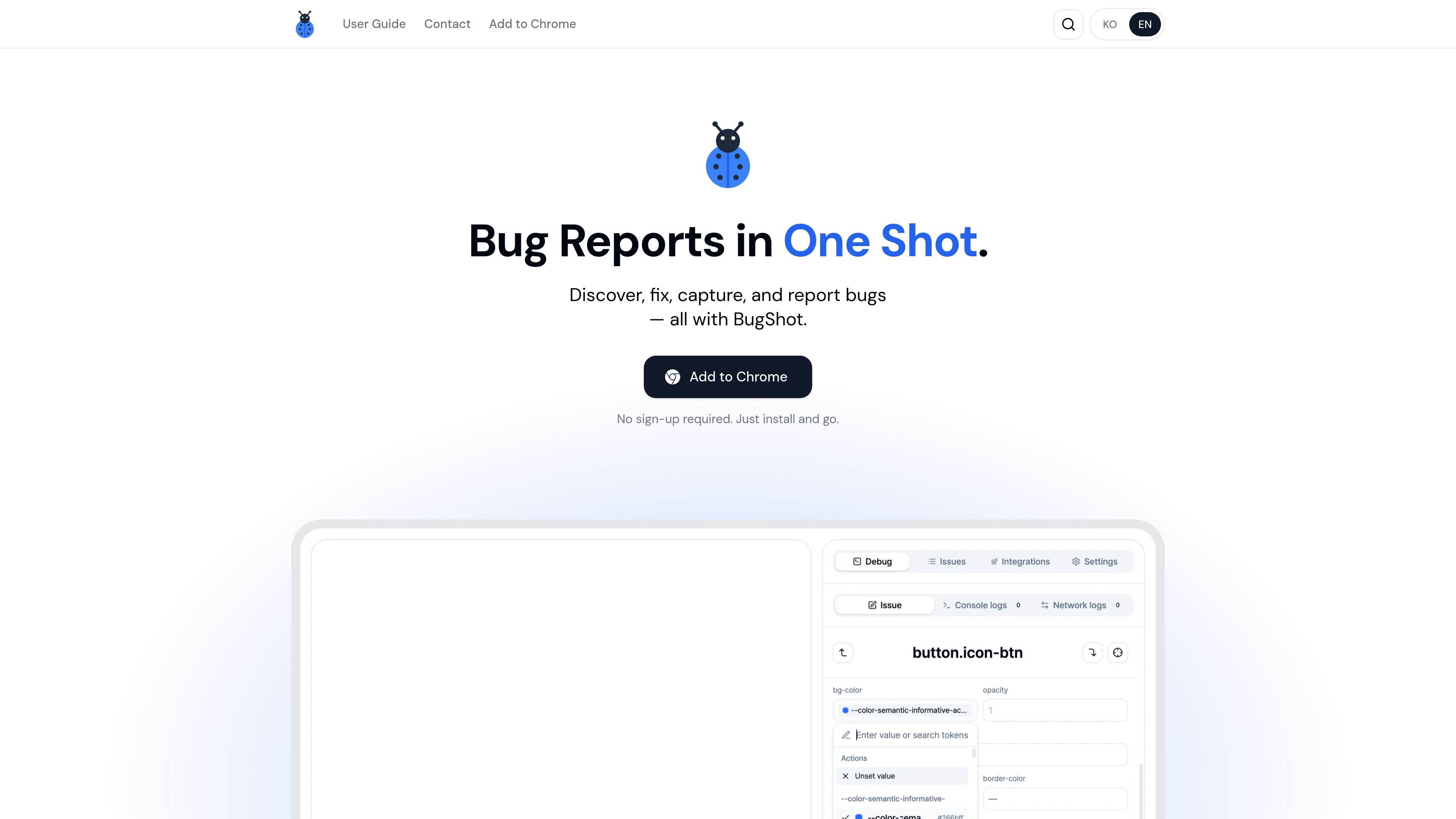
BugShot is a Chrome-based bug reporting tool that combines capture, inspection, lightweight editing, replay, and issue filing in one browser workflow. It is positioned for design review, bug reporting, style fixes, and issue creation without switching between DevTools, screenshot tools, and trackers.
The product can inspect elements on the page, show their styles and attributes, capture records and logs, and turn that context into a structured report. Users can then send the report to connected issue trackers or team tools such as Jira, GitHub, Linear, Notion, GitLab, Asana, ClickUp, or Slack.
Click an element to inspect the styles and attributes applied to it, which helps when reviewing UI behavior or reproducing a visual issue.
Make live CSS edits in the browser and use AI Styling to rewrite CSS from a plain-language description, with before-and-after comparison on the page.
Record interactions live or capture the last 30 seconds from always-on replay, so issues can be reviewed even after the moment they happened.
Convert captured context into a structured bug report with steps, expected behavior, and actual behavior fields.
Attach console, network, and action logs to the captured session and open the log viewer in sync with the video playback.
File the report to Jira, GitHub, Linear, Notion, and other connected tools, then check issue status inside BugShot.
Use BugShot during design QA to inspect an element, review its styles, and capture a clear visual record of the change without moving into separate devtools and screenshot apps.
When a bug is reported with limited context, capture the page state, logs, and environment details so developers can see the setup and the failure together.
If a UI issue is easier to explain by making the fix directly, use live style editing or AI Styling to prototype the change and compare the result before filing it.
Capture interactions or replay the last 30 seconds when a problem happens intermittently, then attach the recording and logs to the report.
Connect a tracker and file the draft directly into your team’s workflow, then monitor the issue status from inside BugShot.
Yes. The homepage states that BugShot is completely free and requires no sign-up; users can install it from the Chrome Web Store and start reporting immediately.
The homepage highlights Google Chrome with an "Add to Chrome" call to action, so the documented installation path is through the Chrome browser.
BugShot can connect to Jira, GitHub, Linear, Notion, GitLab, Asana, ClickUp, and Slack through the Integrations tab, according to the user guide.
The source says captured bugs can include browser, resolution, DOM context, logs, and recordings, and the AI can draft structured reports with steps, expected behavior, and actual behavior.
The homepage says you can capture and draft without connecting a platform first. When you're ready to file issues, a banner prompts you to add a platform in the Integrations tab.

ByteAsk is a terminal-first AI coding agent for C and C++ that edits repositories and verifies changes with the real compiler, debugger, sanitizers, and tests before showing a diff. It offers a free tier plus paid plans, with editor connectors and zero-retention handling described in the source.

Goldfish is an AI memory app for macOS that helps you reply, write, summarize, and continue using the context already on your Mac. It stores memory locally and writes in your tone.

Biji ist eine vielseitige Plattform, die entwickelt wurde, um die Produktivität durch innovative Werkzeuge und Funktionen zu steigern.

hob is an independent workspace for coding agents that keeps agent sessions, terminals, history, and follow-up work organized around the tools and providers you already use. It is aimed at developers who want local control over routing, history, and workspace structure rather than a bundled model stack.

Ably Chat is a chat API platform for building custom realtime chat applications. It supports room-based messaging, typing indicators, presence, reactions, and message updates, with usage-based pricing options for different deployment stages.

Redline is a budgeting tool for Claude Code that paces sessions to stay within time, token, cost, or plan-percentage limits. It uses Claude Code’s native hooks and statusline to help sessions finish with a usable result instead of stopping abruptly.