
Infinite canvas layout
The workspace is built around an infinite canvas where you can pan, zoom, and arrange tools spatially on one dotted surface.
Campus is a macOS workspace built around an infinite canvas for terminals, web apps, notes, docs, teammates, and agents. It helps developers and teams keep live tools, shared context, and agent actions in one persistent space.
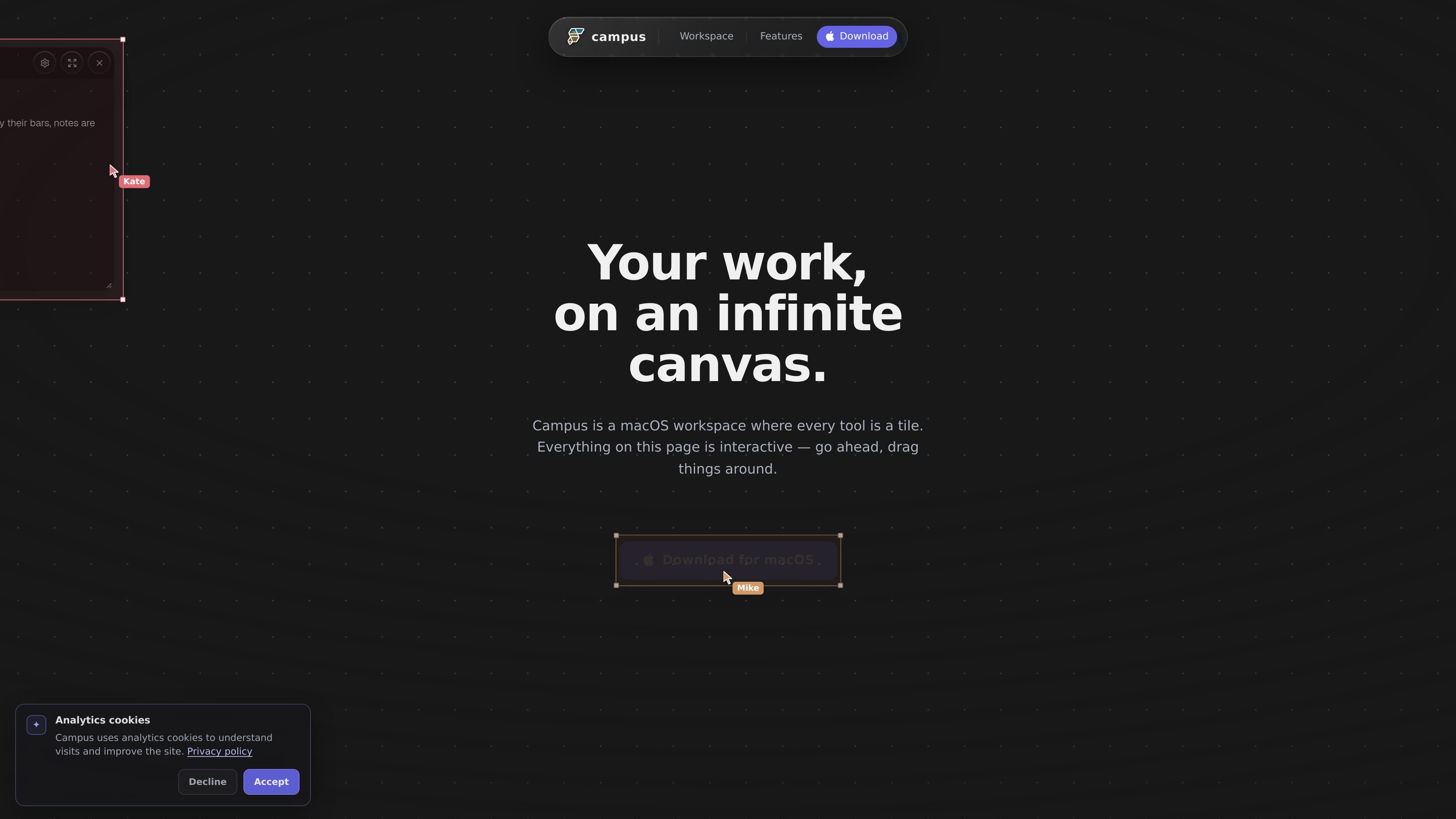
Campus is a macOS workspace built around one persistent, infinite canvas. The homepage positions it as a place where terminals, web apps, notes, docs, teammates, and agents all live as interactive tiles.
The core idea is spatial rather than tab-based: you can pan, zoom, and arrange tools where they belong, then return later and find them in the same place. The product also emphasizes shared work, with invite links for teammates and agent tiles for Claude and Codex.
Beyond collaboration, Campus presents itself as a place for live work rather than static snapshots. Terminals keep running, tiles preserve scrollback, and the Campus CLI can manipulate the canvas by moving tiles, typing prompts, and clicking inside webviews.
The workspace is built around an infinite canvas where you can pan, zoom, and arrange tools spatially on one dotted surface.
Terminals are live PTY tiles that keep running and preserve scrollback across restarts, so sessions stay intact.
Webviews, files, git worktrees, docs, designs, media, and embedded apps can all be dropped onto the canvas as tiles.
Campus supports shared sessions with invite links, live cursors, and cursor chat so teammates can work in the same space.
Claude and Codex can appear as peers on the canvas, and the Campus CLI can move tiles, type prompts, and click webviews on an agent’s behalf.
The product is native to macOS, local-first, and backed by a custom Flutter engine with state stored in plain files.
Keep a terminal, notes, and web app side by side while switching contexts less often. Because tiles stay live, the canvas works like a persistent scratchpad for active tasks.
Share a link with collaborators so everyone works in the same space. Live cursors and cursor chat make it easier to coordinate on the same set of tiles.
Let Claude or Codex operate in the same workspace as you. The product describes agents that can create, move, type, and click tiles, which is useful when you want help making changes directly on the canvas.
Arrange repos, git worktrees, docs, designs, and media on one surface. This is a fit when a task needs multiple artifacts visible at once rather than separate app windows.
Use the canvas as a persistent work area for long-running terminals and scrollback. The live PTY behavior is useful when you need sessions to survive restarts and remain in place.
Campus is a macOS workspace built around an infinite canvas. The homepage describes it as a place where terminals, web apps, notes, docs, teammates, and agents can all live together as tiles.
The source describes Campus as a macOS product. It also notes that everything on the page is interactive and mentions downloading for macOS.
Campus is designed for both solo work and shared sessions. You can invite people with a link, and the page says teammates join the same canvas with live cursors and cursor chat.
Yes. The homepage says Claude and Codex can join as peers on the same canvas, and the Campus CLI can move tiles, type prompts, and click webviews for you.
The homepage emphasizes persistence: tiles keep running, keep their scrollback, and stay where you left them on the canvas.

Dcyde is a decision log for product teams that captures what was decided, the reasoning behind it, and the source in one shared place. It supports pinning decisions from Slack, Figma, or inside Dcyde and keeps the record searchable over time.

Goldfish is an AI memory app for macOS that helps you reply, write, summarize, and continue using the context already on your Mac. It stores memory locally and writes in your tone.

ArtDeck is a visual reference board app for iPhone, iPad, and Mac that lets artists collect mixed reference material on one canvas and study it with ToolBox lenses. It works offline, supports optional iCloud sync, and is sold as a one-time purchase with no account required.

Biji ist eine vielseitige Plattform, die entwickelt wurde, um die Produktivität durch innovative Werkzeuge und Funktionen zu steigern.

runevr is a connected workspace for creative teams that combines boards, media review, chat, recordings, drive, calls, and AI agents in one room-based environment. It is designed to reduce tool switching and keep project context together.

Lasso is an ecommerce product data platform for enriching catalog records, processing supplier files, generating product content, and monitoring competitors. It combines a web app with a REST API, SDK, and MCP server for teams and developers.