
Browse or create characters
Browse a marketplace of more than 100 photorealistic AI characters, with filters for age, ethnicity, build, and style, or create a custom character from a text description.

Cast is an AI character casting platform for video production that lets teams browse or create photorealistic synthetic characters and export 4K reference sheets for use in AI video tools. It offers commercial licensing options, including free, one-time, subscription, and team sales paths.
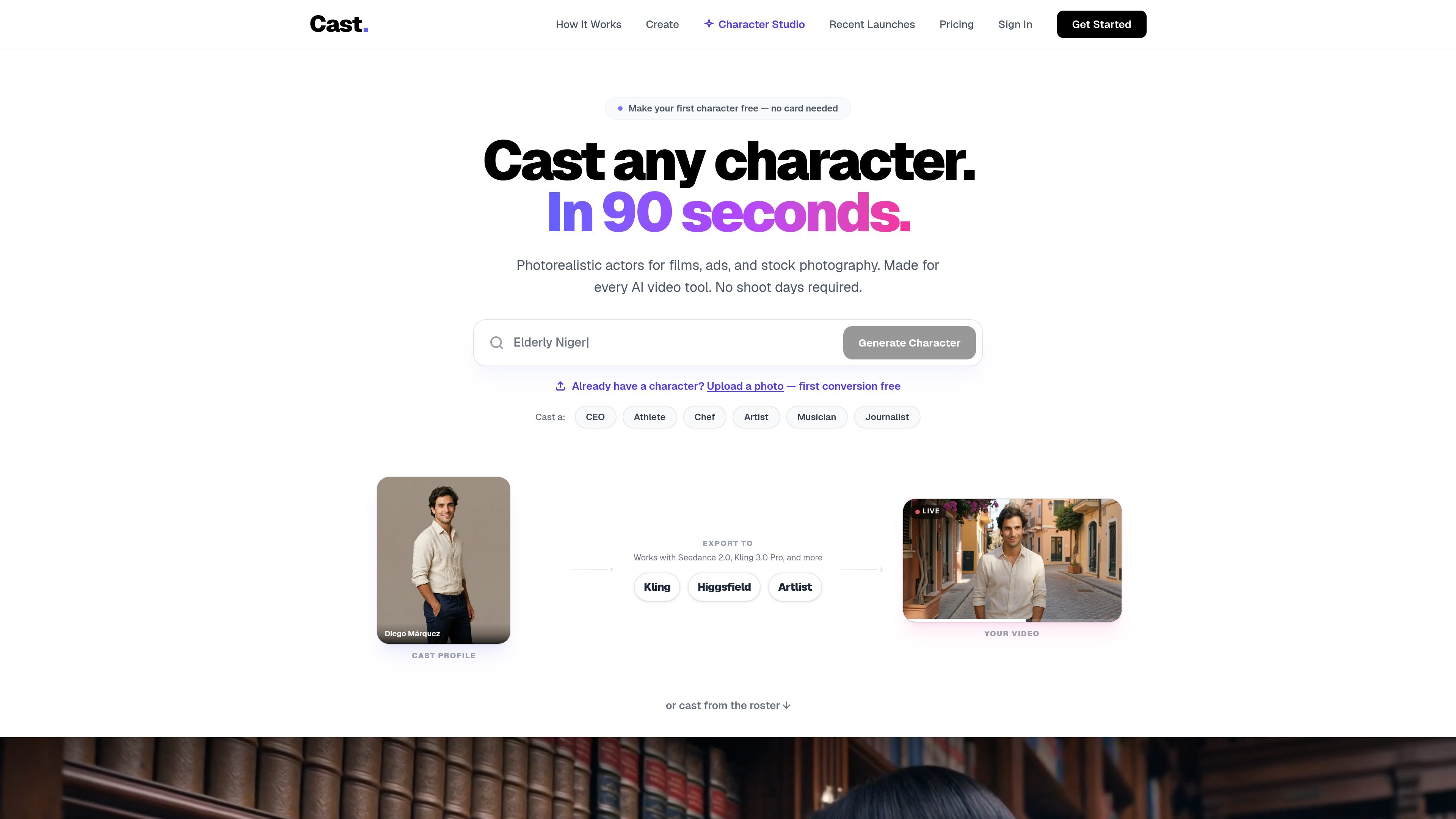
Cast is an AI character casting platform for video production. It lets filmmakers, ad agencies, and content creators browse or create photorealistic AI characters, then download the assets needed to use those characters in AI video tools.
The core output is a profile image plus a 4K 8-panel reference sheet that shows the same character from multiple angles. Cast positions that package as a way to keep character identity consistent across shots while offering commercial licensing for different production needs.
Browse a marketplace of more than 100 photorealistic AI characters, with filters for age, ethnicity, build, and style, or create a custom character from a text description.
Each character includes a 4K 8-panel reference sheet with full-body and close-up angles so the same identity can be reused across multiple shots.
Use the character as a starting frame in Kling, Higgsfield, or Artlist by cropping the angle you need from the reference sheet.
Change wardrobe and scene details, then export a package that includes the profile image, reference sheet, outfit variants, scene shots, and a README.
Choose from free-with-attribution, single-project, unlimited-production, or exclusive-ownership licensing depending on the production need.
Characters are described as 100% AI-generated, with no real-person training data and no likeness claims from real people.
Find a ready-made photorealistic character when you need to start production quickly and do not want to build one from scratch.
Describe the age, ethnicity, build, wardrobe, and vibe you need, then generate a new character with a matching reference sheet.
Use the exported reference sheet as the starting frame for shots in Kling, Higgsfield, or Artlist so the same character can appear consistently in multiple scenes.
Choose the licensing tier that matches a single deliverable, ongoing production work, or exclusive use for a campaign or series.
Ad agencies and in-house teams can use the team offering for shared brand kits, per-character compliance dossiers, exclusive licensing, and founder-led onboarding.
Cast is built for creating or browsing photorealistic AI characters, then downloading a profile image and 4K 8-panel reference sheet for use in AI video tools. The workflow is designed around consistent character identity across shots rather than general image generation.
Yes. The source says you can browse or create characters without a subscription, and the pricing page lists free, one-time license options, and subscription plans. Team plans are handled separately through sales.
Cast says you can crop the angle you need from the 4K reference sheet and upload it as the starting frame or image input in tools such as Kling, Higgsfield, or Artlist. The character is meant to stay visually consistent across shots when used that way.
Cast describes its characters as 100% synthetic with no real-person training data and no likeness risk. The pricing and FAQ pages state that commercial use is covered by the applicable license, while exclusive rights remove the character from the marketplace.
The FAQ says you can regenerate a custom character's reference sheet up to 3 times for free if the first result is not right. After that, you can contact Cast for help.

VIDEOAI.ME is an AI video generator for making spokesperson-style videos, ads, explainers, and social content from a script. It is aimed at founders, marketers, agencies, and creators who want to produce videos without filming.

Topview AI is a web-based AI video creation platform for social ads, ecommerce creatives, avatar videos, and short drama workflows. It combines channel-based templates, prompt-driven generation, reference uploads, and storyboard-based production tools.

DANCING CATS App turns cat pictures into dancing kitty clips. The public homepage is sparse, so the core use case is clear while pricing, outputs, and feature depth remain undocumented.

Wallie is an open-source AI streamer that watches your screen, hears chat, and generates live commentary in a configurable persona. It runs locally on your machine with your own keys and is aimed at faceless content, autonomous streams, and real-time reactions.

Official HeyGen API documentation for building AI avatar videos, translations, lipsync, and interactive video-agent sessions. It supports direct API use plus MCP and CLI-style workflows for developers and AI agents.

Wisry is an AI advertising studio for ecommerce brands that researches competitor ads, develops evidence-backed campaign concepts, and generates static and video creatives. It also supports editing and connected campaign workflows for Meta and Google.