
Desktop workspace for non-technical tasks
Find Cowork in the Claude desktop app alongside Chat and Code, then switch into it when you want Claude to handle non-coding work end to end.

Claude Cowork is a desktop-app mode that lets Claude handle non-coding knowledge work, from file organization and recurring reports to drafting documents from notes and templates. It uses local files, connectors, browser research, and desktop actions while keeping the user in control of the plan and approvals.
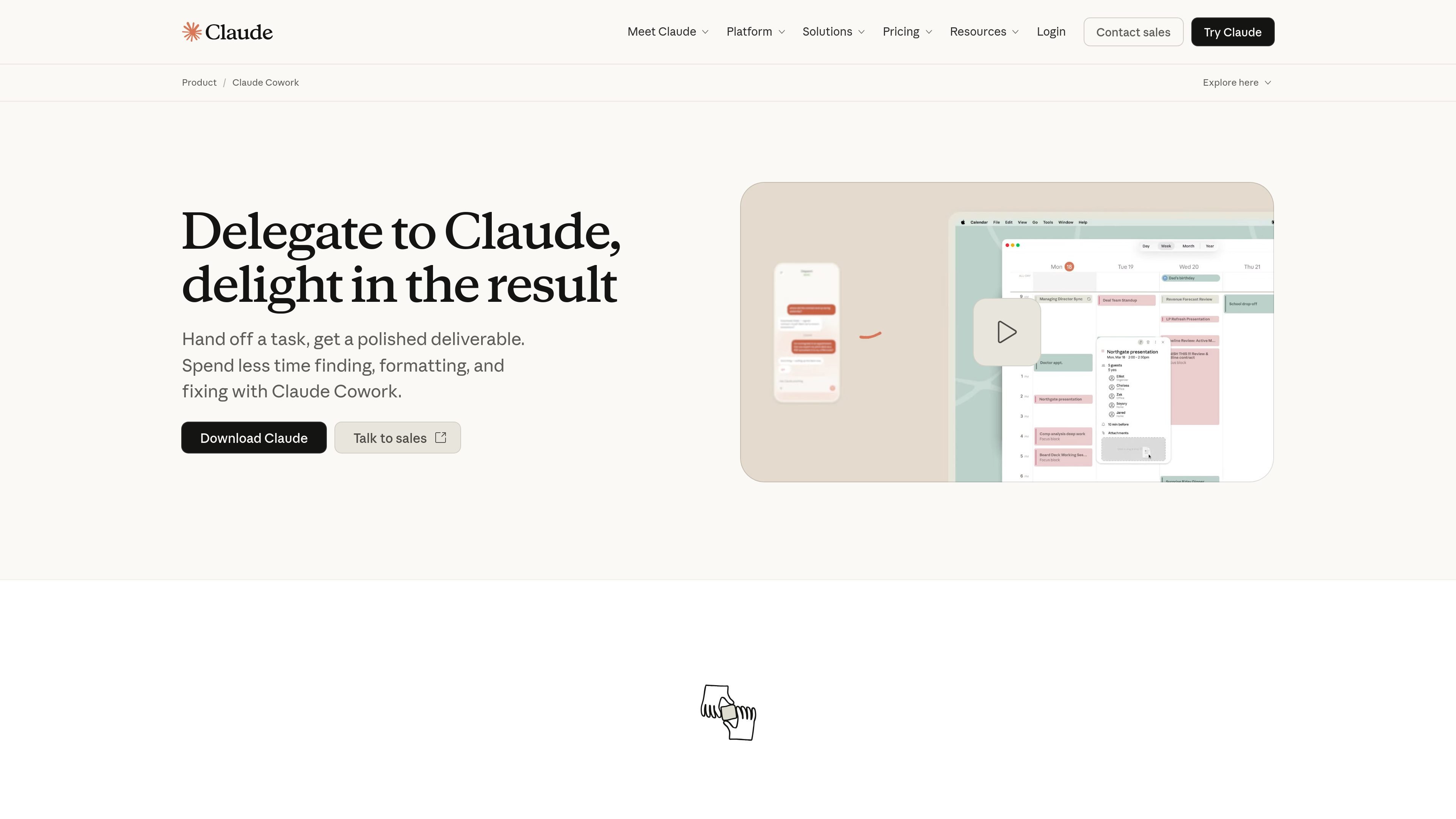
Claude Cowork is a desktop-app mode for using Claude on knowledge-work tasks instead of coding tasks. The product page describes it as bringing Claude Code’s agentic capabilities to the Claude desktop app so users can delegate repetitive or multi-step work and get a completed deliverable back.
It is built for actions such as organizing files, preparing reports, extracting data into spreadsheets, and drafting documents from notes or templates. Cowork can use local files, connectors, browser workflows, or direct computer interaction, and it is designed to show its plan, wait for approval at key points, and keep the user in control while it works.
Find Cowork in the Claude desktop app alongside Chat and Code, then switch into it when you want Claude to handle non-coding work end to end.
Describe the outcome and cadence once, and Claude can repeat recurring tasks such as checking email, pulling metrics, or generating a weekly digest.
Point Claude at local folders so it can sort files, rename items with consistent conventions, and work from source materials stored on your machine.
Tell Claude what you need and it can choose between connectors, browser-based research, or direct desktop interaction depending on the task.
Claude presents a plan and asks for approval before significant actions, then keeps you informed while it works through the steps.
Cowork can produce finished artifacts such as formatted spreadsheets, memos, briefing docs, reports, and other polished deliverables.
Use Cowork to sort downloads, rename files with consistent conventions, and flag items that need review or deletion.
Pull metrics from dashboards or connected sources and drop them into a weekly report template on a recurring schedule.
Turn receipts, invoices, screenshots, or other captured data into a formatted spreadsheet with the information extracted and organized.
Combine templates and source documents to draft branded reports, decks, or internal memos that follow your format conventions.
Let Claude read a notes folder, identify relevant material, and produce a first draft that you can review and refine.
Cowork is available in the Claude desktop app alongside Chat and Code. The product page says you switch to Cowork when you want Claude to execute non-coding tasks, then describe the outcome and cadence you want.
The page shows task patterns such as organizing files, pulling metrics into reports, preparing spreadsheets, and drafting reports from notes. It also says Cowork can use connectors like Slack or Chrome when available, or act through the desktop screen when there is no direct integration.
The product page says Claude shows a plan before acting and waits for approval before significant changes. You can redirect, refine, or take a different approach at any step.
Pricing information on the Claude pricing page indicates Cowork is included in the Pro plan and above, with Team and Enterprise plans also offering access. Exact limits and pricing depend on the plan.
The source pages mention local file access, scheduled tasks, and connectors, but they do not provide a full public list of every supported integration or a detailed setup flow for scheduling and monitoring.

ConscioussAI is an AI assistant for macOS, Windows, iOS, and Android that helps execute tasks across apps, files, the browser, and messages. It is aimed at people who want permission-based help on both desktop and mobile.

Lasso is an ecommerce product data platform for enriching catalog records, processing supplier files, generating product content, and monitoring competitors. It combines a web app with a REST API, SDK, and MCP server for teams and developers.

ArtDeck is a visual reference board app for iPhone, iPad, and Mac that lets artists collect mixed reference material on one canvas and study it with ToolBox lenses. It works offline, supports optional iCloud sync, and is sold as a one-time purchase with no account required.

Malyatko is a baby tracker for logging feeding, sleep, growth, teething, and milestones in one app. It works on iPhone, Apple Watch, and widgets, with no sign-up, offline use, and family sharing through iCloud.

Codex Plugins bundle reusable skills, app integrations, and MCP servers into workflows you can install in the Codex app or use from Codex CLI. They help extend Codex with connected-service tasks, reusable instructions, and shared team workflows.

Gemma AI is a phone call reminder app that calls you with scheduled reminders instead of push notifications. It helps people who want a more direct way to stay on schedule, with Google Calendar sync and conversational call interactions.