
Flexible input options
Paste a YouTube or Vimeo link, or upload a local video file, then start a new project from the dashboard.

ClipBuddy is an AI video clipping tool that turns long-form videos into short, vertical social clips. It supports YouTube, Vimeo, and direct uploads, and is aimed at creators working with spoken content such as podcasts, interviews, webinars, and tutorials.
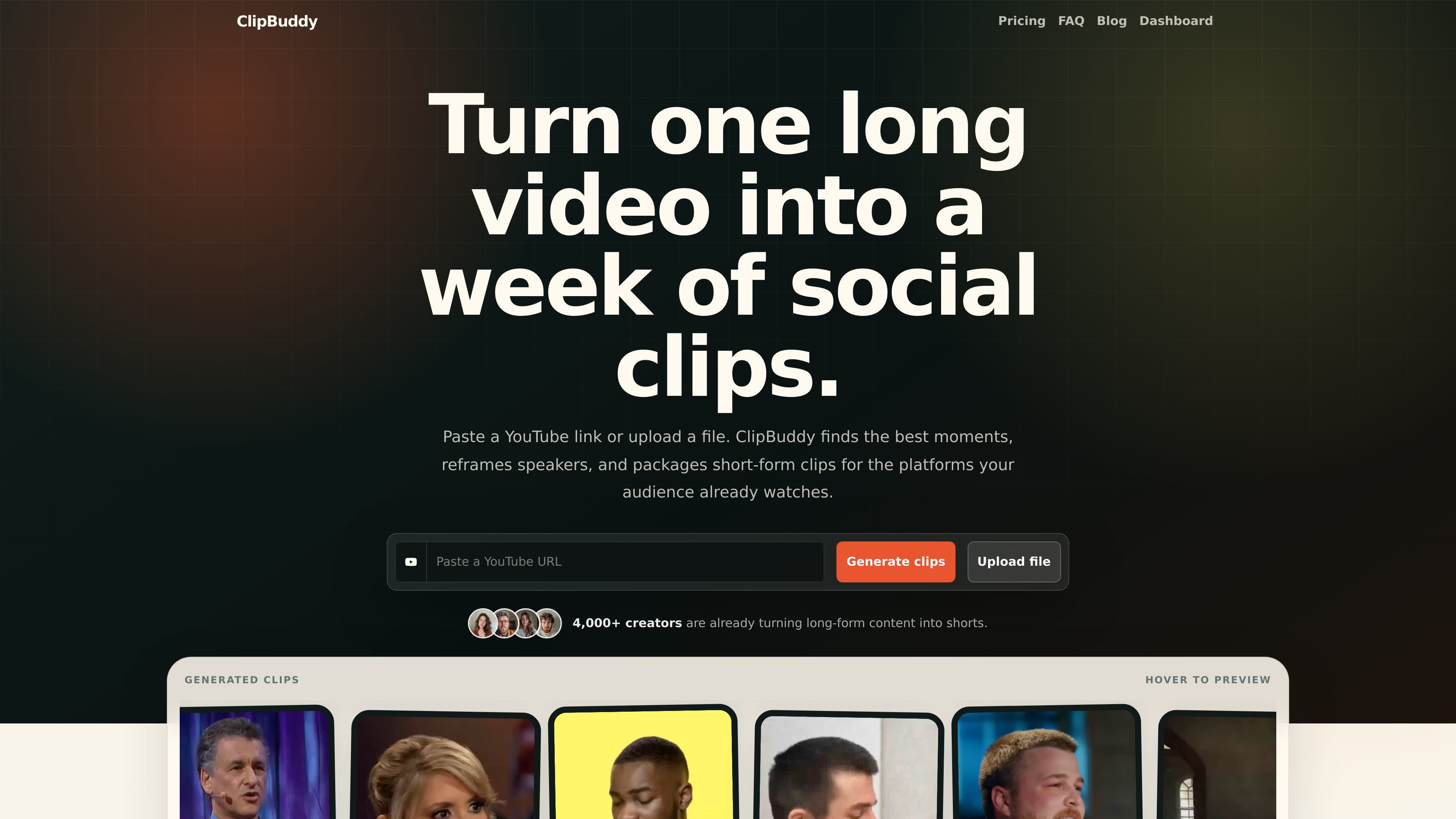
ClipBuddy is an AI-powered video clipping tool that turns long-form videos into short social-ready clips. The site positions it as a way to move from source footage to platform-ready cuts without manual timeline editing.
Users can start a project in the dashboard, paste a YouTube or Vimeo link, or upload a video file from their computer. ClipBuddy then identifies key moments, reframes speakers, adds captions, and prepares clips for short-form distribution on platforms such as TikTok, Instagram, YouTube Shorts, LinkedIn, Twitter, and Snapchat.
Paste a YouTube or Vimeo link, or upload a local video file, then start a new project from the dashboard.
ClipBuddy automatically finds likely highlight moments in longer videos and turns them into short-form cuts.
The app tracks speakers and automatically centers the active person to keep the subject in frame.
Generated clips are resized to a 9:16 format so they fit vertical short-video platforms.
The system adds captions that emphasize key moments and help keep viewers engaged.
The product supports a broad set of spoken languages and includes transitions to smooth the final result.
Creators can turn a single long recording into multiple short clips for a week of posting without manually building each cut from scratch.
Podcast and interview producers can isolate self-contained moments, keep the speaker centered, and create teaser clips for promotion.
Teams publishing webinars, presentations, or educational recordings can convert recorded sessions into shorter clips for social channels.
Solo creators can upload a file or paste a video link, review the generated clips, and make final edits before posting.
Creators posting in different languages can use the platform’s multilingual support to produce clips from non-English source material.
Yes. The homepage says ClipBuddy can be used for podcasts, especially video podcasts, interviews, expert conversations, and long-form discussions. It is designed to identify self-contained moments and turn them into short clips for social platforms.
ClipBuddy supports English, French, German, Spanish, Italian, Japanese, Chinese, Dutch, Ukrainian, and Portuguese, with English highlighted as the leading language on the site.
The site says you can paste a YouTube or Vimeo URL, or upload a video file directly from your device. That makes it suitable for unpublished or private footage as well as hosted videos.
ClipBuddy is built for spoken long-form content such as podcasts, interviews, webinars, presentations, tutorials, commentaries, and educational videos. Videos with clear audio, visible speakers, and topic changes are described as the strongest fit.
The site says ClipBuddy generates clips that you can open, review, download, or edit before publishing. The goal is to handle the first pass of editing while still leaving final control with you.

Virvid is an AI shorts generator for creators and marketers who want to make faceless short-form videos for TikTok, Instagram Reels, and YouTube Shorts. It supports both manual video creation and automated daily posting workflows.

Video Effects SDK adds real-time webcam effects such as background blur, background replacement or removal, denoising, framing, beautification, and color grading. It is built for teams shipping live video experiences on web, desktop, and mobile platforms.

DeepMotion is a web-based AI motion capture and 3D animation platform with Animate 3D for video-to-animation and SayMotion for text-to-animation. It helps creators and teams generate motion in a browser and export results in common production formats.

Radar is a self-hostable media intelligence and social listening app for monitoring public sources, analyzing mentions, and generating briefs or content outputs with optional Claude AI. It is aimed at individuals and small teams that want an enterprise-style workflow without a cloud account.

Frames hilft dir, Launch-Poster und Social-Media-Marketinggrafiken schnell zu erstellen – mit Premium-Geräterahmen & Templates für Instagram, Twitter & Product Hunt. Kostenlos starten.

Optimo is a free, open-source CLI for optimizing and converting images and videos with format-specific commands built on ImageMagick and FFmpeg. It helps developers prepare web assets, batch process media, and automate compression from the shell or a Node.js script.