
Conversational video creation
Connect a compatible AI agent to Clueso through MCP and request video creation or editing using natural-language prompts.

Clueso is an AI video and documentation platform that lets compatible AI agents create and edit product videos, tutorials, training content, and other documentation workflows through natural-language prompts. It is intended for content, product marketing, support, sales, and enablement teams that need editable video production and repeatable workflows.
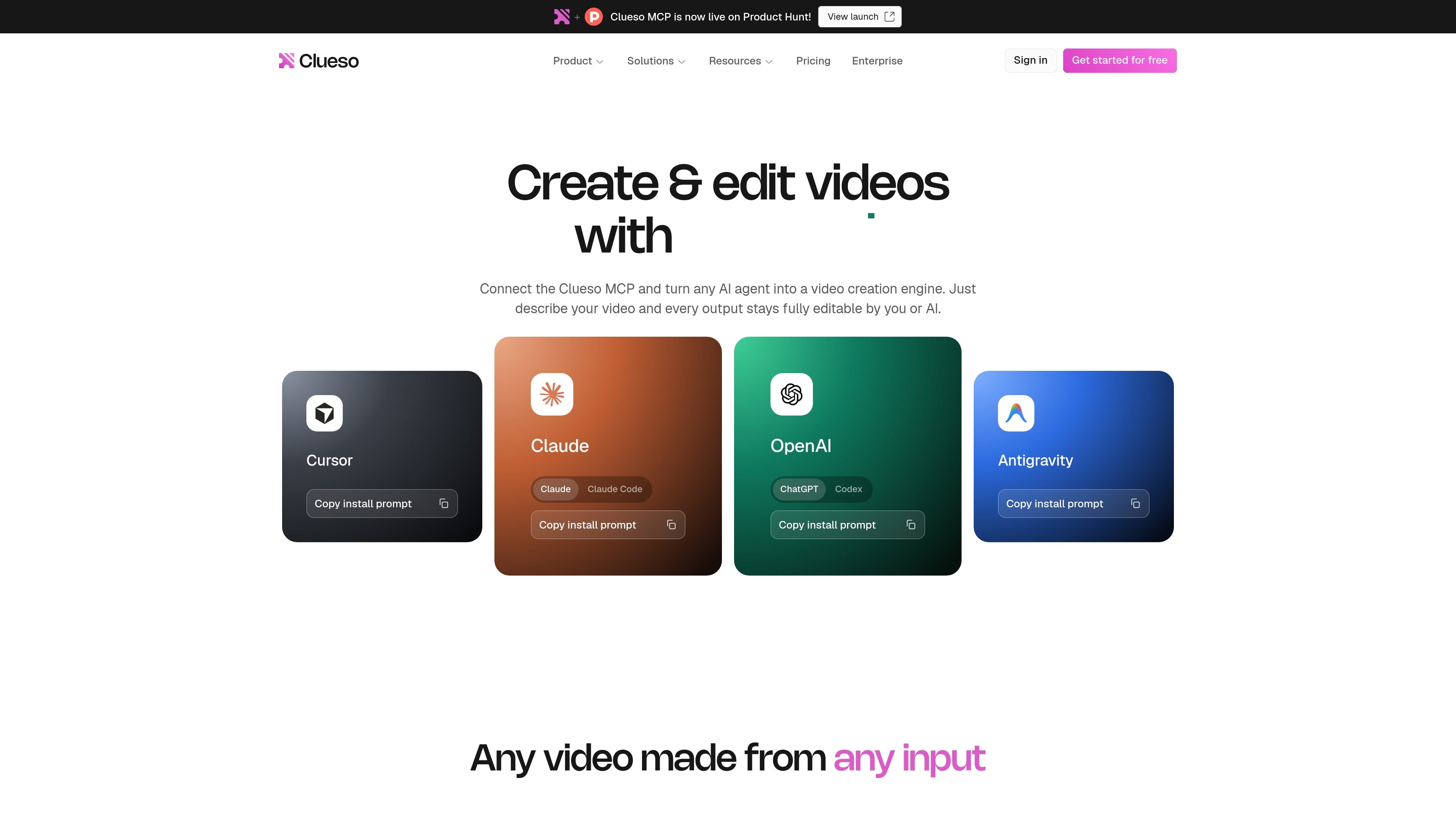
Clueso is an AI video and documentation platform that connects to compatible AI agents through the Model Context Protocol (MCP). Users can describe a desired video or edit in natural language, while Clueso creates or updates the project inside its workspace.
The platform supports content such as product walkthroughs, feature announcements, tutorials, sales demos, training materials, and customer onboarding videos. It can also work from existing videos and other source material, with outputs remaining editable in Clueso rather than being limited to a finished export.
Connect a compatible AI agent to Clueso through MCP and request video creation or editing using natural-language prompts.
Create product videos, tutorials, explainers, training content, sales demos, and other formats from prompts or source material.
Edit existing projects by changing copy, assets, branding, clips, transitions, captions, callouts, and section order through chat or the in-editor tools.
Apply brand guidelines, personas, tone of voice, and previous projects so generated work follows the workspace's established creative direction.
Run repeated updates across multiple videos, including copy, language, or brand changes, with one instruction to an AI agent.
Use ready-made video skills for creation, editing, quick edits, motion graphics, and documentation; the site lists 90 skills, including 23 for creating videos and 21 for editing.
Turn a feature release into a video by having Clueso read release information, generate the content, and route it to a product marketing workflow such as Slack.
Convert recurring questions from support channels into tutorial videos that can be published to a help center.
Use meeting transcripts to create concise video recaps and send them to stakeholders after sales or customer conversations.
Create localized versions of a video library for different customer personas and languages using translation workflows.
Generate role-specific training videos from standard operating procedures and organize the resulting library for onboarding.
The Clueso MCP is a Model Context Protocol connector that lets compatible AI agents access Clueso to create and edit videos, apply brand guidelines, and manage video content through conversation.
The site lists Claude, ChatGPT, Gemini, and Cursor as supported today, and says the connector works with any AI tool that supports the Model Context Protocol. The video skills page also lists Claude Code, Codex, Antigravity, CLIVS, and VS Code among available connection options.
No coding is required according to the product site. Setup is performed in the AI tool's settings by adding Clueso's MCP connection URL, signing in, and granting access; the video skills page says no API keys are required.
Through MCP, an agent can create product walkthroughs, feature announcements, tutorials, sales demos, training content, and onboarding videos. It can also edit existing videos by changing assets, text, branding, clips, transitions, and section order.
Clueso's pricing page shows a Free plan and paid Solo and Business plans, with an Enterprise option available through a sales conversation. MCP is listed as included across the plan comparison, while some advanced capabilities and limits vary by plan.

VIDEOAI.ME is an AI video generator for making spokesperson-style videos, ads, explainers, and social content from a script. It is aimed at founders, marketers, agencies, and creators who want to produce videos without filming.

Video Effects SDK adds real-time webcam effects such as background blur, background replacement or removal, denoising, framing, beautification, and color grading. It is built for teams shipping live video experiences on web, desktop, and mobile platforms.

Official HeyGen API documentation for building AI avatar videos, translations, lipsync, and interactive video-agent sessions. It supports direct API use plus MCP and CLI-style workflows for developers and AI agents.

DeepMotion is a web-based AI motion capture and 3D animation platform with Animate 3D for video-to-animation and SayMotion for text-to-animation. It helps creators and teams generate motion in a browser and export results in common production formats.

Zella is a screen recorder and on-device AI video editor for Mac and iPhone. It helps creators record screens or cameras, automatically clean up footage, add captions, reframe clips, and export videos without uploading the core project to the cloud.

Wisry is an AI advertising studio for ecommerce brands that researches competitor ads, develops evidence-backed campaign concepts, and generates static and video creatives. It also supports editing and connected campaign workflows for Meta and Google.