CodeNearby icon

CodeNearby

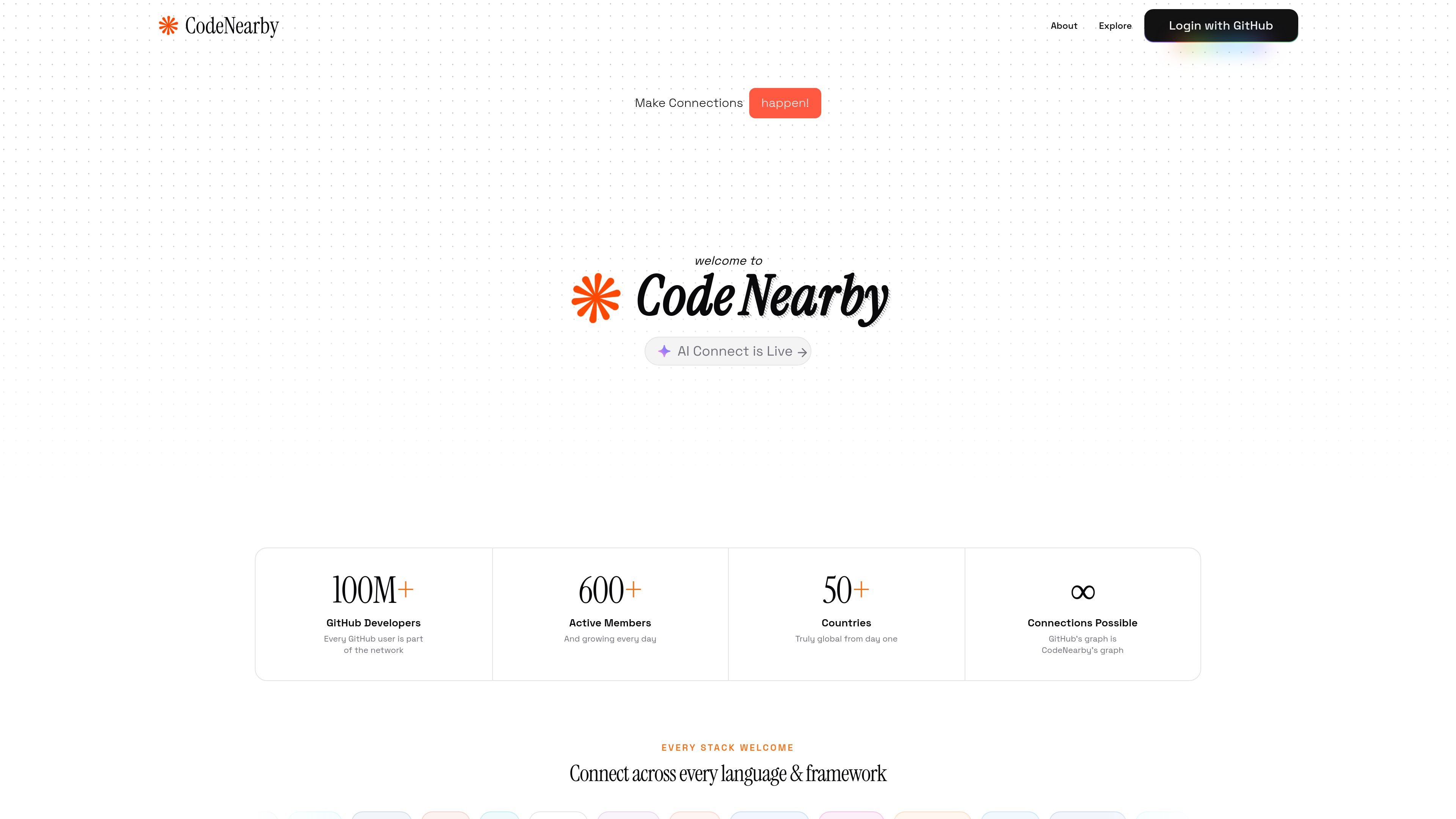
CodeNearby is a developer social networking platform for finding nearby or relevant developers, then connecting through chat, discussions, and virtual gatherings. It uses GitHub sign-in and AI-assisted search to help users discover collaborators by location, skills, and interests.

CodeNearby

Overview

CodeNearby is a social networking platform for developers focused on finding people to collaborate with by location, skills, interests, and GitHub activity. The product centers on discovery and communication rather than broad social networking, with GitHub sign-in and developer profiles as its core workflow.

The site combines manual search, AI-assisted search, direct messaging, discussions, and virtual gatherings so users can move from finding someone to working together in a short path. It is positioned for developers looking for coding partners, mentors, co-founders, hackathon teammates, or people building in similar areas.

Features

Location- and skill-based discovery

Search for developers by location, skills, and interests through the Explore experience. The product is aimed at helping users find collaborators, mentors, or coding partners in a specific area or across the world.

AI-Connect search

Use a conversational search flow to find GitHub developers by skill, location, vibe, or specific requirements. The AI-Connect page says it supports natural-language prompts such as finding React developers in a city or looking up a specific GitHub user.

GitHub-based profiles

Connect a GitHub account to sync profile information, repositories, and activity. The product presents GitHub as the primary identity layer for discovering and verifying developers.

Direct messaging

Chat one-on-one, share GitHub links and code snippets, and continue conversations in real time. The site frames direct messaging as a way to move from discovery to actual collaboration.

Virtual gatherings

Join virtual gatherings for online meetups, pair programming, code reviews, hackathons, study groups, and similar community sessions. The feature is positioned as a way to collaborate with developers in your timezone or beyond.

Discussions and feed

Browse and participate in discussions and feed posts to share ideas, debug together, and stay connected with the developer community. The site also mentions anonymous polls within gatherings.

Use cases

  • Find nearby collaborators

    Use the location and skill filters, or ask AI-Connect for a natural-language search, when you want to meet developers in your city or find people working near your stack.

  • Start a collaboration

    Use GitHub-based profiles, discussions, and direct messaging to move from first discovery to working on a shared project, side project, or startup idea.

  • Run developer meetups and sessions

    Join or host virtual gatherings for pair programming, code reviews, hackathon prep, study groups, or idea sessions when you want a structured way to meet other developers.

  • Expand a developer network

    Use the platform to connect with mentors, co-founders, or peers who share your technologies or interests, especially when you want to build professional relationships around real work.

  • Search with conversational AI

    Use AI-Connect when you need a more specific search, such as finding React developers in a city, Python experts nearby, or a known GitHub user.

Pros and Cons

Pros

  • GitHub sign-in and profile syncing reduce setup friction and make discovery more grounded in actual work.
  • Users can search both manually and through conversational AI, which gives two different ways to find relevant developers.
  • The product supports multiple collaboration paths, including direct messages, discussions, and virtual gatherings.
  • Discovery is based on practical criteria such as location, skills, interests, and repositories rather than generic social profiles.
  • The site says the product is free forever and does not require a credit card to sign in.

Cons

  • Pricing details are not available because the pricing page returns a 404, so paid plans or billing terms cannot be confirmed.
  • The AI-Connect search flow appears focused on GitHub profile data, so users without a strong GitHub presence may have less to showcase.

FAQ

What is CodeNearby?

CodeNearby is a developer social networking platform. It helps people discover nearby or relevant developers, start conversations, and collaborate through chat, discussions, gatherings, and GitHub-based profiles.

How can I find developers near me?

The site says you can search for developers by location and skill on the Explore page, or use AI-Connect to search through natural language such as asking for React developers in a specific city.

Is CodeNearby free to use?

The homepage states that CodeNearby is free forever and requires no credit card to sign in with GitHub.

What is AI-Connect?

AI-Connect is the product’s AI-assisted discovery flow. It uses Gemini AI to help users search for developers by skills, location, specific requirements, or GitHub username.

How does AI-Connect work?

The AI-Connect page says results are based on GitHub profile, repository, and contribution data, and then presented as relevant developers with profile details for review.

Quick Facts

Category
Developer Tool
Platform
Web
Primary users
Developers seeking collaborators, mentors, co-founders, or peer connections
Core workflow
Sign in with GitHub, discover developers by search or AI-Connect, then chat or join gatherings
Source domain
codenearby.space
Pricing
Free forever; no credit card required to sign in