
Cross-tool monitoring
Monitor more than 35 connected tools, including source control, deployment, issue tracking, on-call, data, email and calendar services, using each tool's own query, search or filter language.

CoIsland is a native Mac app that monitors selected events across development, deployment, data, issue-tracking, on-call, email and calendar tools, then surfaces them in the Mac's notch. It helps engineers and multi-workspace users triage alerts in one place and hand relevant context to Claude Code, Codex or Cortex Code.
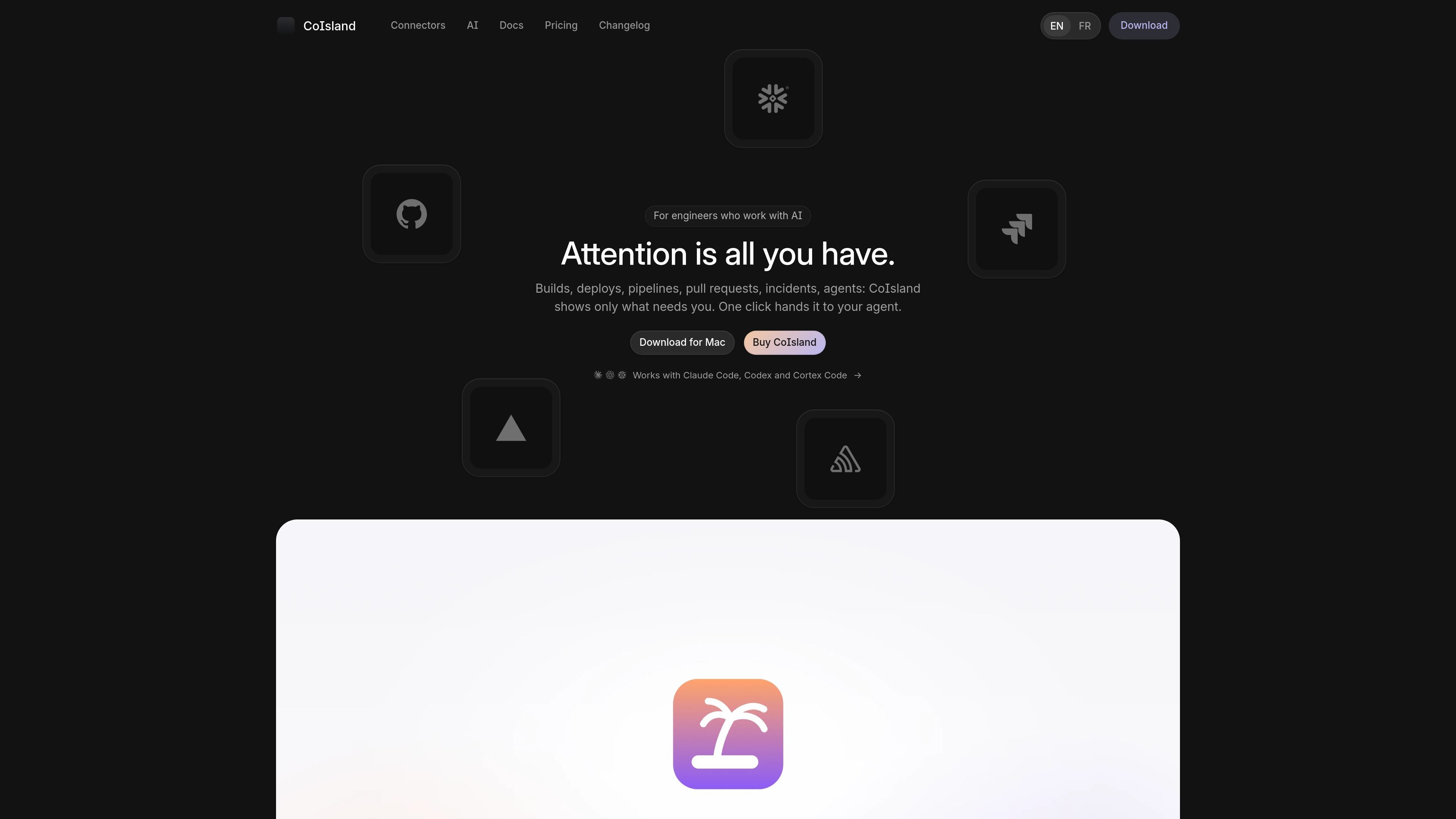
CoIsland is a native macOS app that consolidates attention-worthy events from development, deployment, data, issue-tracking, on-call, email and calendar tools in the Mac's notch. It uses connectors and scheduled monitors to show new matches, failures, status changes and other selected signals rather than presenting every event from a connected service.
From an alert, users can inspect the retained context or hand the issue to Claude Code, Codex or Cortex Code in a terminal. The agent receives the monitor details and alert history, while the user keeps control over approval and alert closure. CoIsland is designed for people managing several workspaces or tools who want a single place to notice and triage work without repeatedly switching dashboards.
Monitor more than 35 connected tools, including source control, deployment, issue tracking, on-call, data, email and calendar services, using each tool's own query, search or filter language.
Choose a polling schedule and receive only newly matching results or changes, with retained rows, notes and alert states such as new, acknowledged and resolved.
View a monitor's history, handling speed and noisy alerts to understand which checks are useful over time.
Open Claude Code, Codex or Cortex Code in a terminal directly from an alert. The handoff includes the alert facts, monitor query, retained rows and activity.
Keep control over actions: agents can run safe operations and ask before other actions, while CoIsland leaves alert closure to the user.
Use a native Swift app that communicates with connected tools directly from the Mac. Tokens are stored in the macOS Keychain, and CoIsland says it has no server or account requirement.
Watch failed Actions runs, review requests, releases or security alerts alongside deployment status, then pass a specific incident to an agent with its relevant context.
Run read-only SQL or service-specific checks against Snowflake, Databricks, PostgreSQL, MySQL, ClickHouse and other data tools to surface failed jobs, stale sources, threshold changes or new matching rows.
Bring Jira, Linear, Asana, ClickUp, Todoist, Notion or similar task signals into the same view so assigned work, status changes, due items, comments and at-risk SLAs are easier to notice.
Track Sentry errors, PagerDuty incidents, Datadog monitors, New Relic alert issues or Langfuse quality and cost signals without keeping each operational dashboard open.
Combine alerts from separate jobs, side projects or study workspaces and label their origin, giving one person a way to distinguish which context needs attention before switching tools.
CoIsland is a native Mac app for Apple Silicon Macs running macOS 14 Sonoma or later. It does not support Intel Macs.
CoIsland connects to more than 35 tools, including GitHub, Vercel, GitLab, Jira, Linear, Sentry, PagerDuty, Snowflake, Databricks, Gmail, Calendar, PostgreSQL, MySQL, HTTP/JSON, RSS/Atom and status pages. The available connector determines what can be monitored.
You create monitors using a connector's query, search or filter language and choose a checking schedule. CoIsland surfaces only new matching results or changes in the Mac notch.
An alert can be handed to Claude Code, Codex or Cortex Code in a terminal. The agent receives the alert facts, monitor query, retained rows and activity, and can ask for approval before taking action. CoIsland does not close alerts automatically; you do that yourself.
Without a license, the two oldest monitors can run without a time limit. A purchase includes one year of updates; the app continues working on the last version released before the update period ends.

ClawTick is an AI agent automation platform for scheduling jobs from the CLI, dashboard, or REST API. It is aimed at developers and teams running LangChain, CrewAI, webhook, or custom agent workflows that need monitoring, alerts, and logs.

OpenFlags is an open-source, self-hosted feature flag platform for modern JavaScript teams. It supports local evaluation, targeted rollouts, and controlled launches while keeping flag data in your own infrastructure.

ByteAsk is a terminal-first AI coding agent for C and C++ that edits repositories and verifies changes with the real compiler, debugger, sanitizers, and tests before showing a diff. It offers a free tier plus paid plans, with editor connectors and zero-retention handling described in the source.

PromptScout tracks how ChatGPT, Gemini, Google AI Overviews, and Perplexity mention your brand or competitors, then pairs those results with source analysis and website audits. It helps teams decide what to fix in content, positioning, or site readiness next.

CreateOS Sandbox is an isolated compute environment for running code and agent workloads inside Firecracker micro-VMs. It is designed for workflows that need machine-level isolation, private networking between sandboxes, and programmatic control through SDK, CLI, or MCP.

Sleek Analytics is a privacy-friendly web analytics tool with real-time visitor tracking, Core Web Vitals, and revenue attribution. It helps site owners understand traffic and conversions without cookie banners or a heavy setup.