
Turn processes into reusable workflows
Construct can encode a repeatable process as a workflow with agent steps, connected apps, and notifications, then version it, schedule it, and let teammates run it again.

Construct is an AI employee platform for solo founders and small teams. It combines a cloud workspace, scheduling, connected-app actions, and inspectable memory so routine work can keep moving beyond a single chat session.
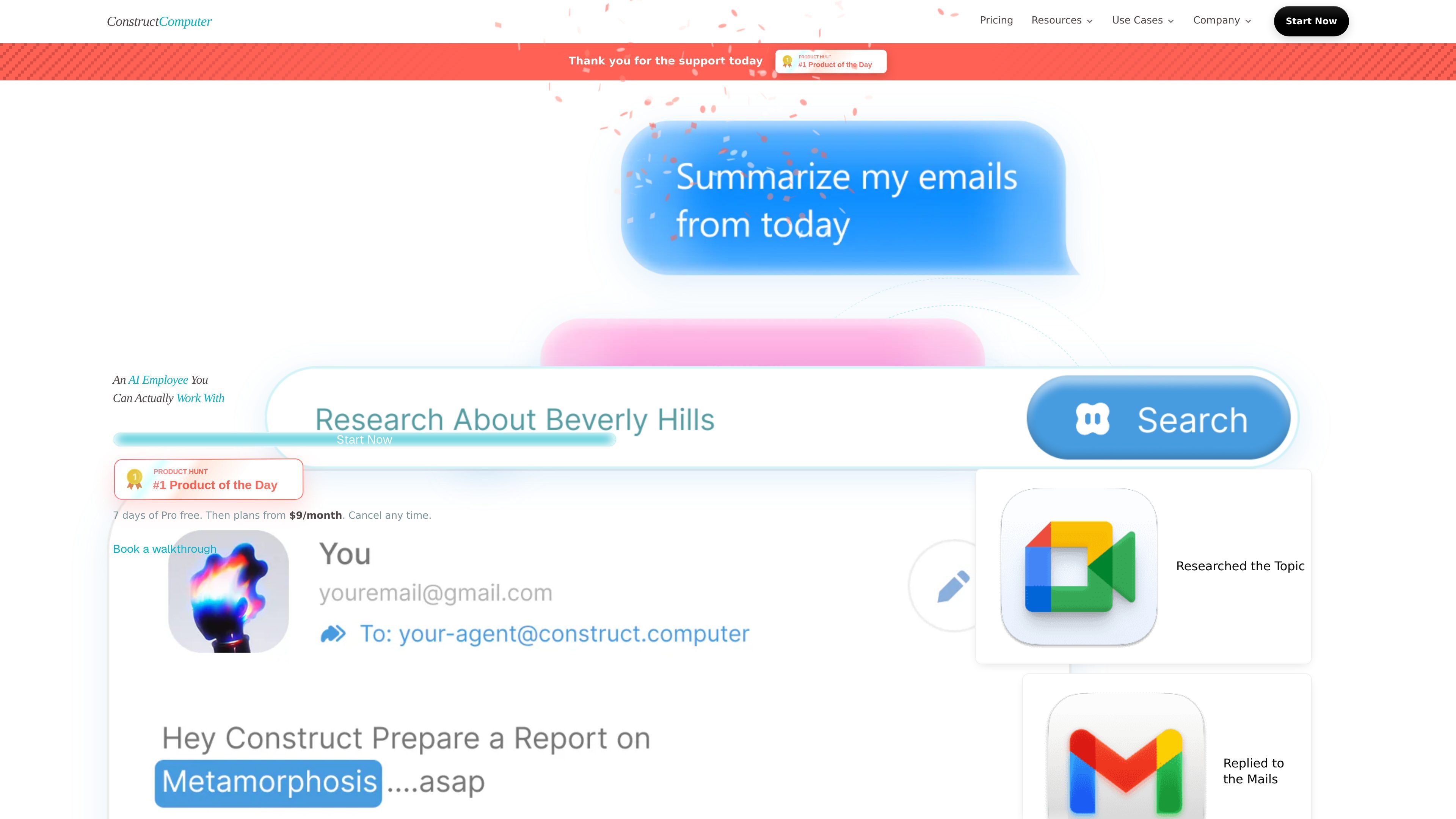
Construct is an AI employee platform for solo founders and small teams. It combines a cloud workspace, agent memory, connected-app actions, and scheduling so routine work can keep moving even when a person is not actively driving every step.
The product is designed for work that spans research, email, internal tools, and recurring operational tasks. The site describes workflows that can be built once and rerun, jobs that can be scheduled, and work that can be inspected, interrupted, or shared across a team workspace.
Construct can encode a repeatable process as a workflow with agent steps, connected apps, and notifications, then version it, schedule it, and let teammates run it again.
Users can describe an internal tool they need, and Construct writes, validates, and publishes a working internal app into the cloud desktop.
Jobs can be scheduled as prompts, connected-app actions, or full workflows, with history available after they run.
The product brings people, files, apps, conversations, roles, and access controls into one workspace so work can be shared across a team.
Agent memory keeps preferences, decisions, and project context with evidence and history, and users can review, correct, or forget what it learns.
Construct can gather sources, compare details, and turn open-ended questions into cited research that can be reviewed or shared.
A founder can turn a recurring operational process into a workflow, schedule it, and rerun it without rebuilding the steps each time.
A small team can ask Construct to compile cited research or prepare a report, then review the sources before sharing the output.
Teams can ask for a missing internal app or tool, and Construct will write, validate, and publish it into the workspace for use inside the team.
Operators can schedule prompts, app actions, or full workflows for later execution and then review the run history afterward.
Teams that work across channels can collaborate through web, Slack, Telegram, Discord slash commands, or email while keeping shared context in one workspace.
Construct is positioned as an AI employee rather than a chat-only assistant. The site says it can work across email, Slack, Telegram, Discord, native email inbox, browser tasks, and connected-app actions from a persistent workspace.
The site says Construct can research topics, prepare reports, run workflows, build internal tools, schedule jobs, and handle recurring work. The blog also describes it as an AI employee that can research, operate tools, create files, and run ongoing work from a supervised workspace.
The product pages mention connected apps, native email, Slack, Telegram, Discord slash commands, browser work, and custom MCP in the enterprise tier. The exact integration catalog is not fully listed in the source content provided.
Yes. The site says you can inspect a running task, interrupt it mid-turn, and answer questions the agent raises when it needs a decision. The activity feed also records bounded summaries of what happened.
The pricing page says enterprise customers own the output, have isolated workspaces, can bring their own model keys, and can delete anything anytime. The enterprise section also states that your workspace is not their training data.
The source does not give a full step-by-step failure-handling policy, but it does show a resumable-run approach in the blog and mentions that the activity feed captures what happened. That suggests the platform is designed to make interrupted work inspectable and restartable.

Biji ist eine vielseitige Plattform, die entwickelt wurde, um die Produktivität durch innovative Werkzeuge und Funktionen zu steigern.

Macuse is a macOS app that lets AI assistants control native Mac apps through MCP and use Computer Use for any app. It works with clients like Claude Desktop, Cursor, and Raycast, and keeps automation on-device.

Dcyde is a decision log for product teams that captures what was decided, the reasoning behind it, and the source in one shared place. It supports pinning decisions from Slack, Figma, or inside Dcyde and keeps the record searchable over time.

Goldfish is an AI memory app for macOS that helps you reply, write, summarize, and continue using the context already on your Mac. It stores memory locally and writes in your tone.

Lasso is an ecommerce product data platform for enriching catalog records, processing supplier files, generating product content, and monitoring competitors. It combines a web app with a REST API, SDK, and MCP server for teams and developers.

ArtDeck is a visual reference board app for iPhone, iPad, and Mac that lets artists collect mixed reference material on one canvas and study it with ToolBox lenses. It works offline, supports optional iCloud sync, and is sold as a one-time purchase with no account required.