
Chrome extension for the host
The host adds Copresent to Chrome once. Inside Google Slides, a button generates a unique link for the presentation session.

Copresent is a Google Slides remote and shared-presenting tool that lets one host install a Chrome extension and invite co-presenters by link. It supports phone-based slide control, speaker notes on the controlling device, and team sessions with up to 10 presenters.
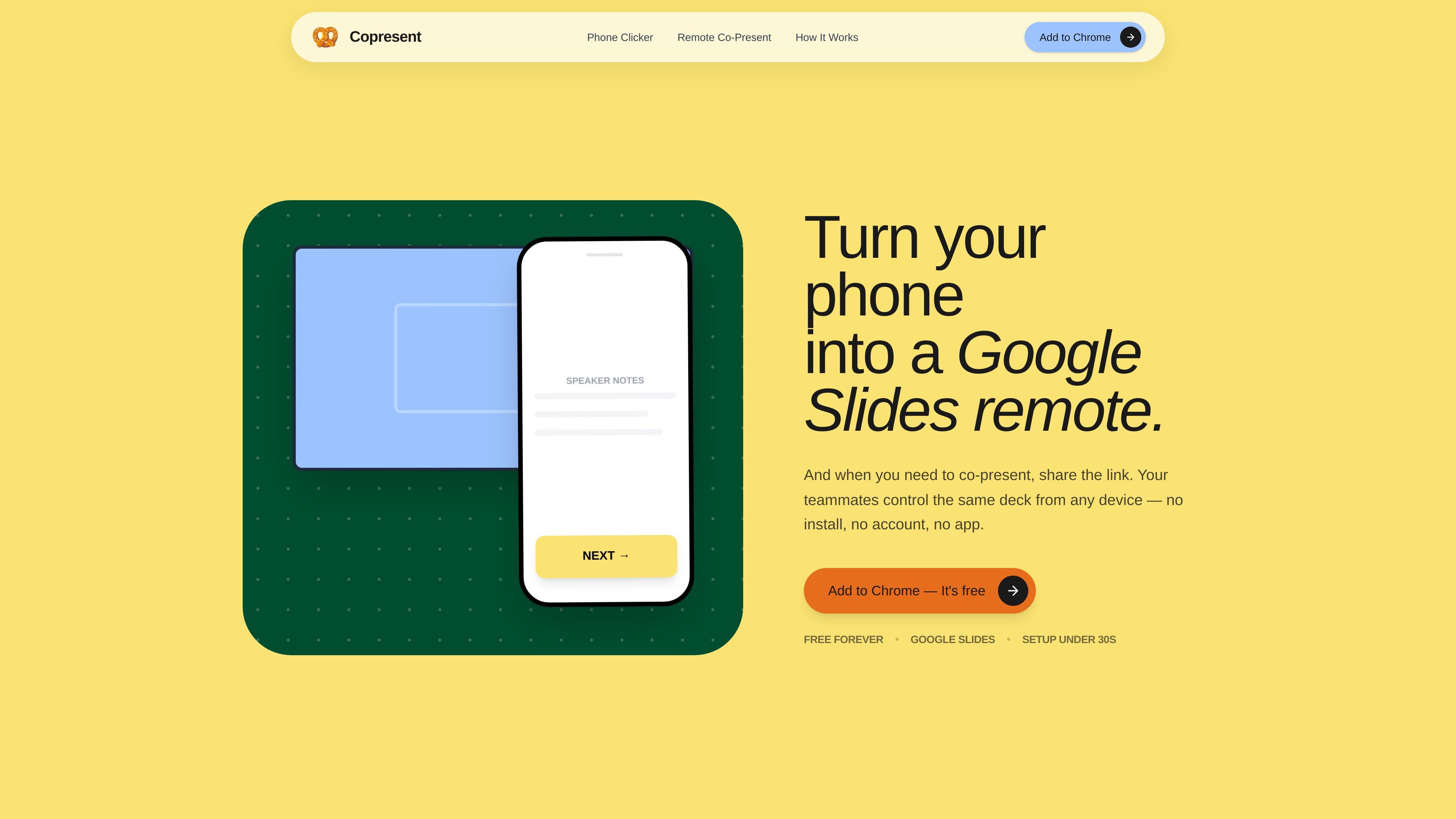
Copresent is a shared Google Slides control tool for solo presenters and teams. It turns a phone into a slide remote and also lets multiple people drive the same deck from a link, which is useful when a presentation needs to move between speakers without screen-share handoffs or file swapping.
The product is built around Google Slides. One person installs a Chrome extension on the presenting computer, opens the deck, and shares a session link. Co-presenters then join from any browser on phone or desktop and take control of the slides when it is their turn.
The host adds Copresent to Chrome once. Inside Google Slides, a button generates a unique link for the presentation session.
The remote opens as a mobile-friendly web page, so a phone can act as the clicker without a separate app.
When someone is driving the deck, speaker notes appear on that device in real time.
A single session can support up to 10 co-presenters, letting multiple people take turns controlling the same deck.
Co-presenters open a link in any browser and do not need an account, app, or install.
Copresent keeps slides inside Google Slides and uses a unique link for each session rather than copying the deck into another system.
Run a sales or partner deck from Google Slides without passing screen-share control back and forth. The next presenter can open the same link and continue from the current slide with notes visible.
Give students, project teams, or panelists one shared presentation link so each person can present their section from a laptop or phone. This avoids re-sharing screens between speakers.
Use a phone as the clicker while walking around a room. The presenter can advance slides, read notes, and stay away from the laptop during lectures, workshops, or onboarding sessions.
Have remote co-hosts take turns inside the same deck during Zoom, Google Meet, or Teams calls. The audience still sees a normal screen share while presenters change control behind the scenes.
Let board members or community groups open a link and take turns when it is their slot to speak. The setup keeps coordination simple because no one needs to create an account first.
Only the main presenter installs the Chrome extension. Co-presenters join from a link in any browser and do not need an account or app.
Yes. The remote is a mobile-friendly web page, so it works on phones and tablets as well as desktop browsers.
Copresent currently works with Google Slides only. The source says PowerPoint and Keynote are not supported yet.
Yes. The source describes it as free forever, with no account needed for co-presenters.
Each session uses its own unique link, and your slides stay in Google Slides. Copresent says it does not upload or store your deck.

Biji ist eine vielseitige Plattform, die entwickelt wurde, um die Produktivität durch innovative Werkzeuge und Funktionen zu steigern.

Dcyde is a decision log for product teams that captures what was decided, the reasoning behind it, and the source in one shared place. It supports pinning decisions from Slack, Figma, or inside Dcyde and keeps the record searchable over time.

Carbon Voice is an asynchronous voice messaging app for teams and individuals, with transcripts, AI catch-up, and cross-device access. It helps people and agents communicate without needing a live call.

Goldfish is an AI memory app for macOS that helps you reply, write, summarize, and continue using the context already on your Mac. It stores memory locally and writes in your tone.

ArtDeck is a visual reference board app for iPhone, iPad, and Mac that lets artists collect mixed reference material on one canvas and study it with ToolBox lenses. It works offline, supports optional iCloud sync, and is sold as a one-time purchase with no account required.

Malyatko is a baby tracker for logging feeding, sleep, growth, teething, and milestones in one app. It works on iPhone, Apple Watch, and widgets, with no sign-up, offline use, and family sharing through iCloud.