
Create or upload a mascot
Share a website and product idea for three character directions, describe your own mascot, or upload an existing PNG, JPEG or WebP reference.

CreateMascot is an AI mascot illustration tool for founders, makers and small teams. Describe a new character or upload an existing one, approve its identity and style, then generate matching artwork for product screens, websites, emails and launches.
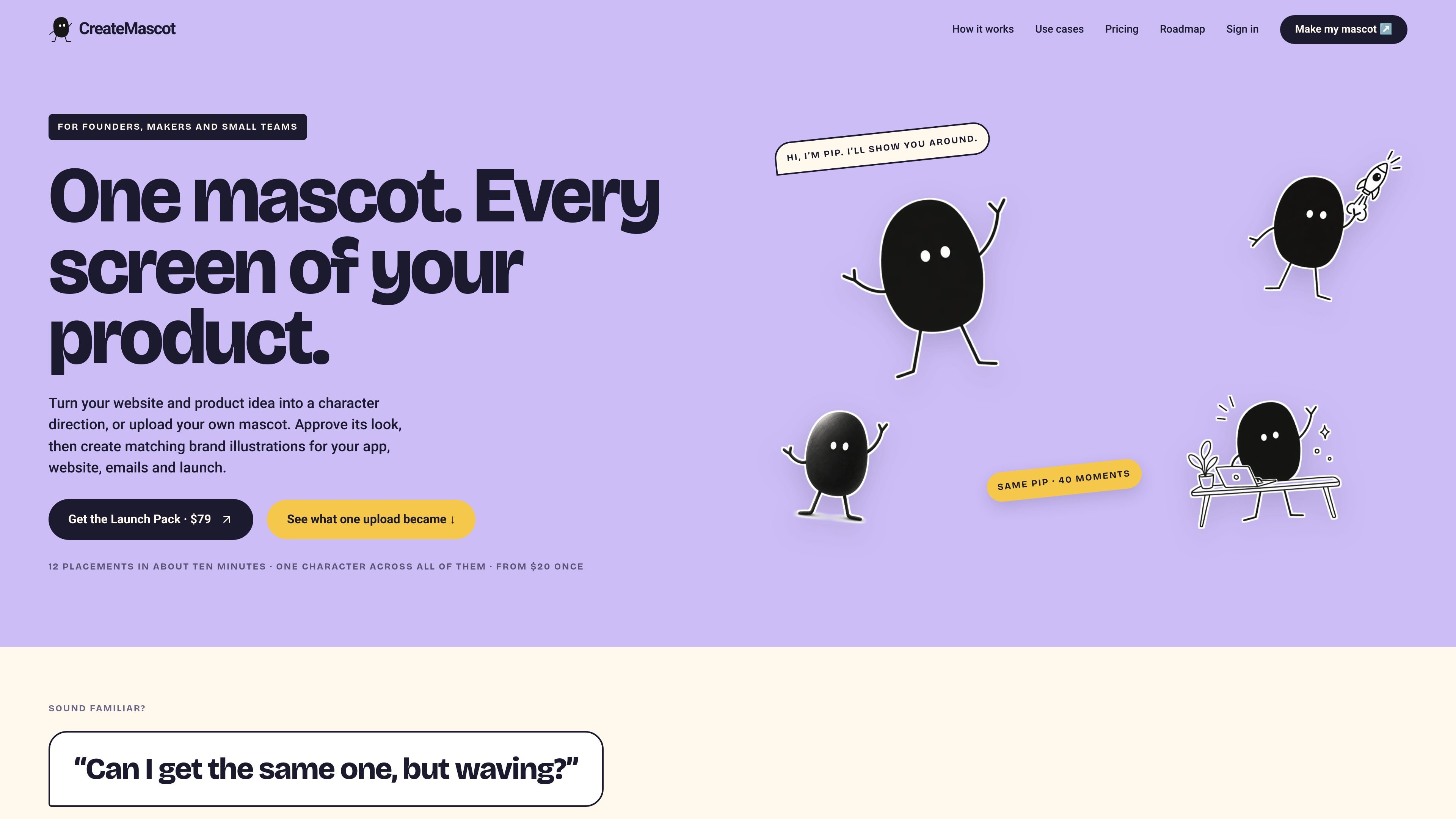
CreateMascot is an AI mascot illustration tool for founders, makers and small teams building apps, websites and launches. It lets users develop a character from a product description, create three initial character directions, or upload an existing mascot, then approve the identity and style for later image requests.
The service is designed for repeated product moments rather than one isolated image. An approved mascot can be used for interface states, onboarding, 404 pages, launch graphics, newsletters and documentation. Generated results are delivered as high-resolution PNGs, with ZIP downloads for batches; users are expected to review each result because poses and small details can vary.
Share a website and product idea for three character directions, describe your own mascot, or upload an existing PNG, JPEG or WebP reference.
Define the character's permanent traits, style, and always/never rules, then approve an identity card before generating additional scenes.
Generate artwork for product moments such as welcome, empty, error, success, loading and 404 states, as well as launch and editorial placements.
Use the Launch Kit to create 12 predefined placements from one approved mascot for 72 credits, then retry individual placements at their standard credit cost.
Download high-resolution PNGs individually or as ZIP batches. The Launch Kit includes files sized for its placements and a short guide.
Use one credit balance across one-time Maker and Launch packs or the monthly Studio plan; approvals and downloads do not consume credits.
Add a recognizable character to a first welcome, empty dashboard, onboarding message or success state. Square outputs suit compact interface moments where the mascot supports the surrounding product copy.
Use a character in 404, error and loading screens to give users context while a page is unavailable, a request fails or an export is being prepared.
Generate a coordinated set of a welcome image, empty state, error and success artwork plus other predefined placements through the Launch Kit, then select the results that fit the product.
Create wide artwork for an OG image, Product Hunt thumbnail, launch tweet card or newsletter header, with the mascot retained while the scene and composition change.
Turn an uploaded character into a small series for newsletters, explainers or editorial product storytelling. The Nellie example shows one reference adapted into welcome, success, thinking and two wide illustrations.
You can start by describing a mascot and preparing a request for free, but generating images requires credits. You can also upload an existing mascot as a PNG, JPEG or WebP that you own or have permission to adapt.
After you describe or upload a character, you define its recognizable traits, choose a style, and approve an identity card. Later requests use that approved character and style as references, while each generated result remains subject to review.
The Launch Kit generates 12 placements: a welcome screen, empty state, error state, success state, loading state, 404 page, Product Hunt thumbnail, OG image, launch tweet card, newsletter header, docs header and icon pose. It costs 72 credits and returns a ZIP containing the files and a short guide.
Square images cost 5 credits, landscape placements cost 8, and edits to existing images cost 3. A creative brief with three written character directions costs 3 credits, while generating three concept images costs 15 credits.
CreateMascot currently produces still illustrations as high-resolution PNGs and ZIP batches. Some styles may look vector-like, but the files are not editable SVGs; animations are listed as coming soon and do not have a release date.

Wallie is an open-source AI streamer that watches your screen, hears chat, and generates live commentary in a configurable persona. It runs locally on your machine with your own keys and is aimed at faceless content, autonomous streams, and real-time reactions.

Petalica Paint is a web service for automatically coloring line art and tracing line drawings from photographed images. The home page says it can be used under the stated terms for commercial and noncommercial work, but it is scheduled to end on 2025-07-31 at 16:00 JST.

PixelForge turns a single photo into a game-ready 2D character sprite pack, including a 4×4 sheet, transparent frames, direction strips, and looping walk GIFs. It is designed for engine-ready use in Godot, Unity, Phaser, GameMaker, and web games.

Artflow is an AI photography studio for generating character-based images and videos from uploaded photos, templates, and prompts. It helps users create reusable identities, scene variations, and edited outputs for personal or project use.
Kitbitz is a public library of hand-drawn illustrations for games, maps, and playful scene design. It offers SVG and PNG downloads, CC0 licensing for the original artwork, and access on the web, in Figma, or through MCP.

Hermes plugin is a Humalike add-on for Hermes Agent bots that adds social-intelligence behaviors such as turn-taking, persona, theory of mind, and social learning. It is presented as a one-install way to make a bot behave more naturally in group conversations.