
URL-based review links
Create a review link for any live URL so collaborators can leave feedback directly on the page instead of sending screenshots or annotations.

dot. is a feedback tool for live prototypes and web pages that lets collaborators pin comments directly on a shared URL. It supports a Claude connector workflow and does not require reviewers to sign up.
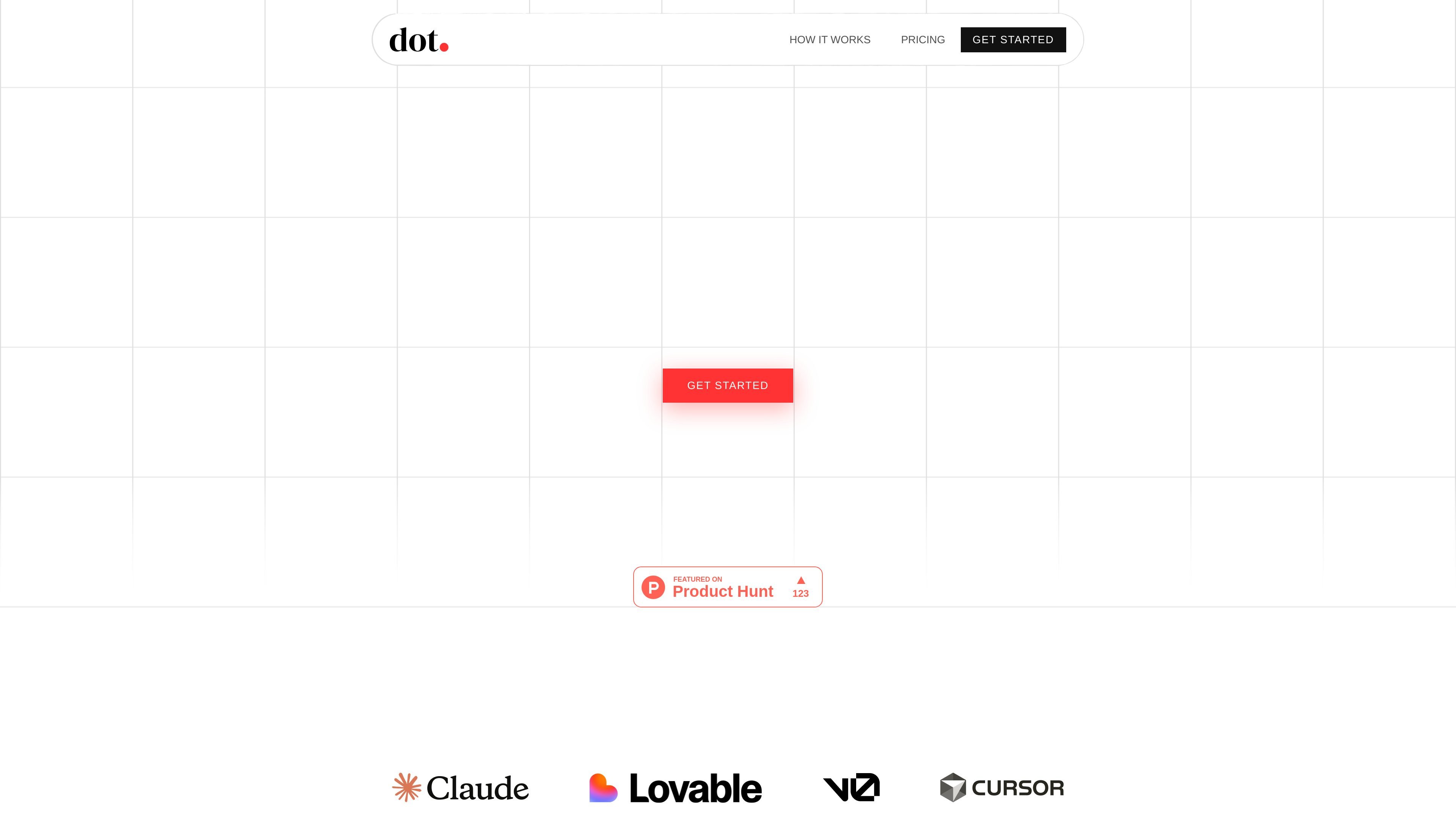
dot. is a feedback layer for AI-built prototypes and other live web builds. It lets you turn a URL into a review link so people can leave comments by clicking directly on the page, rather than marking up screenshots or writing feedback in chat.
The home page positions the product around workflows from Claude, Lovable, Cursor, v0, Webflow, and Framer. It also highlights an official Anthropic connector for Claude, making dot. useful when you want to gather review comments without exporting, bundling, or deploying a separate feedback system.
Create a review link for any live URL so collaborators can leave feedback directly on the page instead of sending screenshots or annotations.
Let viewers click any point on the live build to pin a comment, which keeps feedback anchored to the area being discussed.
Use dot. from within Claude through the official connector and generate a shareable review link without leaving the conversation.
Share feedback pages with teammates, clients, or PMs in any browser; reviewers do not need an account to participate.
Track feedback with email notifications and feedback history, with retention and badge behavior depending on the plan shown on the home page.
Support basic project organization and plan-based limits, including a free option, individual plan, and team workspace option shown on the home page.
Generate a review link for a prototype built in Claude, Lovable, Cursor, or v0 so stakeholders can respond on the live page instead of through screenshots.
Share a live web page with a client or PM and collect location-specific comments without asking them to learn a new tool or create an account.
Keep the feedback loop inside a Claude conversation by asking the connector to add dot. feedback to a build and create a shareable review link.
Use dot. when you need page-anchored feedback on anything with a URL, including sites created in Webflow or Framer.
dot. is designed for shared feedback on live prototypes and other build URLs. The home page says anyone can click anywhere on the build to pin comments, without signups, screenshots, or bundling.
The source says you can paste any URL from any tool or embed the script, and that dot. also connects with Claude through an official connector to create review links from within a Claude conversation.
Review links are meant to be opened in a browser by collaborators, who can pin comments directly on the live page. The home page also says reviewers do not need an account.
The pricing section shown on the home page includes a Free plan, an Individual plan, and a Team plan. However, the dedicated pricing URL currently returns a 404 page, so plan details may need verification on the live site before publishing pricing-sensitive copy.
The home page references the official Claude connectors directory and says dot. can be used from Claude, but the source does not list other confirmed integrations in detail.

ByteAsk is a terminal-first AI coding agent for C and C++ that edits repositories and verifies changes with the real compiler, debugger, sanitizers, and tests before showing a diff. It offers a free tier plus paid plans, with editor connectors and zero-retention handling described in the source.

Biji ist eine vielseitige Plattform, die entwickelt wurde, um die Produktivität durch innovative Werkzeuge und Funktionen zu steigern.

hob is an independent workspace for coding agents that keeps agent sessions, terminals, history, and follow-up work organized around the tools and providers you already use. It is aimed at developers who want local control over routing, history, and workspace structure rather than a bundled model stack.

Manta AI is an autonomous web app testing tool for teams that want to map application behavior, catch regressions, and generate tests without writing scripts or maintaining selectors. It works from a URL and supports plain-English test flows, run results with screenshots, and scheduled or deployment-triggered checks.

Dcyde is a decision log for product teams that captures what was decided, the reasoning behind it, and the source in one shared place. It supports pinning decisions from Slack, Figma, or inside Dcyde and keeps the record searchable over time.

runevr is a connected workspace for creative teams that combines boards, media review, chat, recordings, drive, calls, and AI agents in one room-based environment. It is designed to reduce tool switching and keep project context together.