
Infinite canvas
Sketch ideas, systems, research, and plans in a shared visual context.

Drawsy AI, a product of Doable Works, is a web-based AI visual workspace combining an infinite canvas, connected project context, and AI agents. Users can explore the guest canvas without an account; saving and sharing require sign-in, and real-time team collaboration is available on Team plans.
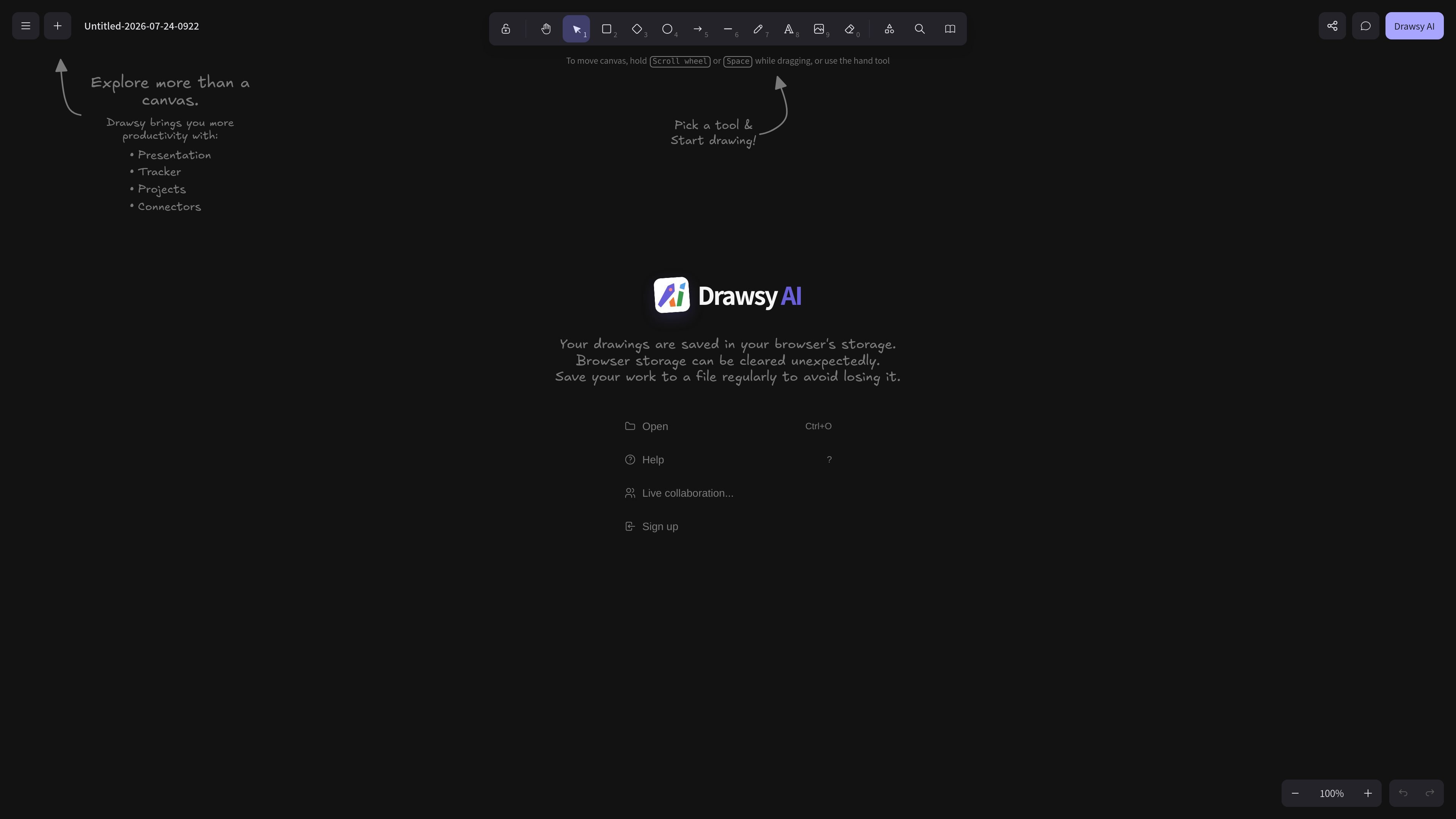
Drawsy AI is an AI-native visual workspace for developers and teams to sketch, plan, and organize project knowledge on an infinite canvas. It is a product of Doable Works.
According to its current About page, users can connect authorized sources such as GitHub, Notion, Slack, Google Drive, Gmail, Figma, PostgreSQL, and HydraDB, then ask questions and run AI agents using board content and connected context. The guest canvas opens without an account; saving and sharing require sign-in, and real-time collaboration is offered on Team plans.
Sketch ideas, systems, research, and plans in a shared visual context.
Connect supported tools and documents to bring authorized project sources alongside diagrams.
Ask questions and run agents grounded in board objects and authorized connected sources.
Try the canvas without an account. Sign in to save or share; real-time collaboration is available on Team plans.
Map systems alongside repository context and project documents.
Synthesize sources into visual notes and concept maps.
Keep roadmaps, research, and decisions together on a canvas.
A web-based AI visual workspace from Doable Works that combines an infinite canvas, project context, and AI agents.
The official About page says the guest canvas at https://drawsyai.com/ opens without an account. Sign-in is required to save or share.
The current About page lists real-time team collaboration on Team plans.
The current About page does not establish full offline support. Local files or local coding tools alone do not imply that AI, connectors, or collaboration work without internet.