
Text-to-image and image-to-image
Generate images from text prompts or transform an existing image into a new variation. The site presents both text-to-image and image-to-image workflows.

DreamPixel AI is a web-based AI image generator and editor for creating images from text or transforming existing photos. It also includes tools for background removal, enhancement, restoration, and headshot-style outputs.
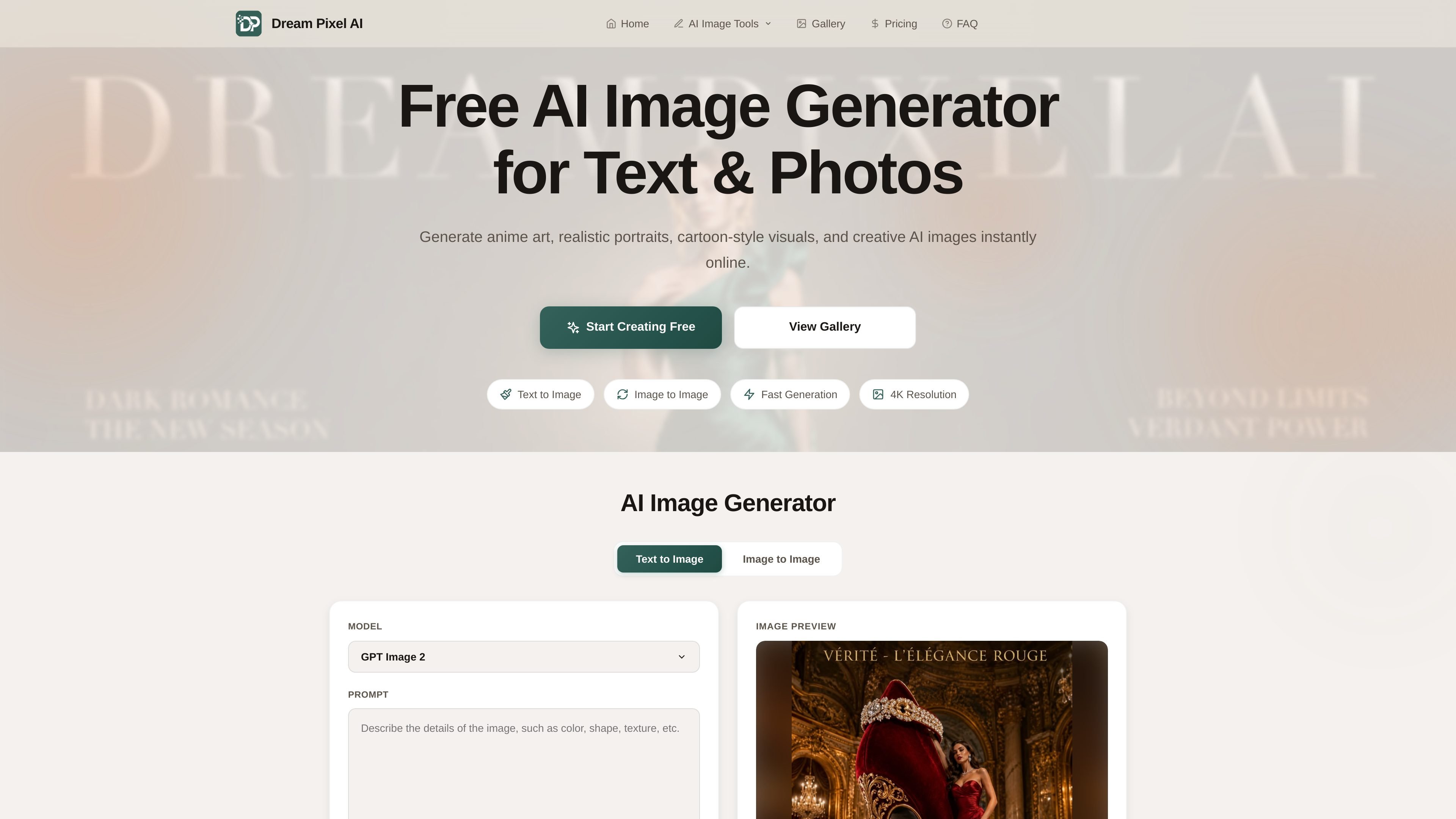
DreamPixel AI is an online AI image generator and editor that combines text-to-image, image-to-image, and a set of specialized image tools in one browser-based product. The site positions it as a free way to create and edit images for portraits, product photos, social content, and other visual projects.
Beyond generation, the product includes background removal, background changing, watermark removal, image upscaling, old photo restoration, headshot creation, and image compositing. The pricing page shows a free tier with credits, plus paid plans that add higher resolution output, priority generation, and commercial-use options.
Generate images from text prompts or transform an existing image into a new variation. The site presents both text-to-image and image-to-image workflows.
Use dedicated tools for editing, including the AI image editor, background remover, background changer, watermark remover, upscaler, restoration, headshots, merge/composite, and photoshoot-style generation.
Remove backgrounds from portraits, products, and complex subjects, with support for transparent PNG output and solid-color or custom replacements.
Improve image quality by upscaling resolution, enhancing details, and restoring damaged or faded photos. The site also lists 4K output on paid plans.
Create multiple variations and fine-tune output settings such as aspect ratio, number of images, prompt guidance, and transformation strength.
Generated results are described as fast to produce, with global delivery via CDN and no watermarks on generated images according to the FAQ.
Write a prompt to generate new artwork, stylized illustrations, or concept visuals without starting from a photo.
Upload a photo and describe the changes you want, such as style shifts, composition adjustments, or alternate looks.
Remove backgrounds from portraits, product photos, or subject-focused images to create transparent PNGs or cleaner cutouts.
Use the editor, upscaler, and restoration tools to sharpen details, improve quality, or repair older photos for reuse.
Combine multiple images or generate polished headshot-style visuals for professional profiles and other presentation needs.
Yes. The site says free accounts can generate images up to 512×512 pixels, while paid plans increase resolution to 2K and 4K or higher depending on plan.
Yes. The site states that you retain full ownership of the images you create and can use them for personal or commercial purposes, depending on your plan. Free accounts are described as personal, non-commercial use only, while Pro and Enterprise plans include commercial licenses.
The site says typical generation takes about 10 to 30 seconds, with Pro users getting priority processing. Enterprise plans are described as using dedicated resources for faster or instant generation.
Yes. The pricing page says subscriptions can be cancelled at any time from account settings, and the background remover FAQ says credits are consumed per action. Unused credits reset each billing cycle and do not roll over.

Pixelcut is an AI photo editor for creating and editing product images, social content, and video assets. It offers free and paid plans, plus mobile app and browser access for individual users and teams.

Upscale.media is an AI image upscaling and enhancement tool from Pixelbin that enlarges low-resolution or pixelated images and improves clarity in the browser. It offers free individual image use, paid credit plans, and team-oriented workflows such as bulk processing and API integration.

PhotoAid’s AI Image Enlarger is a free browser-based tool for upscaling images without a standard blur-heavy resize. It supports JPEG, WEBP, and PNG uploads and is described as working best for photos with faces.

Der AI-Malgenerator ist eine Online-Software, die automatisch Kunstwerke basierend auf von Benutzern bereitgestellten Textbeschreibungen erstellt.

Eine All-in-One AI-Plattform, die Werkzeuge für Bild, Video, Sprache, Schreiben und Chat kombiniert, um Kreativität und Zusammenarbeit zu fördern.

Wallie is an open-source AI streamer that watches your screen, hears chat, and generates live commentary in a configurable persona. It runs locally on your machine with your own keys and is aimed at faceless content, autonomous streams, and real-time reactions.