
Website inspection
Reads a product page’s title, site name, and description, then uses that evidence as the starting point for a film brief.

Framedeo turns product websites, logos, screenshots, and other media into editable product videos with AI-generated direction, narration, music, and scenes. It is designed for teams creating launch videos, software demos, and recurring product films, with MCP support for AI-agent workflows.
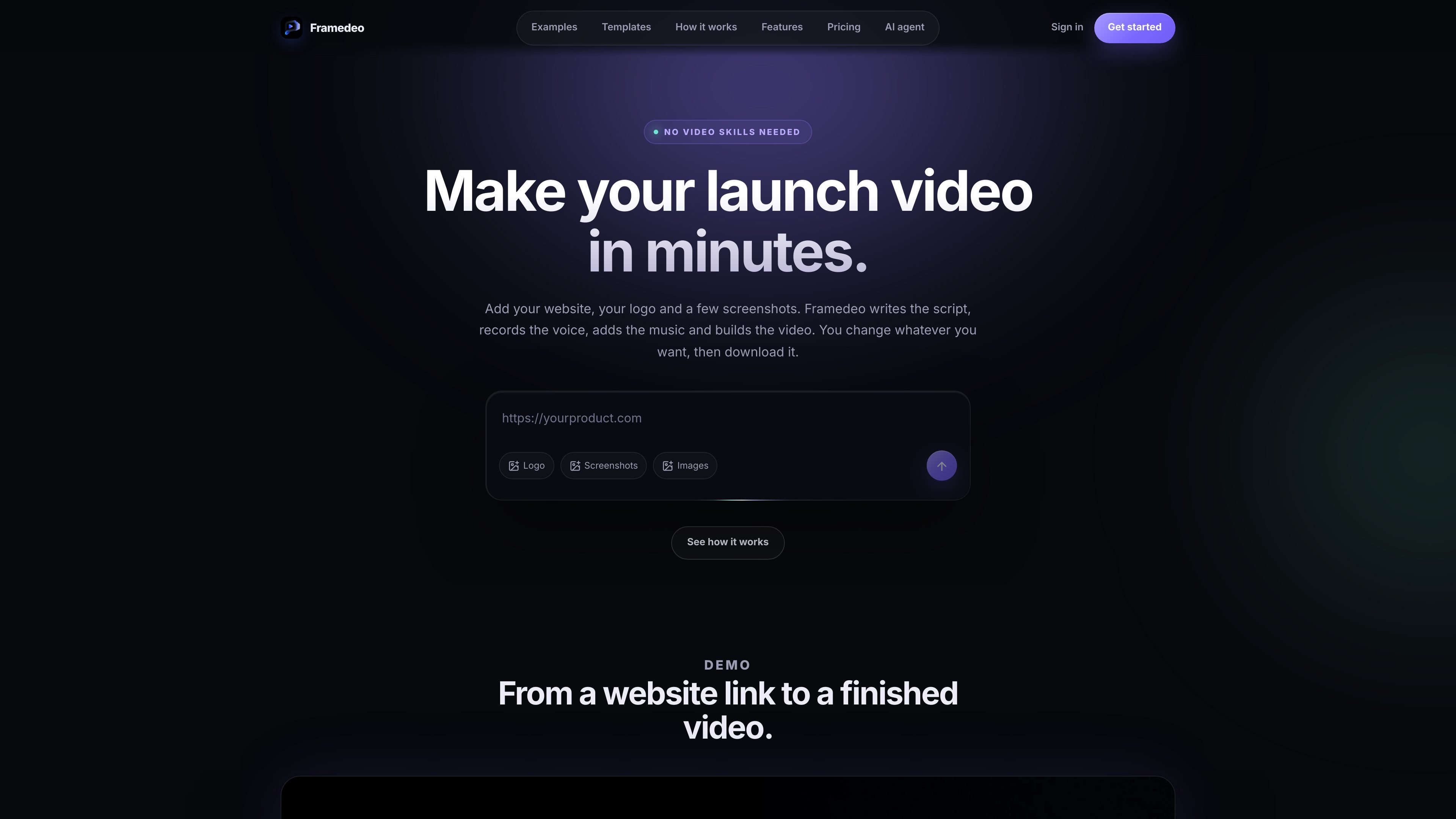
Framedeo is an AI-assisted product-video platform that turns a website, logo, screenshots, and other media into a finished product film. It can write a brief and script, generate voice-over and music, compose scenes, and provide an editor for reviewing and changing the result before export.
The workflow is evidence-led: users inspect a real product URL, add product captures and brand assets, select a template or let AI plan the structure, then generate, edit, and export the film. Framedeo also exposes a hosted MCP endpoint so supported AI agents can create, edit, and export films through authenticated requests.
Reads a product page’s title, site name, and description, then uses that evidence as the starting point for a film brief.
Creates a structured film from a selected template or an AI-planned arrangement of beats, cuts, and typography.
Drafts narration for review, supports voice selection or an uploaded recording, and cuts the film to the narration timing.
Lets users choose a music-bed library track by mood and licence or upload audio they have the right to publish; the mix places it beneath the narration.
Provides scene-level editing by shot, with instructions for targeted changes such as extending a dashboard shot. Edits save by default.
Exports the saved film as H.264, ProRes, WebM, or a PNG sequence, with resolution options documented for the export workflow.
Inspect a live product page, add screenshots and a logo, and produce a narrated film for a new release. The editor allows the team to revise individual shots before downloading the final file.
Connect an AI agent through the MCP endpoint to create a project, set narration and music, generate scenes, apply edits, and export without manually moving through each Studio step.
Use templates, product captures, and uploaded editorial imagery to create a visual explanation of a software product for a website, presentation, or internal review.
Use the higher-volume plans when a team needs recurring launch-video production, with Studio offering 10 projects per month and Agency offering 25 projects, 4K delivery, and unlimited team seats.
Start by inspecting a product URL, then create a project with optional creative direction. Upload the logo and relevant media, choose a template or let AI plan the structure, set the voice-over and music, generate the film, review or edit scenes, and export the saved version.
The MCP workflow supports H.264, ProRes, WebM, and PNG-sequence exports. The rendered result includes a status, filename, byte size, and an authenticated download URL.
The MCP documentation lists a 2,048-character product URL limit, a 5 MB logo limit, 15 MB limits for product screenshots and editorial images, an 80 MB product-video limit, a 50 MB voice-over limit, and a 60 MB music-upload limit. The MCP reader has an 80 MB absolute ceiling, and remote HTTP uploads must use public HTTPS URLs or base64.
Yes. Framedeo provides a hosted MCP endpoint at https://framedeo.com/mcp and documents connections for Claude Code, Gemini CLI, OpenCode, ZeroClaw, Claude Desktop, and other MCP clients. An API key is required for authenticated requests.

艺映AI is a free AI video creation tool for generating video from text, images, or existing footage. It is positioned for short-form social content, promotional clips, and stylized AI video projects.

VIDEOAI.ME is an AI video generator for making spokesperson-style videos, ads, explainers, and social content from a script. It is aimed at founders, marketers, agencies, and creators who want to produce videos without filming.

Video Effects SDK adds real-time webcam effects such as background blur, background replacement or removal, denoising, framing, beautification, and color grading. It is built for teams shipping live video experiences on web, desktop, and mobile platforms.

Official HeyGen API documentation for building AI avatar videos, translations, lipsync, and interactive video-agent sessions. It supports direct API use plus MCP and CLI-style workflows for developers and AI agents.

DeepMotion is a web-based AI motion capture and 3D animation platform with Animate 3D for video-to-animation and SayMotion for text-to-animation. It helps creators and teams generate motion in a browser and export results in common production formats.

Zella is a screen recorder and on-device AI video editor for Mac and iPhone. It helps creators record screens or cameras, automatically clean up footage, add captions, reframe clips, and export videos without uploading the core project to the cloud.