
Node-based creative canvas
Build on a node-based canvas that is designed for creative workflows rather than a single-task generator. The homepage emphasizes moving from prompt to design, build, collaborate, and share within one interface.

Fuser is a node-based AI workflow platform for creative work across image, video, audio, 3D, and LLM tasks. It is designed for individuals and teams that want to build, iterate, and share multi-step creative workflows in one canvas.
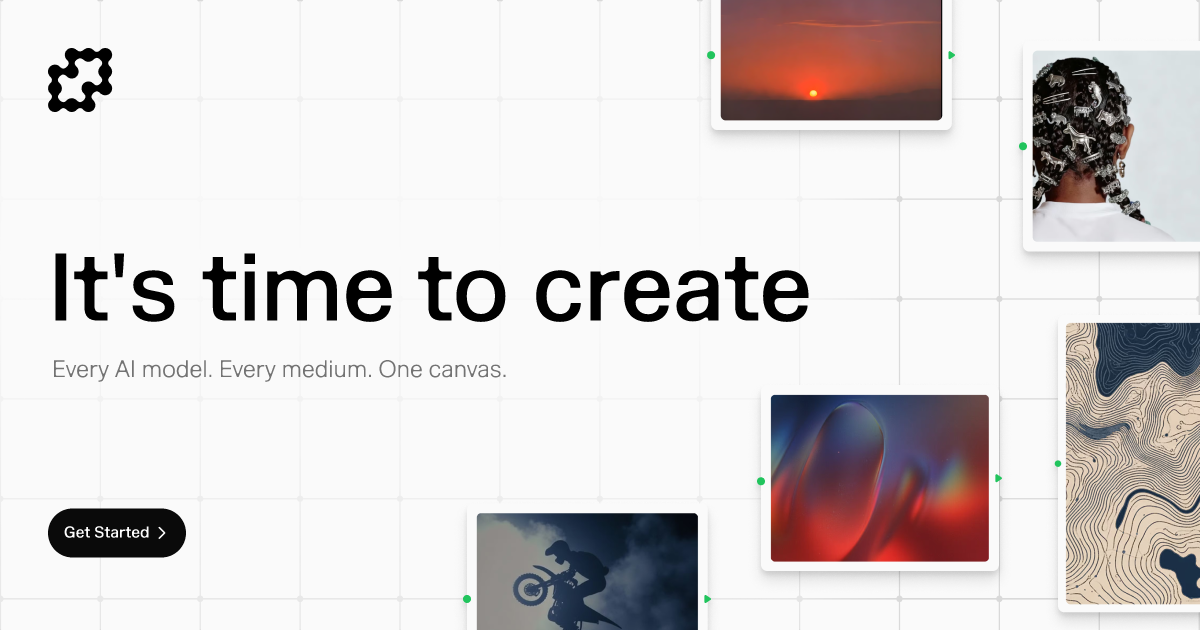
Fuser is a node-based AI workflow platform for creative teams and individual makers. It combines a canvas-style interface with access to models for image, video, audio, 3D generation, and large language model work, so users can assemble multi-step creative processes in one place.
The site presents Fuser as a tool for building, iterating, and sharing creative projects rather than working in isolated generators. Its homepage emphasizes recipes, collaboration, and moving from prompt to build, while the pricing page adds flexible plans, credit rollover, and per-generation pricing.
Build on a node-based canvas that is designed for creative workflows rather than a single-task generator. The homepage emphasizes moving from prompt to design, build, collaborate, and share within one interface.
Work across multiple media types from the same platform, including image, video, audio, and 3D generation, alongside large-language-model workflows.
Use recipes to start from an existing workflow instead of a blank page. The site positions recipes as a way to explore, iterate, and turn model combinations into projects and applications.
Adjust settings and see the cost change in real time. The pricing page says Fuser charges per generation rather than per model, so cost is tied to what you produce.
Keep credits when plans change. Credits roll over month to month, and users can pause, switch tiers, or skip a month without losing what they already have.
Support public sharing, cloning, and asset history retention on the Indie plan, with team seats and enterprise contracting available for larger organizations.
Use Fuser to compose multi-step creative workflows for generated visuals, motion content, sound, and text in one canvas instead of switching between separate tools.
Start from recipes when you want a proven workflow for a new project, then adapt the canvas and model choices to your own output.
Build applications from canvas elements, then prompt, edit, and refine the result for film, fashion, games, architecture, or similar creative work.
Use the plan structure that fits your group, from an Indie plan for individual creators to Team seats or Enterprise contracts for larger organizations.
Control spending by adjusting generation settings and using credits that roll over month to month, which is useful when production volume changes over time.
Fuser is a node-based AI workflow canvas for building creative projects across image, video, audio, 3D, and LLM workflows. The homepage presents it as a single canvas for design, build, collaborate, and share workflows.
The pricing page says credits roll over month to month, and you can pause your plan, switch tiers, or skip a month while keeping your credits.
Fuser offers a free 30-day trial of the Professional plan with 2,000✦ to start and 1,000✦ added every 30 days during the trial period.
The pricing page lists an Indie plan for hobbyists, students, and curious creators, plus Team seats and an Enterprise option for organizations that need custom contracts and procurement support.
The site highlights public shares and cloning, asset history retention, and team-oriented features, but it does not provide detailed documentation for external integrations or compatibility on the pages reviewed.

Awish is an AI-powered no-code automation platform that turns natural-language requests into automated workflows across connected apps. It serves individuals and teams that want to automate repetitive tasks, chat-based assistants, and workflow updates without manual configuration.

Biji ist eine vielseitige Plattform, die entwickelt wurde, um die Produktivität durch innovative Werkzeuge und Funktionen zu steigern.

Codex Plugins bundle reusable skills, app integrations, and MCP servers into workflows you can install in the Codex app or use from Codex CLI. They help extend Codex with connected-service tasks, reusable instructions, and shared team workflows.

Struere is an AI-native platform for turning spreadsheet data into structured operational software with dashboards, alerts, and automations. It is aimed at teams that want to replace manual spreadsheet workflows without building custom tools from scratch.

hob is an independent workspace for coding agents that keeps agent sessions, terminals, history, and follow-up work organized around the tools and providers you already use. It is aimed at developers who want local control over routing, history, and workspace structure rather than a bundled model stack.

Make Real is a Next.js app that turns hand-drawn wireframes into working HTML prototypes using the tldraw SDK and AI models. It helps users sketch on a canvas, generate code, and review the result in an embedded preview.