Gaia icon

Gaia

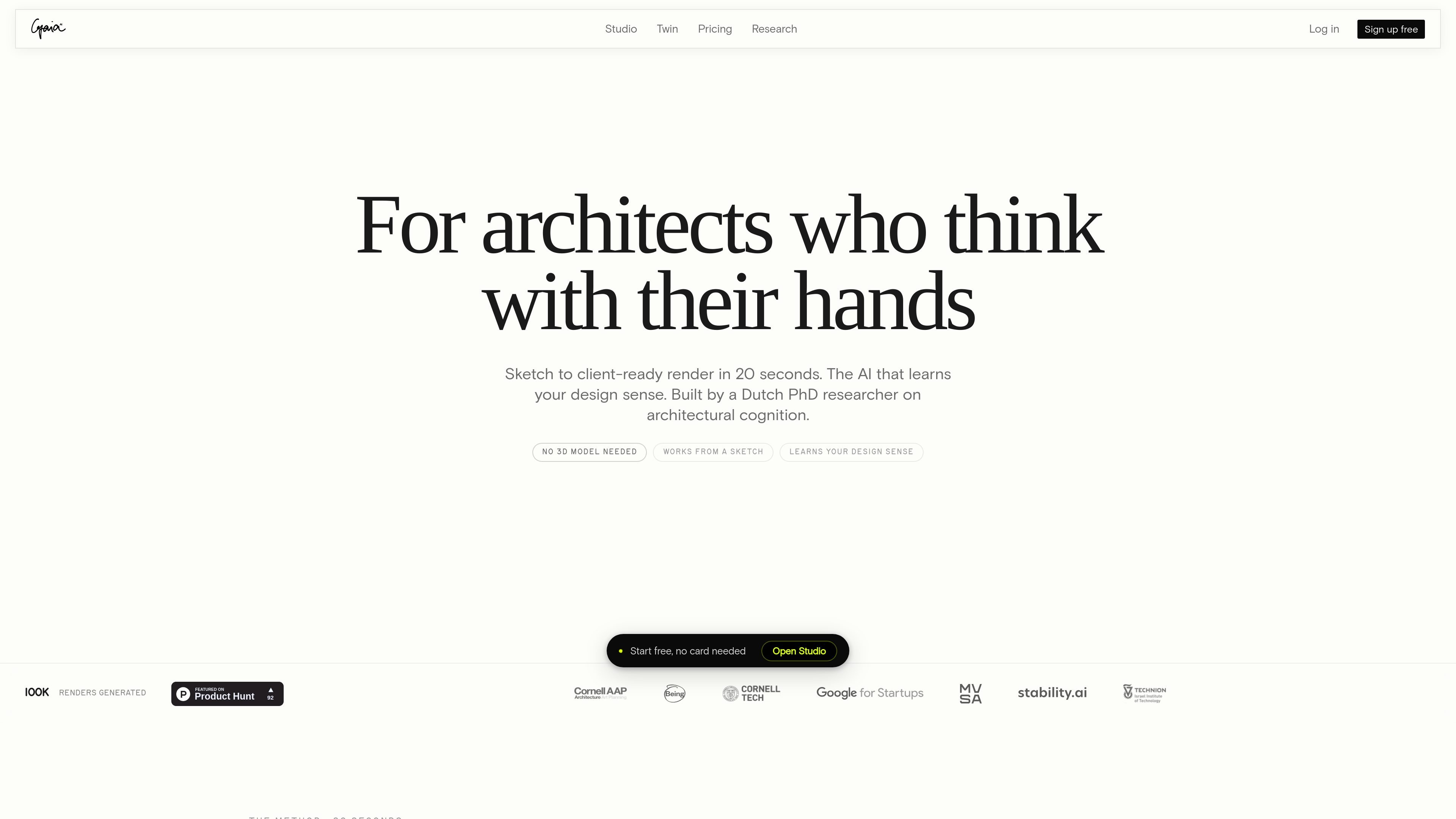
Gaia is an AI design studio for architects that turns sketches, screenshots, and other visual references into client-ready renders in about 20 seconds. It also adds brush-based editing, project research, and a Taste Twin that tracks a user’s design sense across sessions.

Gaia

Overview

Gaia is an AI design studio for architects focused on the concept phase, when sketches, site photos, and rough references are still shaping the project. Its core workflow turns a sketch, SketchUp export, Rhino screenshot, or similar input into a client-ready architectural render in about 20 seconds.

The product combines sketch-to-render generation, brush-based editing, and a research mode for site, zoning, and regulation constraints. Gaia also includes a Taste Twin that records the user’s design sense across sessions, so the workspace can adapt to a project and a practitioner over time.

Capabilities

Sketch to render

Upload a sketch, SketchUp export, Rhino screenshot, or other visual reference and generate a photorealistic concept image in about 20 seconds. The product positions this as its core sketch-to-render workflow for the early concept phase.

Brush-based editing

Refine specific regions of an existing render with brush masking instead of regenerating the whole image. The site presents this as directed revision for changing only the areas you want to adjust.

Research for code and compliance

Use a research mode to pull together site, zoning, and regulation constraints alongside the visual output. The product says the findings are cited by section, which is meant to keep code and compliance context attached to the project.

One workspace for concept work

Work in a single canvas that keeps project context across sessions. Gaia describes the workspace as a place to generate, edit, and research without losing the surrounding project context.

Taste Twin memory

Build a record of your design sense over time with the Taste Twin. Gaia says the Twin remembers aesthetic vocabulary, material instincts, and style choices across sessions and improves as you keep using the product.

Style and view control

Choose from curated architectural styles and direct the camera, material, and light behavior. The Render page lists 8 styles, and the home page highlights that the output is meant to stay architecturally specific rather than generic.

Use Cases

  • Early concept presentation

    Turn a hand sketch, Rhino viewport, or SketchUp screenshot into a client-ready concept image while the conversation is still open. This fits the first hours of a project, when you need to test a direction quickly instead of building a full model.

  • Client option development

    Generate several architectural directions for a first client meeting and compare them side by side. The product is set up for fast iteration, so you can present multiple options without waiting on a traditional rendering pipeline.

  • Targeted visual revision

    Refine a promising render by masking only the area that needs to change, such as a facade element, material choice, or lighting condition. This is useful when you want directed revision without restarting the whole image.

  • Code and compliance research

    Check site, zoning, or regulation constraints while working on a concept so that design decisions stay tied to the brief. Gaia’s research mode is meant to keep compliance context alongside the visual work in the same canvas.

  • Student visualization

    Create portfolio-ready architectural visuals from a student project or study model. The Render page specifically mentions architecture students and says the workflow does not require a V-Ray license or a render farm.

Pros and Cons

Pros

  • Fast concept output: the site repeatedly says renders are produced in about 20 seconds.
  • Works without a full 3D model, which lowers the setup burden for early-stage architectural ideas.
  • Combines generation, editing, and research in one workspace instead of splitting them across separate tools.
  • Includes architecture-specific controls such as style choices, camera direction, and material or light adjustment.
  • Offers a free starting tier with 50 renders, making it possible to test the workflow before paying.

Cons

  • The source does not show broad integration support beyond sketch, screenshot, and image-based inputs from tools like SketchUp and Rhino.
  • Some Twin functionality is described as arriving in more depth later, so parts of the personalization layer appear to be still expanding.

FAQ

What inputs does Gaia accept?

Gaia works from sketches, sketches exported from SketchUp, Rhino screenshots, site photos, and other visual inputs. The Render page also says it accepts hand sketches, Revit exports, and even napkin drawings, then turns them into a photorealistic architectural render in the style you choose.

How fast is the rendering workflow?

The site says Gaia can produce a photorealistic concept render in about 20 seconds. That timing appears on both the home and Render pages, and the output is described as publication-quality or client-ready depending on the workflow.

What can I do inside Gaia Studio?

Gaia’s Studio combines generate, edit, and research in one canvas. The page describes brush-based editing for regional revision and a research mode for site, zoning, and regulation constraints cited by section.

What is the Taste Twin?

The source describes the Taste Twin as Gaia’s record of your design sense. It is seeded by your style quiz or renders on the same browser, and the product says it learns across sessions as you generate more work.

Does Gaia have free and paid plans?

The pricing page shows a free Explorer plan with 50 free renders and a paid Gaia Pro plan at €24/month. It also mentions a Studio Seat option for firms with shared billing and a 3-seat minimum.

Quick Facts

Category
AI design studio
Primary users
Architects, interior designers, architecture students, and related design teams
Core workflow
Sketch, prompt, or reference image to render in about 20 seconds
Platform
Web app
Source domain
gaia.computer
Pricing model
Free tier plus paid plans