
Shared AI memory
A shared folder of plain Markdown files stores information about people, projects, decisions, and other team knowledge. Connected AIs can read and write to the same files, and the folder can be copied as an export.

GBrain is a shared AI workspace for teams using multiple models and AI clients. It combines shared Markdown-based memory, controlled connections to email, calendars and web tools, and scheduled skills for recurring research, communication and content workflows.
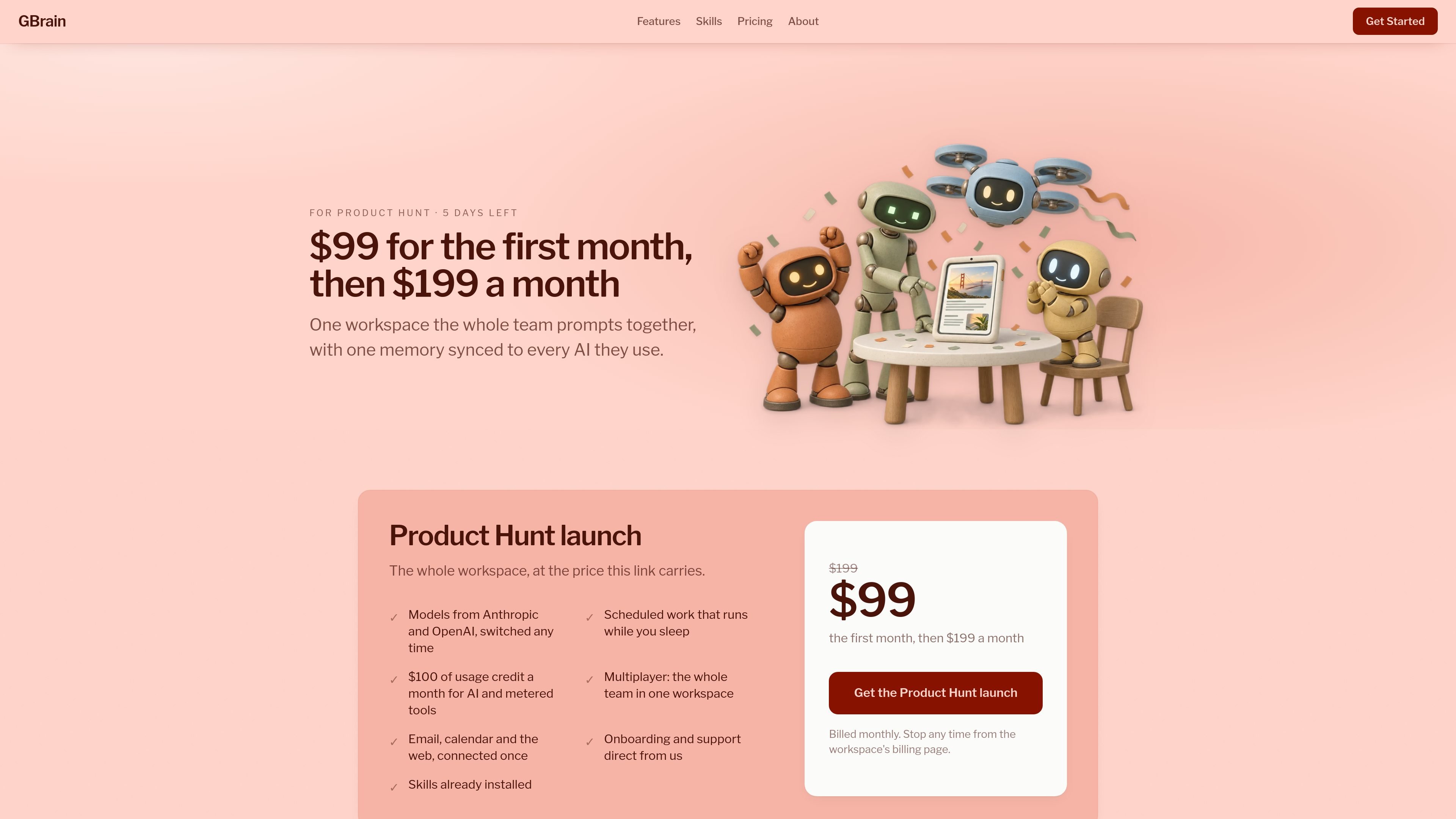
GBrain is a shared AI workspace for teams that use multiple AI models and clients. It combines a common memory, connected accounts and preconfigured skills so work can continue from the same context instead of being rebuilt separately in each AI application.
The workspace stores its memory as plain Markdown files covering topics such as people, projects and decisions. ChatGPT, Claude, Cursor, Claude Code and other connected AIs can use that memory, while GBrain provides controls for account permissions, daily tool limits and records of activity. Teams can also schedule skills that summarize work, research people, clean inboxes, process media, check claims or extract structured data.
A shared folder of plain Markdown files stores information about people, projects, decisions, and other team knowledge. Connected AIs can read and write to the same files, and the folder can be copied as an export.
Connect accounts such as Gmail, Google Calendar, Stripe, web search, and page-fetching services once. GBrain mediates requests so connected AIs receive results without receiving the underlying password or key.
Set each AI's access to a connected account from Off through read or full access, and apply daily call limits to tools. Changes take effect on later calls and activity is recorded in a shared log.
Use models from Anthropic and OpenAI in the same workspace and switch between them. The workspace is also described as working with ChatGPT, Claude, Cursor, Claude Code, and other AI clients.
Turn on finished workflows with a short setup, then run them once or on a schedule. Available examples include team daily syncs, research briefs, meeting notes, fact checking, transcript creation, news monitoring, and structured data pulls.
Use the workspace with a team rather than separate per-person accounts. Members share the conversation and memory, while the underlying workspace provides the connected services and activity record.
A team can run Team Daily Sync against work from sources such as GitHub, Gmail and Google Calendar, then send a daily summary to the team. Shared memory gives the workspace a place to retain relevant context beyond a single conversation.
Before a meeting, Deep Person Brief can combine public research with the team's notes to produce a sourced briefing on a candidate, guest or investor. This supports preparation without asking each AI to reconstruct the background separately.
Inbox Cleanup can learn which messages are routinely ignored and archive them on a schedule, while connected email permissions determine what the workflow may read or change.
Fact Check and Study Check can review claims against live sources or original research and return a report or verdict. These workflows are suited to editorial, research and publishing tasks where source traceability matters.
Meeting Notes, Clean Transcript, Podcast Notes and YouTube Notes can turn recordings or videos into searchable written material, while Structured Data Pull extracts selected fields from emails, documents and web pages into a deduplicated table linked to sources.
Sign in with Google. The workspace is described as running in about two minutes, with no software installation required. Accounts such as Gmail or a calendar can then be connected and assigned access levels for the AIs that use them.
GBrain provides one shared workspace for the team. Invited members use the same conversation and shared memory, and adding team members does not add a per-seat charge according to the pricing information.
The workspace can connect email, calendars, and web services. GBrain keeps the account sign-in, while each AI receives the result of an allowed call rather than the password. Access can be set from Off through read or full access, depending on the connected account.
Skills are preconfigured jobs that can run on demand or on a schedule. Depending on the skill, results can be sent to the workspace thread, email, or Slack. Examples include meeting notes, inbox cleanup, research briefs, fact checking, and structured data extraction.
The workspace includes $100 of monthly usage credit for AI models and metered tools such as web search and page crawling. If the credit is used, additional credit can be purchased from the workspace billing page; the site says users are notified before reaching the limit.

Lasso is an ecommerce product data platform for enriching catalog records, processing supplier files, generating product content, and monitoring competitors. It combines a web app with a REST API, SDK, and MCP server for teams and developers.

Dcyde is a decision log for product teams that captures what was decided, the reasoning behind it, and the source in one shared place. It supports pinning decisions from Slack, Figma, or inside Dcyde and keeps the record searchable over time.

runevr is a connected workspace for creative teams that combines boards, media review, chat, recordings, drive, calls, and AI agents in one room-based environment. It is designed to reduce tool switching and keep project context together.

qbrin is an enterprise AI search and governed agent platform that turns company knowledge into cited answers and can abstain when evidence is missing. It is built for teams that need source-backed responses, policy controls, and traceable AI actions.

Goldfish is an AI memory app for macOS that helps you reply, write, summarize, and continue using the context already on your Mac. It stores memory locally and writes in your tone.

ArtDeck is a visual reference board app for iPhone, iPad, and Mac that lets artists collect mixed reference material on one canvas and study it with ToolBox lenses. It works offline, supports optional iCloud sync, and is sold as a one-time purchase with no account required.