
Reusable coding bots
Create a reusable bot with standing instructions, an agent selection, a model where supported, permission settings, optional allowed-tool lists, and optional one-time setup steps.

GitBot is a local browser-based workspace for creating reusable coding bots powered by Claude Code, Codex, or OpenCode. It helps developers run those agents across repository folders with persistent threads and configurable permissions.
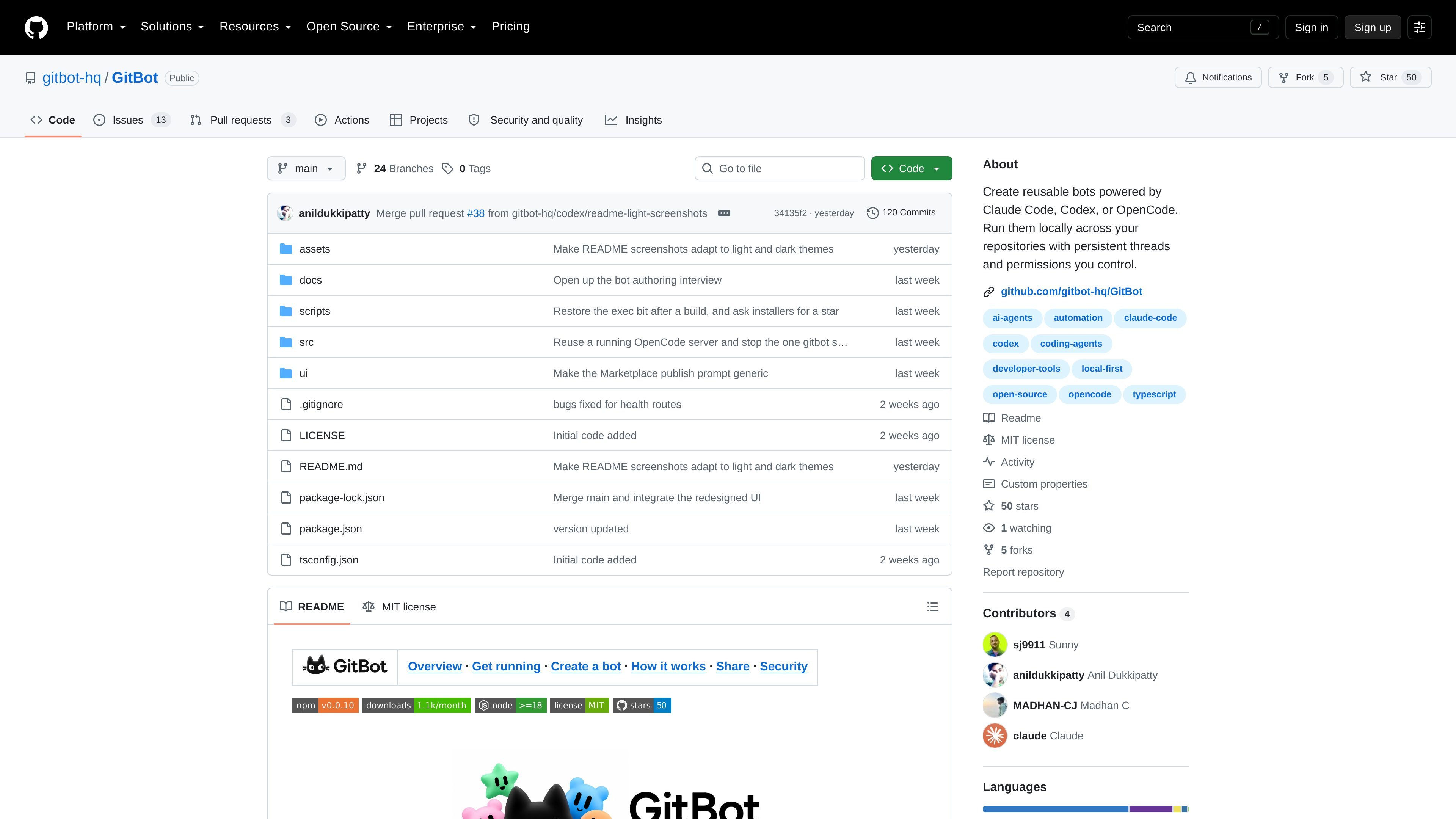
GitBot is a locally run web interface for creating and reusing coding-agent bots across repository folders. It connects a browser to Claude Code, Codex, or OpenCode installed on the same machine, giving each bot a defined job, an agent configuration, and permission settings.
A bot can be reused across threads, while each thread connects the bot to a chosen folder and retains the underlying agent session for later work. GitBot stores bot and thread records locally rather than operating a hosted service; the selected coding agent remains responsible for communicating with its configured provider.
Create a reusable bot with standing instructions, an agent selection, a model where supported, permission settings, optional allowed-tool lists, and optional one-time setup steps.
Run Claude Code, Codex, or OpenCode locally in the selected repository folder, using the agent installation and provider configuration already on the machine.
Organize work as threads tied to a bot and a folder. GitBot resumes the agent's own session, allowing a conversation to continue after returning to it.
Stream agent output to the browser and keep a turn running when the browser disconnects. On return, GitBot can reattach and replay buffered events.
Use approval prompts with Claude Code and OpenCode, or choose Codex modes such as read-only, plan, or editing in the working directory. Permission settings can be changed from a thread's chat bar.
Copy a bot's settings and instructions for another person to import, or prepare a Marketplace listing and pull request for review without automatically publishing it.
Define a standing review job, such as checking whether documentation matches the current code, then start a thread in a repository and ask the bot to inspect a specific issue before making changes.
Use separate bots for recurring coding tasks and return to their threads later, keeping the work associated with the same repository folder and agent session.
Give an agent a read-only or approval-based workflow while exploring an unfamiliar codebase, using broader permissions only when the task and repository are understood.
Copy a bot's instructions and settings for another person to import, or prepare a public Marketplace contribution that can be inspected and submitted through a pull request.
Install Node.js 18 or newer, install and sign in to at least one supported coding-agent CLI, then install GitBot with npm install -g @gitbot-hq/gitbot. Start it from a folder that contains your projects and open the local web interface at http://localhost:3000, or use the displayed network address on a trusted local network.
GitBot supports Claude Code, Codex, and OpenCode. You use the agent's existing installation and login; GitBot does not require a separate GitBot account.
A bot stores reusable instructions, an agent choice, a model where applicable, a permission mode, optional tool restrictions, and optional setup instructions. A thread pairs that bot with a repository folder and preserves the agent session for later work.
GitBot has no authentication and listens on all network interfaces. Anyone who can reach its port may be able to use the agents running on the machine, so it should remain on a trusted network and should not be exposed to the public internet.
Bots and thread records are stored locally under ~/.gitbot by default, with the data directory configurable through GITBOT_DATA_DIR. GitBot itself does not host the agents, conversations, or a cloud database; the selected agent may send prompts and code to its configured provider.

ByteAsk is a terminal-first AI coding agent for C and C++ that edits repositories and verifies changes with the real compiler, debugger, sanitizers, and tests before showing a diff. It offers a free tier plus paid plans, with editor connectors and zero-retention handling described in the source.

CreateOS Sandbox is an isolated compute environment for running code and agent workloads inside Firecracker micro-VMs. It is designed for workflows that need machine-level isolation, private networking between sandboxes, and programmatic control through SDK, CLI, or MCP.

Ghost ist ein terminalbasierter KI-Assistent für Chats, Code-Generierung und Aufgaben direkt in der Kommandozeile. Mit kostenlosen Modellen, Linux, macOS und Windows. Open Source.

Vi3ecode is a maintained development environment for working with AI coding agents. It keeps project context, terminal, Git, memory, flows, review, and communication connected around the agent you already use.

hob is an independent workspace for coding agents that keeps agent sessions, terminals, history, and follow-up work organized around the tools and providers you already use. It is aimed at developers who want local control over routing, history, and workspace structure rather than a bundled model stack.

Grok 4.7 is an xAI model for software development and knowledge work, including extended coding tasks and professional analysis. It is available through Grok Build, Cursor, the Grok API, and other developer platforms, with token pricing starting at $2 per million input tokens and $6 per million output tokens.