
Multimodal creation
Use Gemini Omni with text, image, and video inputs to develop ideas and produce high-fidelity images and videos.

Google Flow is an AI creative studio for generating and editing images and video with Google’s generative models, while also supporting custom creative tools. It is intended for creators developing visual concepts, storyboards, effects, and other project assets.
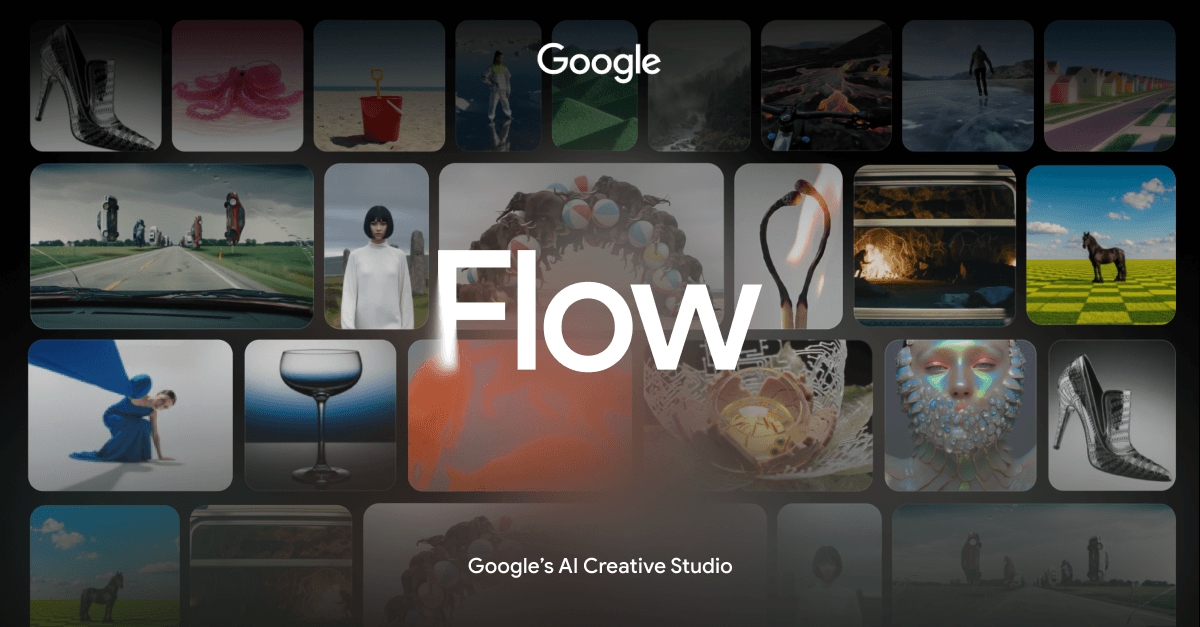
Google Flow is an AI creative studio for developing images, videos, and custom creative tools. It brings together Google’s generative models—including Gemini Omni, Nano Banana, and Veo 3.1—in a workspace intended to support work from initial concept through refinement.
The product supports multimodal creation, conversational editing, and project-oriented iteration. Users can combine text, image, and video references, work with generated assets, and apply specialized tools for tasks such as storyboarding, resizing, overlays, image compositing, and visual effects. Access and feature availability may vary by Google AI subscription tier, platform, and region; the site also displays an 18+ notice.
Use Gemini Omni with text, image, and video inputs to develop ideas and produce high-fidelity images and videos.
Apply conversational, natural-language changes to images and videos, including iterative edits and changes that can be scaled across a project.
Veo 3.1 is described as supporting expanded creative controls, native audio, physics, realism, and prompt adherence for video generation.
Nano Banana provides image generation and editing with an emphasis on subject consistency, text rendering, and precise control.
Build, share, and remix tools with natural language for workflows such as video effects, hand-drawn animation, and layering.
Use a canvas-oriented workspace with an AI agent that understands the project and helps users explore and iterate on ideas.
Draft a visual concept by combining written direction with image or video references, then iterate on the result in the same workspace.
Write a script, create a cast, and visualize a storyboard using the Storyboard Studio tool listed on the site.
Prepare visual assets for different placements with tools such as Video Resizer, Type Overlays, Image Editor, and Mockup.
Apply customizable filters, animated effects, sketches, or beat-driven playback to explore a distinctive visual treatment.
Create a purpose-built workflow—such as a video effect, hand-drawn animation, or layer-based process—and share or remix it within Flow.
Google Flow is presented as a web-based AI creative studio. The available source does not establish mobile support, desktop applications, or setup requirements beyond the site’s sign-in flow and an 18+ notice.
Users can combine text, image, and video inputs with Gemini Omni, generate images and videos with Google’s models, and refine assets using natural-language edits and professional controls.
Flow includes tools for tasks such as animated text overlays, video resizing, layered image editing, storyboarding, shader effects, mockups, and other creative workflows. The site also says users can create tools with natural language and share or remix them.
The homepage states that features may vary by Google AI subscription tier, platform, and region. The supplied pricing page did not provide confirmed plan names, prices, quotas, or trial terms.

Clipia.ai is an AI image and video generation platform with presentations, an agent workflow, and developer integrations. It helps creators, teams, and developers produce media and decks from prompts, briefs, or source files using a shared credit system.

TapNow is a web-based AI visual creation platform for businesses, creators, and teams. It supports image and video generation along with editing, planning, and collaboration tools.

Eine All-in-One AI-Plattform, die Werkzeuge für Bild, Video, Sprache, Schreiben und Chat kombiniert, um Kreativität und Zusammenarbeit zu fördern.

VIDEOAI.ME is an AI video generator for making spokesperson-style videos, ads, explainers, and social content from a script. It is aimed at founders, marketers, agencies, and creators who want to produce videos without filming.

Pixelcut is an AI photo editor for creating and editing product images, social content, and video assets. It offers free and paid plans, plus mobile app and browser access for individual users and teams.

Petalica Paint is a web service for automatically coloring line art and tracing line drawings from photographed images. The home page says it can be used under the stated terms for commercial and noncommercial work, but it is scheduled to end on 2025-07-31 at 16:00 JST.