
Email deliverability testing
Send a test email to receive analysis of authentication, content, and reputation, along with AI-generated recommendations for addressing detected issues.

HelloInbox is an email deliverability platform that helps marketers test inbox placement, authentication, content, list quality, and sender reputation. It combines AI guidance with monitoring and corrective workflows for campaign review, domain launches, and ongoing sender hygiene.
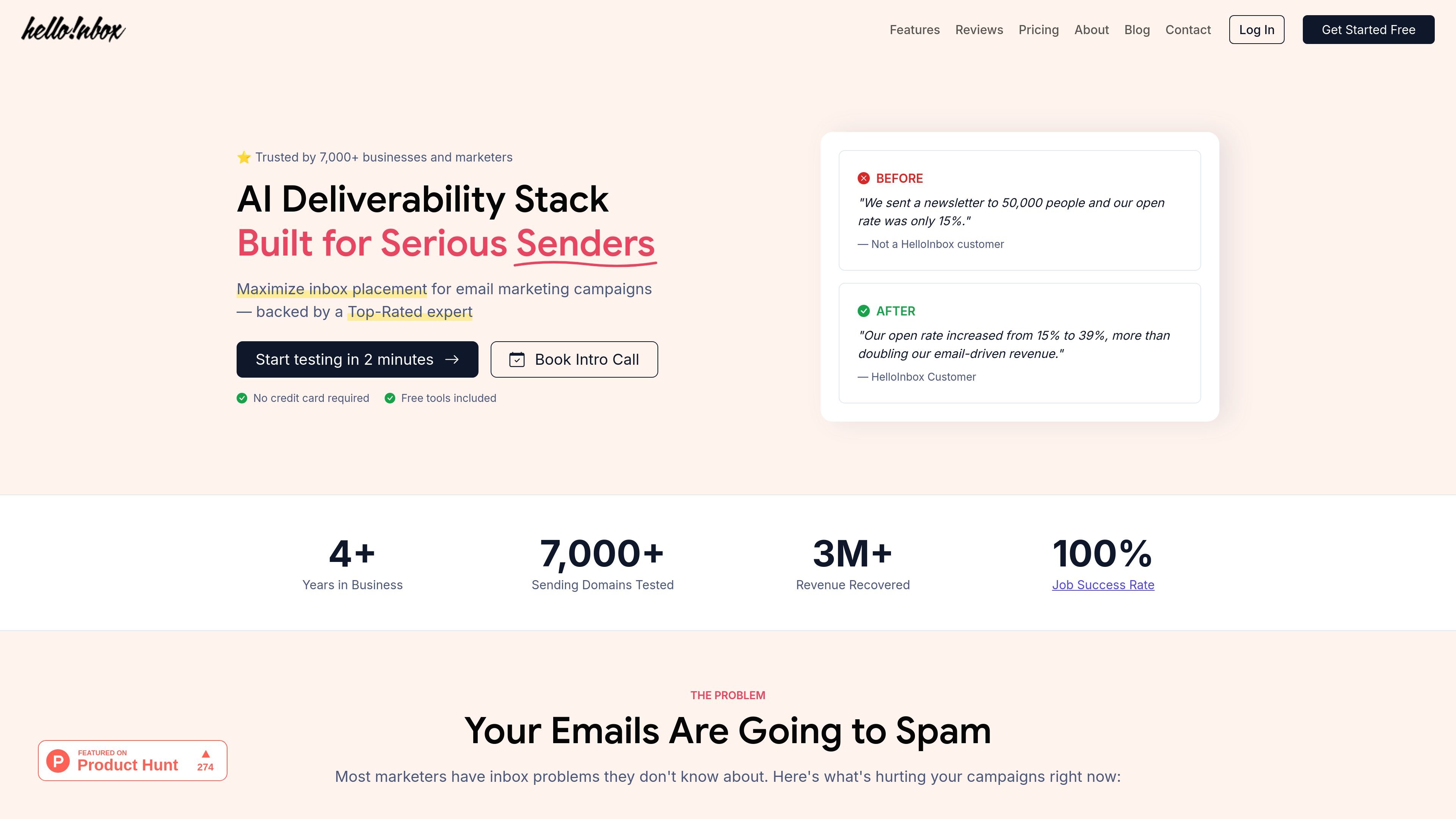
HelloInbox is an email deliverability platform for marketers and other senders who want to improve inbox placement. It combines an AI deliverability assistant with testing, authentication monitoring, list verification, content checks, inbox placement tests, and ongoing alerts.
The product’s stated workflow is to add sending domains and import relevant data, run diagnostic tests, then apply recommended fixes and monitor performance. Its AI can use a sender profile, past conversations, email platform data, and individual test results to provide situation-specific guidance rather than only general deliverability advice.
Send a test email to receive analysis of authentication, content, and reputation, along with AI-generated recommendations for addressing detected issues.
Collect DMARC reports, track compliance, and receive guidance for strengthening the policy while avoiding disruption to legitimate mail.
Check individual addresses or full lists for invalid and temporary email addresses before they affect sender reputation.
Identify spam-triggering words in subject lines and body copy, with AI-assisted rewriting for flagged content. The toolkit also generates descriptive alt text for email images.
Run placement tests across Gmail, Outlook, Yahoo, and other major providers to see whether messages reach the inbox, spam folder, or promotions tab.
Create sender profiles, connect Google Postmaster Tools, and enable alerts for events such as blacklisted IPs, spam-rate spikes, reputation drops, and new test results.
Before sending a campaign, use the deliverability and content checks to review authentication, reputation signals, spam-triggering copy, and list quality so problems can be addressed before launch.
When a domain is producing weak open rates or unexpected spam placement, combine inbox placement results, reputation analysis, and monitoring alerts to identify where delivery is failing.
For a new sending domain or a domain with a damaged reputation, use the warmup toolkit and the assistant’s guidance to plan the recovery process and track warning signals.
For ongoing newsletter or automated email programs, verify lists periodically, monitor DMARC and deliverability signals, and use alerts to catch changes before they affect more campaigns.
HelloInbox is designed for marketers and other serious senders who need to diagnose inbox placement, authentication, list quality, content triggers, or sender reputation issues. The site also presents it as useful for people launching a domain or repairing a damaged reputation.
The homepage describes a three-step workflow: add sending domains and import data, run tests and list or content checks, then apply recommendations and monitor for new problems. Guided setup is described as taking less than two minutes.
The deliverability test analyzes authentication, content, and reputation and provides AI-powered fixes. Separate inbox placement tests show whether messages land in the inbox, spam, or promotions tab across Gmail, Outlook, Yahoo, and other major providers.
The site says the AI assistant uses the sender profile, past conversations, and email platform data as context, and can answer questions about individual deliverability and inbox placement test results.
The homepage states that HelloInbox includes free tools and that no credit card is required to start testing. The available evidence does not specify pricing, plan limits, or feature differences.

Liam is an AI copilot for managing inboxes, writing replies, prioritizing email, and scheduling meetings. It is offered free for individuals, with custom pricing for teams and enterprise.

Sequenzy is an email marketing and automation platform for SaaS teams, stores, and AI teams. It combines campaigns, event-driven workflows, transactional email, segmentation, and revenue attribution, with developer and AI-agent access.

Dirac is an AI email assistant that prepares a morning brief, prioritizes important threads, and drafts replies in your voice. It is positioned for founders and other busy professionals who use Gmail and want to reduce morning inbox triage.

AgentMail is an email inbox API for AI agents that lets developers create, send, receive, and search messages through REST APIs and SDKs. It supports agent workflows such as threaded replies, verification, customer support, scheduling, and inbox-based approvals.

Volanea is an email platform for transactional email, campaigns, and lifecycle automation. It combines sending, tracking, and deliverability monitoring on one contact graph, with a free plan and paid monthly credit tiers.

ClawCard gives AI agents a dedicated identity stack: email, US phone number, virtual cards, wallet, on-chain identity, and access to paid APIs. It is built for automated signups, checkouts, credential storage, and machine payments through CLI and REST workflows.