
Photorealistic image generation
The main generator is presented for photorealistic image creation with sharp or readable text rendering, supporting prompts for posters, product visuals, diagrams, and other composed graphics.

imagesv2.ai is a web-based GPT Image 2 platform for generating photorealistic visuals, text-rich graphics, panoramas, screenshots, illustrations, and photo-based styling assets. It supports creators, marketers, educators, designers, and other users who need purpose-built image workflows without an OpenAI account.
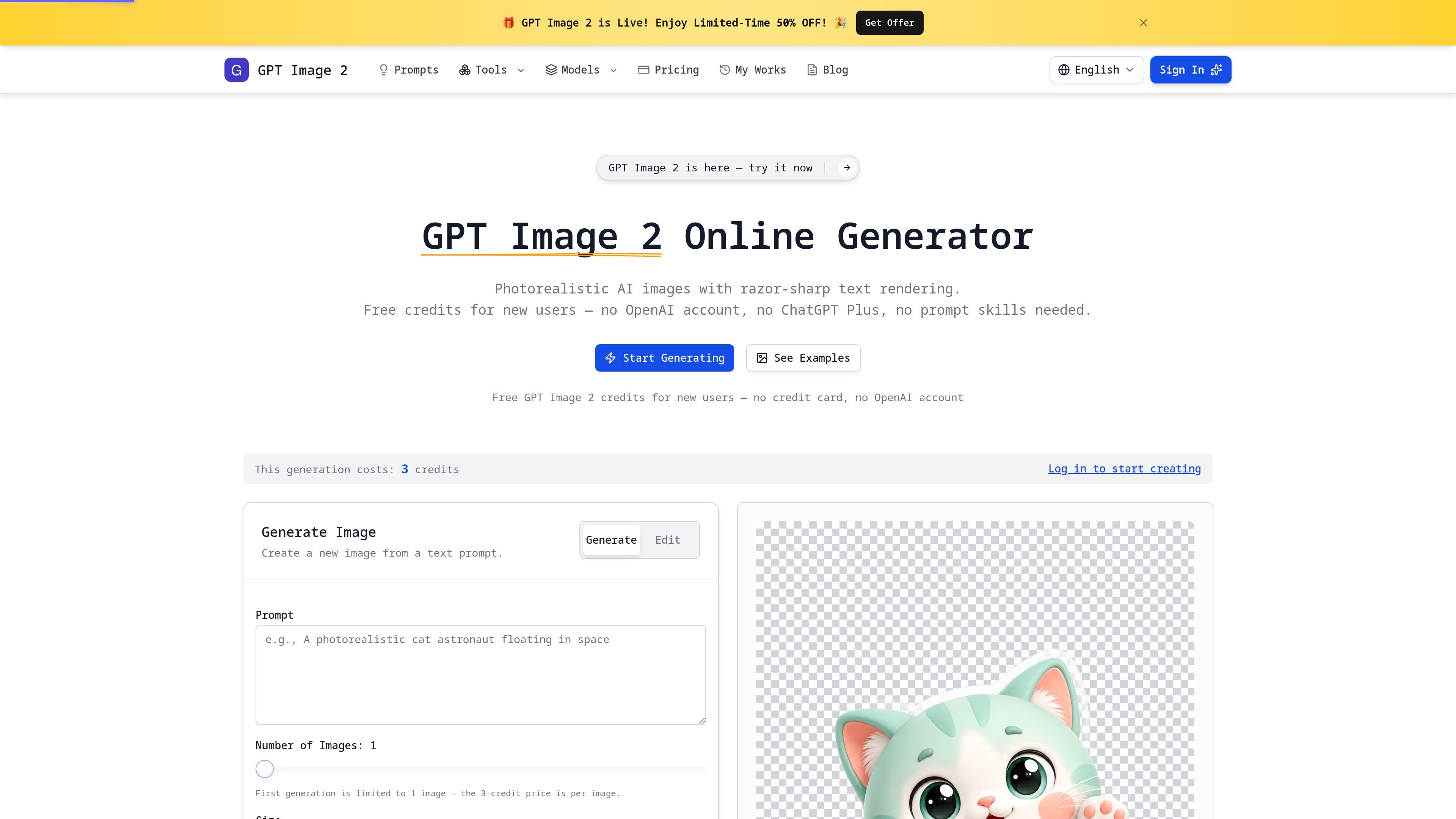
imagesv2.ai is a web-based AI image-generation platform built around GPT Image 2. Its main generator is designed for photorealistic visuals and text rendered inside images, with examples spanning product advertising, event posters, social graphics, diagrams, app mockups, characters, and story scenes.
Alongside the general generator, the site offers focused workflows for panoramic scenes, social screenshots, chat mockups, infographics, portrait styling, personal color analysis, wallpaper illustrations, and photo annotation. New users can start with free credits without an OpenAI account or credit card; paid subscriptions and non-expiring credit packs are also available for continued use.
The main generator is presented for photorealistic image creation with sharp or readable text rendering, supporting prompts for posters, product visuals, diagrams, and other composed graphics.
The homepage highlights transparent PNG, SVG, and 4K export options. The supplied source does not specify which options are available in every tool or plan.
A dedicated workflow turns a place-and-time prompt into a seamless equirectangular 360° panorama. Users can drag, zoom, and look around the result; the tool can also use optional reference images.
Specialized generators create editable, rendered social-content mockups, including pixel-accurate X single-tweet screenshots and 750×1334 WeChat chat screenshots. The tweet tool exports a 1500px PNG.
Focused image workflows cover article infographics, personal style cards, portrait looks, color try-ons, phone-wallpaper scenes, and handwritten photo annotations. Some workflows use an uploaded photo to preserve a person’s face or annotate an everyday image.
The site provides curated examples with reusable prompts and a directory of AI image generators, models, converters, and photo tools, giving users starting points beyond a blank prompt.
Generate product heroes, sale banners, product-detail visuals, and promotional ads for storefronts or campaigns, using text-bearing compositions where needed.
Turn a launch, campaign, or event brief into a poster or key visual, then use the generated asset as an early creative direction or finished graphic.
Create social-ready tweet screenshots, WeChat chat scenes, and other shareable visuals when a post needs to communicate through a realistic interface or conversation.
Build infographics, process diagrams, educational illustrations, and article visuals for explanations, slides, blogs, and knowledge materials.
Explore app mockups, brand-kit directions, portrait treatments, personal color combinations, style cards, and story or comic scenes before a design handoff or publication.
No. The homepage says new users receive free credits without a credit card or OpenAI account. The 360° panorama tool states that new accounts receive 3 free credits, enough for a first generation.
The platform includes a general GPT Image 2 generator plus focused tools for 360° panoramas, tweet screenshots, WeChat chat screenshots, article illustrations, personal style cards, portrait styles, personal color analysis, flat landscape illustrations, and handwritten photo annotations.
The 360° panorama tool accepts an optional reference-image upload in PNG, JPG, or WebP format, with up to 10 images and a 20 MB limit per image. Broader upload and input limits for the other tools are not specified in the supplied source.
Subscription credits are delivered at the start of each billing cycle, and unused subscription credits expire at the end of the period. One-time credit packs do not expire. Paid Starter, Pro, and Ultra plans include commercial licensing; the source does not state commercial-use terms for free credits.

PixelDrive is a bulk image generation API for creating many on-brand images from one template through a browser editor, REST API, CSV batch, or MCP. It suits teams that need repeatable image output with cacheable renders and usage-based pricing.

Napkin AI verwandelt Text in bearbeitbare Visuals für Präsentationen, Dokumente und teilbare Inhalte. Text zuerst, inkl. Export als PPT, PNG, SVG oder PDF.

GPTIMG2 AI is a web-based image generator built around OpenAI’s GPT Image 2 model. It supports prompt-driven generation, reference-based edits, readable text, and higher-resolution outputs for product visuals, posters, UI mockups, ads, and similar production assets.

TapNow is a web-based AI visual creation platform for businesses, creators, and teams. It supports image and video generation along with editing, planning, and collaboration tools.

Kling AI is an AI creative studio for generating and editing images and videos, with web, mobile, and API access for creators and developers. It supports a broad set of visual workflows, including video generation, image creation, editing, and native 4K output for the V3 series.

Der AI-Malgenerator ist eine Online-Software, die automatisch Kunstwerke basierend auf von Benutzern bereitgestellten Textbeschreibungen erstellt.