
Agent-readable component catalog
The agent can read a live catalog of 27 component types, including properties, defaults, styles, and sample JSON generated from the renderer’s shared registry.

Imejis is an image-generation API and remote MCP design server that lets compatible AI agents create, edit, preview, and render structured designs. It helps developers and automation builders turn prompts, templates, and data into images through MCP, API calls, or workflow tools.
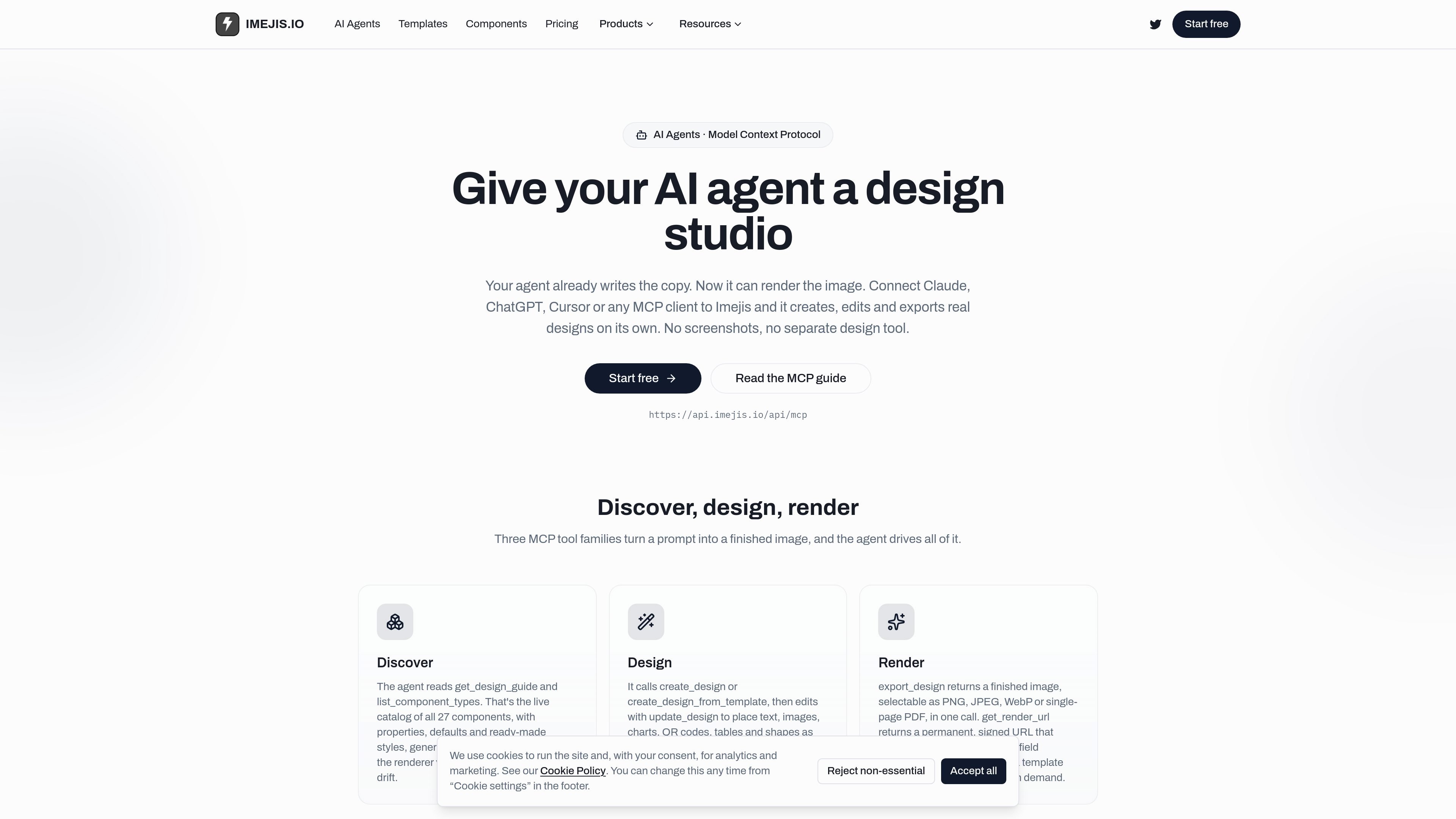
Imejis is an image-generation API and remote Model Context Protocol (MCP) server that gives compatible AI agents a structured design workflow. Agents such as Claude, ChatGPT MCP connectors, Cursor, or custom MCP clients can discover available components, create or modify designs, preview them, and render finished assets.
The service is intended for workflows where an agent or automation needs to turn copy and data into consistent visual output. Designs can be created from templates or from scratch, while render URLs accept field overrides for repeated outputs such as personalized certificates, charts, branded social images, and other data-driven graphics.
The agent can read a live catalog of 27 component types, including properties, defaults, styles, and sample JSON generated from the renderer’s shared registry.
Create designs from scratch or from templates, then update text, images, charts, QR codes, tables, and shapes as structured JSON rather than relying on screenshots or manual editing.
Use preview_design to inspect a design before delivery, then export the finished image as PNG, JPEG, WebP, or a single-page PDF.
Generate a signed render URL that accepts field overrides and renders fresh per request, allowing one template to serve many data rows or recipients.
The component library covers text, images, QR codes, barcodes, ratings, progress indicators, tables, shapes, and chart types such as bar, line, pie, radar, Sankey, treemap, funnel, and candlestick.
The same render endpoint can be called by n8n, Zapier, Make, or scripts using JSON overrides, with examples including workflow-triggered images for email, Slack, or storage.
Ask an MCP client to turn a title, logo, and visual direction into a 1200×630 Open Graph image and export it as a PNG for a blog or campaign page.
Create a template with recipient fields and use a render URL to produce a separate certificate for each person by supplying names and dates at request time.
Pass structured business or product data into chart, metric, table, or progress components to produce images for reports, dashboards, sales updates, or campaign summaries.
Generate scannable QR codes or barcodes with configurable content and styling for links, coupons, tickets, product identifiers, or shipping materials.
Trigger a render from an n8n, Zapier, Make, or scripted workflow when a row, webhook, schedule, lead, sale, or signup changes, then send the returned image to email, Slack, or storage.
Imejis provides a remote MCP server at https://api.imejis.io/api/mcp. In a compatible client, add the endpoint as a custom or remote MCP server and authorize Imejis over OAuth. The documented setup flows cover Claude, ChatGPT MCP connectors, and Cursor.
The MCP server works with MCP-enabled clients, including Claude Desktop and Code, ChatGPT MCP connectors, Cursor, and custom agents built with the MCP SDK. The agent acts with the permissions granted during OAuth authorization.
An agent can discover the component catalog, create a design or use a template, update structured JSON, preview the result, and export it. Exports can be PNG, JPEG, WebP, or a single-page PDF.
The get_render_url tool returns a signed URL that renders a design on request and accepts field overrides. This supports a reusable template where values such as names, dates, or other data change for each request.
The free plan includes 100 API renders per month, 50 designs, limited public links, and 500 MB of file storage. Paid plans increase render quotas and storage, with plan details listed on the pricing page.

PixelDrive is a bulk image generation API for creating many on-brand images from one template through a browser editor, REST API, CSV batch, or MCP. It suits teams that need repeatable image output with cacheable renders and usage-based pricing.

Napkin AI verwandelt Text in bearbeitbare Visuals für Präsentationen, Dokumente und teilbare Inhalte. Text zuerst, inkl. Export als PPT, PNG, SVG oder PDF.

Refero MCP for AI agents connects an MCP-compatible agent to Refero’s curated library of web and iOS product interfaces and user flows. It helps agents research real design patterns before generating UI, with access included in the Refero Pro plan.

GPTIMG2 AI is a web-based image generator built around OpenAI’s GPT Image 2 model. It supports prompt-driven generation, reference-based edits, readable text, and higher-resolution outputs for product visuals, posters, UI mockups, ads, and similar production assets.

TapNow is a web-based AI visual creation platform for businesses, creators, and teams. It supports image and video generation along with editing, planning, and collaboration tools.

Eine All-in-One AI-Plattform, die Werkzeuge für Bild, Video, Sprache, Schreiben und Chat kombiniert, um Kreativität und Zusammenarbeit zu fördern.