
Live context for agents
The MCP server exposes shared organizational memory as queryable context, so an assistant can answer from the current plan rather than from stale docs or isolated chat history.

In Parallel is an AI context layer for teams that captures meeting signals and exposes shared plan context to tools like Claude, Copilot, and ChatGPT via MCP. It helps teams keep decisions, owners, and drift signals aligned across workspaces.
In Parallel is an AI context layer for teams built around MCP. It captures shared organizational memory from meetings and makes that context available to AI tools such as Claude, Copilot, and ChatGPT so they can answer from the same live business reality.
The product is aimed at teams that need their plans, decisions, owners, and drift signals kept in sync across tools. Instead of relying on stale docs or separate status updates, it exposes workspace-specific context through a dedicated MCP endpoint and keeps that context scoped to the right people and projects.
The MCP server exposes shared organizational memory as queryable context, so an assistant can answer from the current plan rather than from stale docs or isolated chat history.
Each workspace gets its own MCP endpoint and data perimeter, which keeps customer, project, board, or executive context separate.
The product captures meeting signals and uses them to update plans, decisions, owners, and drift indicators without manual re-entry into a second system.
It is designed to connect to MCP-capable assistants, coding agents, and automation platforms across multiple tools, instead of binding the workflow to one vendor.
The site says workspaces have separate permissions and audit logs, and that permissions are granted to people rather than to models.
The setup flow connects calendar, email, and meeting tools, then points an AI connector at the workspace MCP URL.
Product teams can keep roadmaps aligned with what was actually decided in meetings, while drift and missing owners surface before a sprint slips.
Executives can query a workspace-specific context layer for a current view of strategy, execution, and divergence without reconstructing the story from multiple docs.
Finance teams can expose commitments and divergence signals in context so variance is visible when it appears in a meeting, not only in a later report.
Marketing teams can spot when a campaign brief or launch plan has drifted during collaboration, before the work reaches launch.
Internal agents and automations can read the same plan-grounded context through MCP, making status drafts and other workflow actions more consistent.
In Parallel captures meeting signals and exposes the resulting plan state through an MCP server, so assistants like Claude, Copilot, ChatGPT, and other MCP-capable tools can query the same live context.
Yes. The site says setup takes about five minutes: install In Parallel, connect sources such as calendar, email, and meeting tools, then add your workspace MCP URL in the AI tool’s connector settings.
The product is scoped by workspace. Each workspace has its own MCP endpoint, permissions, and audit log, and the site says the AI only sees that workspace’s plan state, decisions, owners, and drift signals.
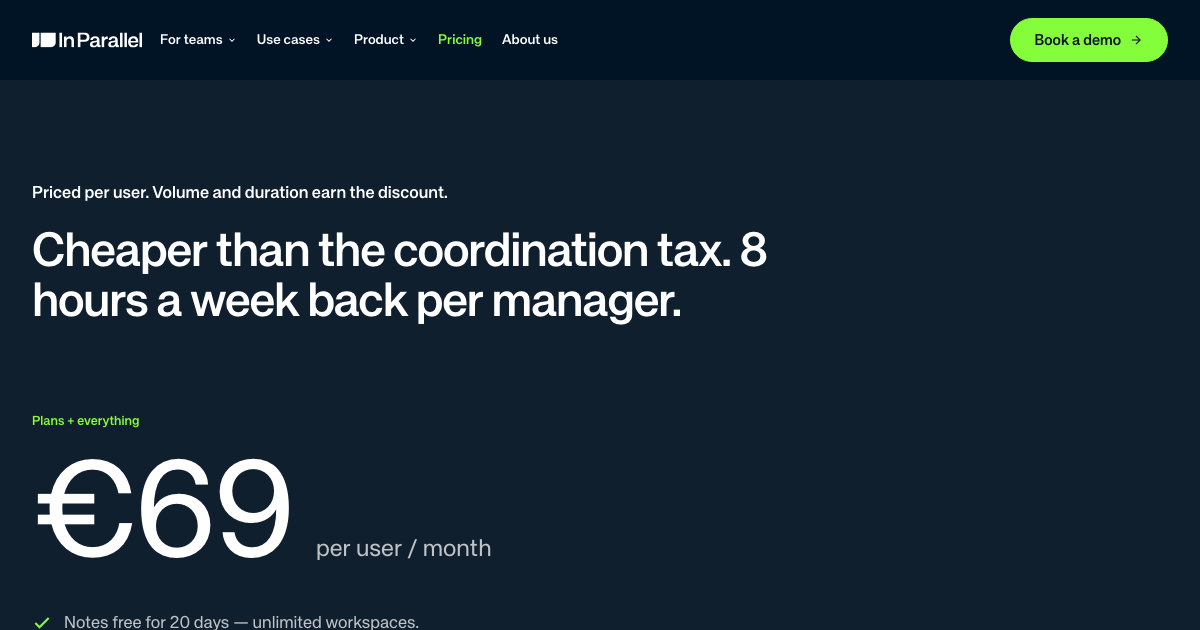
The pricing page says the product is free for 20 days, with the full product included in the trial. After that, paid plans start at €69 per active user per month, with annual and multi-year discounts available.
The site lists Claude, Copilot, ChatGPT, Cursor, Gemini, Perplexity, Claude Code, Windsurf, GitHub Copilot, Zed, VS Code, n8n, Zapier, Goose, Continue, Cline, and custom SDK-based agents as supported contexts or examples.

Dcyde is a decision log for product teams that captures what was decided, the reasoning behind it, and the source in one shared place. It supports pinning decisions from Slack, Figma, or inside Dcyde and keeps the record searchable over time.

Goldfish is an AI memory app for macOS that helps you reply, write, summarize, and continue using the context already on your Mac. It stores memory locally and writes in your tone.

Biji ist eine vielseitige Plattform, die entwickelt wurde, um die Produktivität durch innovative Werkzeuge und Funktionen zu steigern.

garden-md is an open-source Node.js CLI that turns meeting transcripts into a local company wiki. It links entities across transcripts, keeps the original text intact, and renders the result as a browsable wiki.

runevr is a connected workspace for creative teams that combines boards, media review, chat, recordings, drive, calls, and AI agents in one room-based environment. It is designed to reduce tool switching and keep project context together.

Lasso is an ecommerce product data platform for enriching catalog records, processing supplier files, generating product content, and monitoring competitors. It combines a web app with a REST API, SDK, and MCP server for teams and developers.