
AI prompt-to-form generation
Describe a form in natural language and the studio generates questions, answer choices, and logic for editing before publication.

InfiForm is a conversational form builder for surveys, lead qualification, feedback, quizzes, waitlists, and other interactive questionnaires. It combines one-question-at-a-time flows with AI-generated drafts, branching logic, field types, theme controls, and listed integrations.
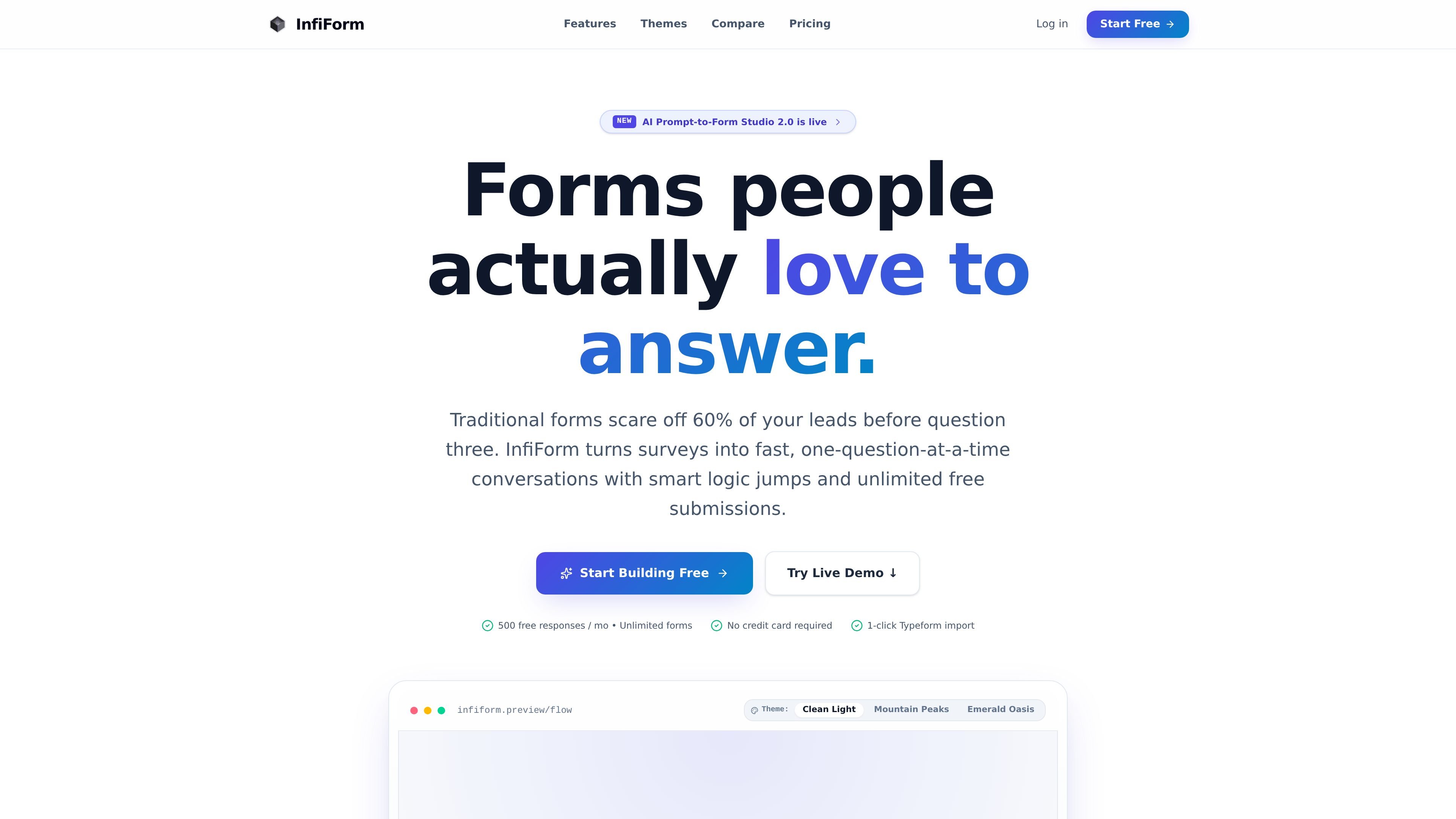
InfiForm is a conversational form builder for creating surveys, lead-capture flows, feedback forms, quizzes, waitlists, and other interactive questionnaires. It displays prompts one at a time and supports keyboard navigation, with branching logic for directing respondents through different paths.
Forms can be created in a visual studio or drafted from a natural-language prompt. The product also provides a range of response fields, theme customization, imports from other form tools, and listed connections to services such as Google Sheets, Notion, Slack, custom webhooks, and Calendly or Cal.com.
Describe a form in natural language and the studio generates questions, answer choices, and logic for editing before publication.
Present questions as one-at-a-time conversational cards with keyboard navigation, rather than a single long document-style form.
Build forms with field archetypes such as email, phone, multiple choice, ratings, NPS, file upload, signature, date and time, matrix, and payments.
Create conditional paths using multi-condition rules, score calculation, and URL redirects to tailor the next step for each respondent.
Use generative vector presets, palettes, custom CSS, and custom fonts to change the visual presentation of a form.
Import a public Typeform share link with questions, descriptions, choices, and logic; the homepage also advertises migration options for Google Forms and Jotform.
Create qualification questions, branch prospects by role or company profile, and direct selected respondents to a Calendly or Cal.com booking step.
Collect NPS scores, ratings, and written feedback in a shorter conversational flow that can branch based on a respondent's answer.
Build a launch waitlist with different paths for early-access or other audience segments, then send collected responses to a spreadsheet or webhook workflow.
Design an interactive quiz using multiple-choice, scoring, and conditional logic, with redirects or tailored follow-up paths based on results.
Move an existing public Typeform into an editable InfiForm workspace, preserving the advertised questions, choices, descriptions, and logic rather than rebuilding the form manually.
InfiForm lets users create conversational forms with one-question-at-a-time interactions. Forms can be created manually or generated from a natural-language prompt in its AI Prompt-to-Form Studio.
The homepage states that the free offering includes unlimited forms and unlimited submissions, while also displaying 500 free responses per month in the page description and hero copy. Because the site's pricing page was unavailable, the exact relationship between these claims and any paid plans should be confirmed before purchase.
The homepage lists a one-click Typeform import that can bring in questions, descriptions, choices, and logic from a public Typeform share link. It also mentions migration paths from Google Forms and Jotform, but provides fewer implementation details for those imports.
The product supports conversational field types including text, email, phone, number, website, choice, rating, NPS, file upload, signature, date and time, checkboxes, matrix, and payments. The site also lists visual branching logic, score calculation, URL redirects, and conditional rules.
The homepage lists Google Sheets, Notion, Slack alerts, custom webhooks, and Calendly or Cal.com embeds as supported workflow options. Specific setup steps, limits, and availability by plan are not documented in the collected sources.

GameGrad turns PDF study material into quiz questions that appear inside arcade games, so users can practice active recall while they play. It offers a free tier with one PDF and a Pro plan with more uploads, more questions, and answer explanations.

ClawEase is an AI business operator that captures requests across calls, email, SMS, WhatsApp, LINE, and web forms, then completes booking and service workflows in existing web systems. It is aimed at appointment-based businesses that need intake, follow-up, and execution without API changes.

VForms lets you place questionnaires directly inside YouTube videos so viewers answer in context instead of switching to a separate form. It is aimed at collecting feedback and insights through timestamped, embeddable video forms.

Badge is a professional reputation tool that collects anonymous peer reviews and turns them into a Trust Score. It helps job seekers, freelancers, and other candidates present proof of work to recruiters.

UserCall’s Research Triggers lets teams invite users into short AI-moderated interviews at key product moments such as signup, onboarding drop-off, cancellation, or checkout abandonment. It helps product, research, and insights teams capture contextual feedback while the experience is still fresh.

Lingofable is a story-based language learning app that helps learners practice reading at an appropriate level and review new vocabulary in context. It currently supports Spanish, with Android listed as coming soon.