
Automatic zoom
Apply automatic motion zoom to parts of a screen recording so the viewer’s attention follows the action without manual frame-by-frame editing.

isolate.video is an AI video editing app for turning screen recordings into polished product videos with automatic zoom, AI music, and spotlight effects. It offers a free plan plus paid tiers for higher-resolution exports and no watermark.
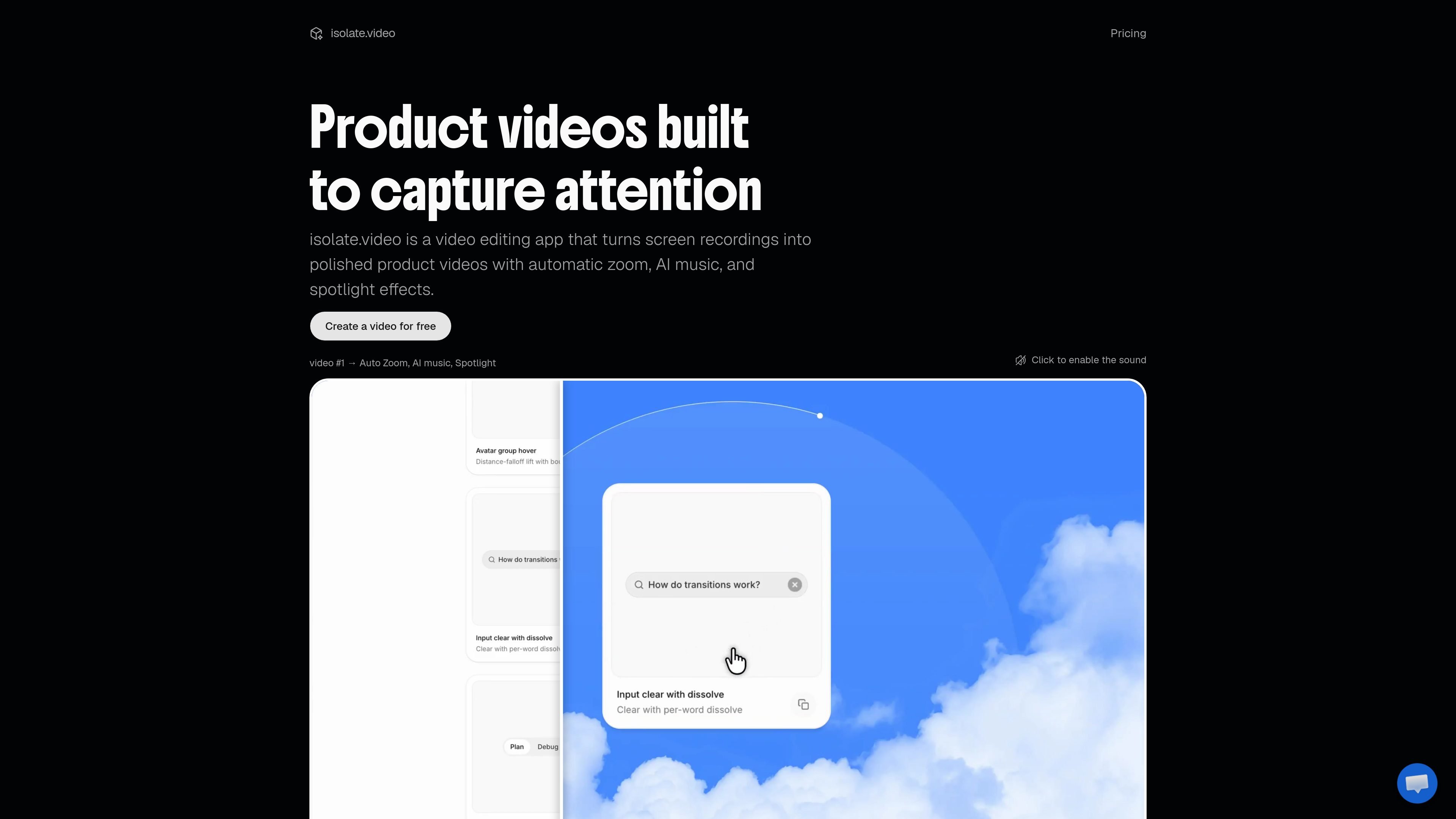
isolate.video is an AI video editing app for turning screen recordings into polished product videos. The home page describes a workflow centered on uploading a recording, isolating what matters, and creating a finished video with automatic motion zoom, AI music, and spotlight effects.
The product is aimed at people who want to present software or product demos more clearly without manually building every edit. The pricing page shows a free plan plus paid Creator and Studio plans, with higher export quality and longer output limits on the paid tiers.
Apply automatic motion zoom to parts of a screen recording so the viewer’s attention follows the action without manual frame-by-frame editing.
Add AI-generated music to finished product videos, based on the product site’s examples and pricing context.
Use spotlight effects to isolate important areas of the recording and make interface changes or UI elements easier to follow.
Create a video from an uploaded recording, then refine it into a product-focused edit rather than keeping the raw screen capture.
Export in different output tiers, including up to 720p at 30 fps on the free plan and up to 4K at 60 fps on the Studio plan.
Work with render-minute and AI-credit limits that vary by plan, which makes the product’s usage model easy to evaluate before upgrading.
Convert a rough screen capture into a cleaner product demo for a landing page, sales page, or launch post.
Highlight interface changes, key clicks, or important areas in a walkthrough by combining zoom and spotlight effects.
Turn an internal recording into a more presentable clip for sharing with prospects, customers, or teammates.
Test the product on a short video first, then move to a paid plan if you need longer exports, higher resolution, or no watermark.
The site shows isolate.video as a video editing app for turning screen recordings into polished product videos. The pricing page also offers a free plan, so you can try it before upgrading.
The home page says you upload a recording, isolate what matters, and ship something beautiful. Beyond that, the available pages do not document a more detailed step-by-step workflow.
The pricing page shows exports at up to 720p on the free plan, up to 1080p on the Creator plan, and up to 4K on the Studio plan.
The pricing page lists a free plan with watermarked exports and paid plans without watermark. It does not document any external integrations on the pages provided.

Video Effects SDK adds real-time webcam effects such as background blur, background replacement or removal, denoising, framing, beautification, and color grading. It is built for teams shipping live video experiences on web, desktop, and mobile platforms.

AI Song Maker is a web-based AI music generator that creates songs from text or lyrics and includes related tools such as vocal removal, track extension, and section replacement. It offers free and paid plans with credits, downloads, and commercial-use terms described on the pricing page.

DeepMotion is a web-based AI motion capture and 3D animation platform with Animate 3D for video-to-animation and SayMotion for text-to-animation. It helps creators and teams generate motion in a browser and export results in common production formats.

Zella is a screen recorder and on-device AI video editor for Mac and iPhone. It helps creators record screens or cameras, automatically clean up footage, add captions, reframe clips, and export videos without uploading the core project to the cloud.

LALAL.AI is an AI audio processing platform for stem separation, voice cleanup, and voice transformation. It supports browser-based upload, preview, and download workflows for audio and video files, plus premium and enterprise options.

Agentic video understanding is a Gemini video analysis mode that helps developers inspect video more selectively for better accuracy and lower token usage. It is available through the Gemini API in Google AI Studio and the Gemini Enterprise Agent Platform.