
Embeddable feedback widget
Lets you collect feedback through an embeddable widget without requiring the user to create an account.

Iterar es un widget de feedback con roadmap público orquestado por IA para equipos de SaaS y apps. Ayuda a organizar, priorizar y convertir feedback de usuarios en trabajo ejecutable con MCP nativo para agentes.
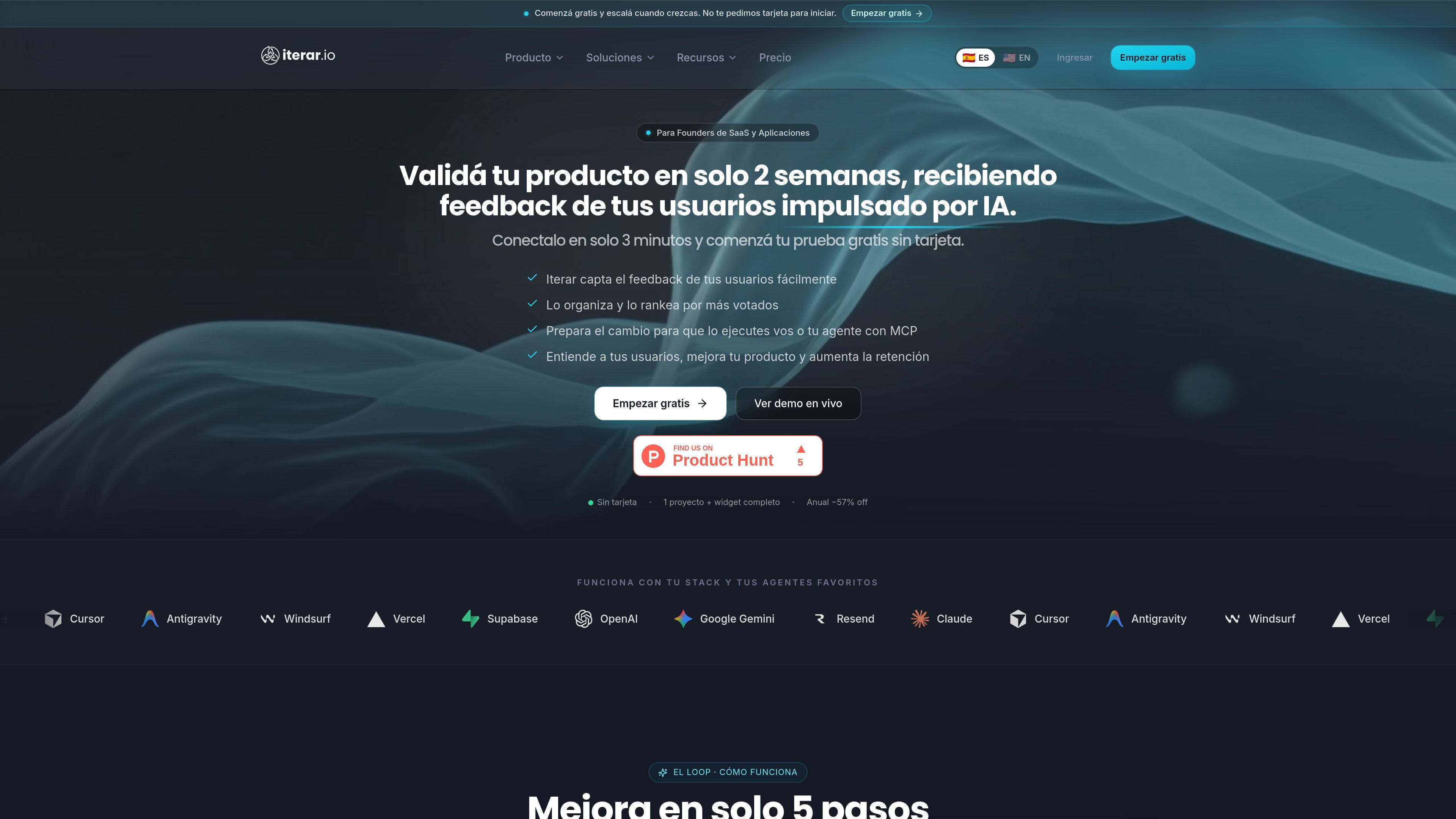
Iterar is an embeddable feedback widget with a public AI-orchestrated roadmap for teams building SaaS products and applications. Its value proposition is to turn user feedback into clear priorities and actionable work without forcing the team to organize tickets manually.
The flow described on the site combines feedback capture, AI normalization and deduplication, a review inbox, automatic roadmap updates, and native MCP so agents like Claude Code can work with that backlog. The documentation also notes that it integrates from the dashboard, with a widget snippet and configuration to connect MCP to the agent.
Lets you collect feedback through an embeddable widget without requiring the user to create an account.
AI normalizes received content, detects language, deduplicates similar ideas, classifies feedback, and filters spam.
The review interface lets you approve, with one click, what AI proposes before publishing or prioritizing it.
Maintains a public roadmap that updates automatically and supports email voting, SSR, and search engine indexing.
Includes native MCP for Claude Code and other compatible agents to read the roadmap, generate PRDs, and execute changes.
Offers brand control and publishing options such as custom domains, automatic multi-language support, and changelog/comments.
For founders who want to validate an idea or a new feature without setting up a manual process of tickets and spreadsheets. Iterar centralizes feedback, organizes it, and turns it into visible priorities.
For teams receiving repeated requests from users in different languages or with different wording. AI groups duplicates and reduces noise to show what people are actually asking for.
For products that want to show progress to users with an indexable public roadmap that can be voted on by email. The site describes a flow where the roadmap updates automatically and acts as a shareable page.
For teams using Claude Code or another compatible agent and wanting to move from the backlog to technical work. MCP lets the agent read items, generate PRDs, and execute changes.
For SaaS products that need their own branding or custom domains. The Studio plan mentions a custom domain per project, automatic multi-language support, and no Iterar branding.
Yes. The pricing page lists a Free plan to validate an idea without a card, along with Starter, Pro, and Studio plans with different features and limits.
According to the documentation, the basic flow is: a user leaves feedback through an embeddable widget, AI normalizes and deduplicates it, relevant items are approved in an AI inbox, the public roadmap updates, and then the MCP lets your agent read the backlog or execute changes.
Yes. The documentation and homepage mention connections with Claude Code, Cursor, and other MCP agents, and Claude Desktop support also appears through MCP.
Credits are consumed when AI processes new feedback. The MCP tools are free; if you run out of credits, feedback stays pending until you renew or buy a pack.
The pricing documentation indicates that you can change plans or cancel at any time from the Stripe Customer Portal, and that cancellation remains active until the end of the already paid cycle.

Lasso is an ecommerce product data platform for enriching catalog records, processing supplier files, generating product content, and monitoring competitors. It combines a web app with a REST API, SDK, and MCP server for teams and developers.

Biji ist eine vielseitige Plattform, die entwickelt wurde, um die Produktivität durch innovative Werkzeuge und Funktionen zu steigern.

Botacts is a web directory for finding AI bots and agents you can contact by phone, email, SMS, WhatsApp, Telegram, or Signal. It also lets creators suggest bots for manual review before publication.

Starlie is a native macOS desktop client for Jira Cloud and self-hosted Jira. It helps Jira users search with JQL, manage sprint boards, review issue context, and make selected updates from a Mac app.

Tavus is an AI video platform for building real-time, face-to-face agents, digital twins, and AI companions. It combines APIs, custom replicas, and multilingual conversational workflows for developers and teams.

HiringPartner.ai is an autonomous AI recruiting platform for sourcing, screening, and interviewing candidates 24/7. It supports ATS-connected workflows, bulk resume uploads, and reviewable interview outputs for hiring teams.