
Per-action runtime authorization
Checks every prompt, tool call, shell command, database query, API request, and workflow step before execution, then allows, denies, or routes the action for approval.

Kastra authorizes AI actions before they execute, covering prompts, tool calls, shell commands, database queries, API requests, and browser actions. It helps teams govern agents locally or across production workflows with policy checks, audit records, and gradual rollout options.
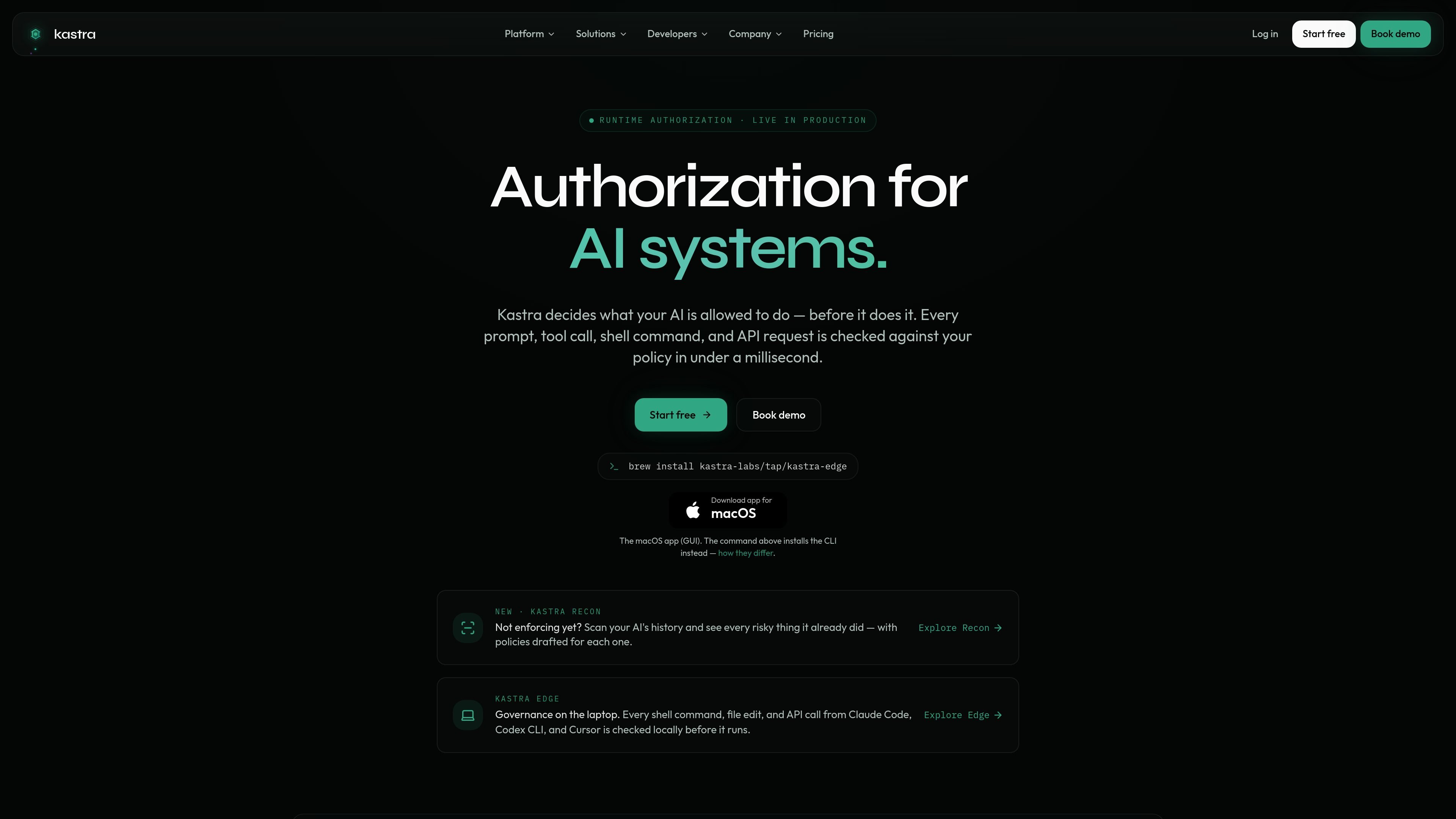
Kastra is an authorization layer for AI systems. It sits between an AI agent or tool and the target system, checking each action against policy before anything executes. The product is positioned for prompts, shell commands, database queries, API requests, browser actions, and autonomous workflows.
The site describes a control plane that combines runtime authorization, a policy engine, enforcement on local machines and in backend services, and a signed audit trail. Kastra also includes Recon for reviewing historical agent activity and drafting policies from risky actions already taken.
Checks every prompt, tool call, shell command, database query, API request, and workflow step before execution, then allows, denies, or routes the action for approval.
Lets teams write policy as code, with typed, versioned rules and a policy playground for testing changes against live requests.
Runs enforcement on developer laptops and across agents, browsers, and backend services with the same policy language and decision model.
Produces signed, append-only decision records that can be replayed and exported to SIEM tools or object storage.
Scans prior agent activity with Recon, flags risky historical actions, and drafts policies from what it finds.
Supports shadow mode, so teams can observe decisions and policy fit before turning on blocking enforcement.
Use Kastra to stop destructive or risky terminal commands from running on developer laptops, such as force pushes or bulk deletions, while still allowing approved coding workflows.
Apply policies to browser agents so clicks, form fills, navigation, and downloads are checked before the DOM event fires, with approval gates for sensitive steps.
Use runtime checks for database and API operations in production workflows, where actions can be allowed, denied, or escalated based on actor scope, target, and intent.
Run in shadow mode first to observe live AI activity, then promote the same policies to enforcement once the rules fit real traffic.
Scan prior agent history with Recon to identify risky actions already taken and generate draft policies before enforcement is turned on.
Kastra authorizes AI actions at execution time. It evaluates the actor, scope, action, and destination, then returns allow, deny, or route-for-approval before the action runs.
Yes. The site says Kastra can run locally on a machine, and the pricing page includes local machine governance and Kastra Edge local enforcement on lower tiers, with self-hosted and air-gapped options listed for enterprise.
The site shows support for Claude Code, Codex CLI, Cursor, OpenClaw browser agents, OpenAI-compatible runtimes, and custom internal agents through SDKs.
Kastra uses a policy engine and returns signed, hash-chained evidence for each decision. The site also describes audit exports and streaming to systems such as SIEM, Datadog, Splunk, and S3.
Kastra starts in shadow mode so teams can observe AI runtime activity before enforcing policies. The pricing page describes a progression from observation to enforcement.

ByteAsk is a terminal-first AI coding agent for C and C++ that edits repositories and verifies changes with the real compiler, debugger, sanitizers, and tests before showing a diff. It offers a free tier plus paid plans, with editor connectors and zero-retention handling described in the source.

CreateOS Sandbox is an isolated compute environment for running code and agent workloads inside Firecracker micro-VMs. It is designed for workflows that need machine-level isolation, private networking between sandboxes, and programmatic control through SDK, CLI, or MCP.

hob is an independent workspace for coding agents that keeps agent sessions, terminals, history, and follow-up work organized around the tools and providers you already use. It is aimed at developers who want local control over routing, history, and workspace structure rather than a bundled model stack.

Manta AI is an autonomous web app testing tool for teams that want to map application behavior, catch regressions, and generate tests without writing scripts or maintaining selectors. It works from a URL and supports plain-English test flows, run results with screenshots, and scheduled or deployment-triggered checks.

SonOf connects to your repo and PM tool, audits the codebase and surrounding product context, and turns approved work into shipped tickets with senior engineering review. It is aimed at founders and engineering leaders who need backlog help without hiring a full team immediately.

Macuse is a macOS app that lets AI assistants control native Mac apps through MCP and use Computer Use for any app. It works with clients like Claude Desktop, Cursor, and Raycast, and keeps automation on-device.