
Media HUD
Display volume, brightness, currently playing media, and transport controls in a notch-based overlay for quick access.
Korinotch is a macOS utility that puts media controls, notifications, reminders, widgets, and workflow tools into the Mac notch. It helps Mac users check key information and perform small tasks without leaving their current app.
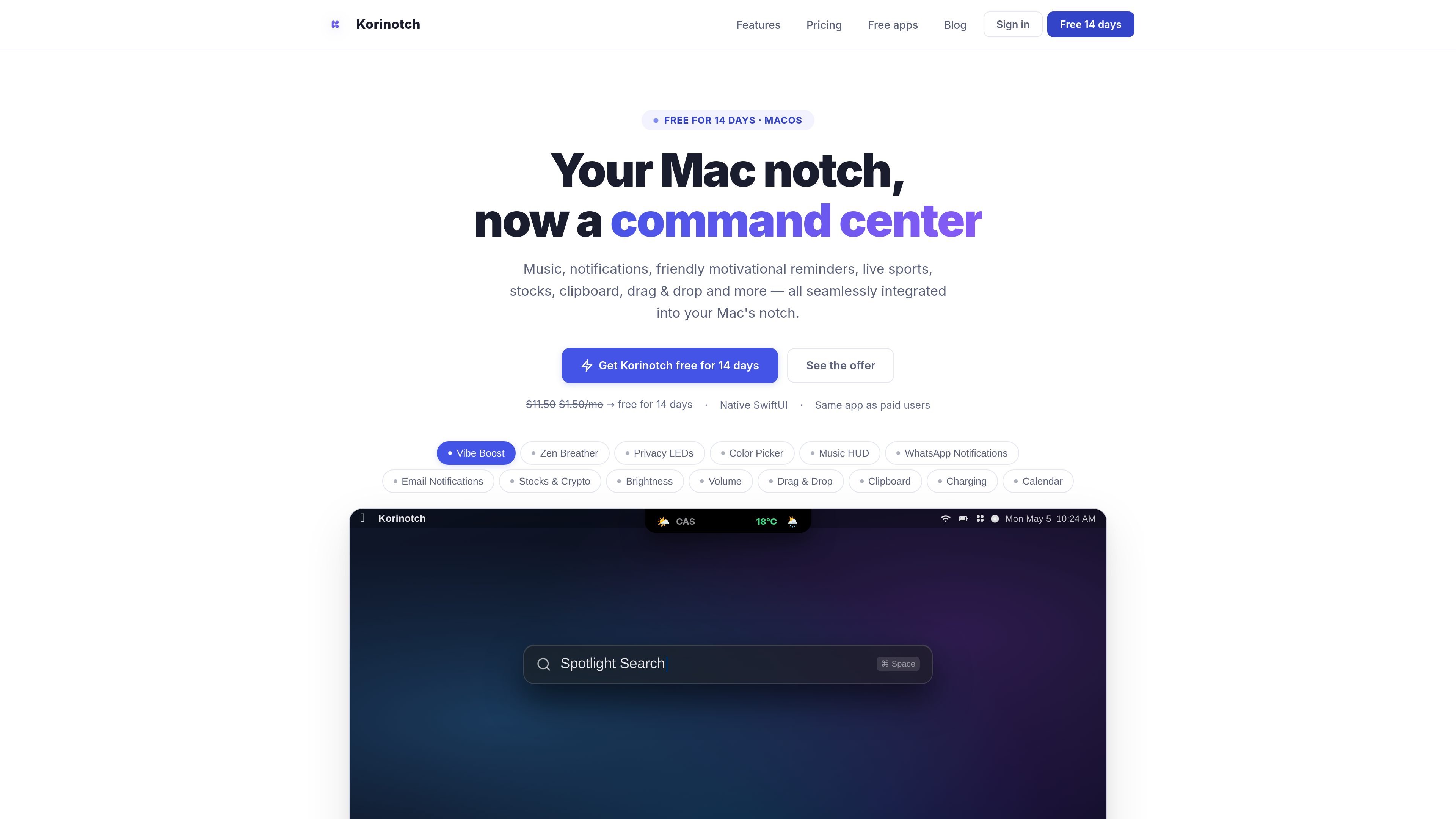
Korinotch is a macOS utility that turns the Mac notch area into a central display for controls, notifications, reminders, widgets, and lightweight workflow tools. It is designed to keep frequently checked information visible without requiring users to leave their current app.
The product combines media controls, WhatsApp and email notification cards, calendar and reminder alerts, sports and market tracking, focus timers, system-status indicators, and clipboard-oriented tools in a native-feeling notch experience. The site lists support for macOS 14 and later and provides a free 14-day access period before paid access is required.
Display volume, brightness, currently playing media, and transport controls in a notch-based overlay for quick access.
Show WhatsApp chat previews and email updates as cards with glanceable conversation or inbox context; WhatsApp cards are described as swipe-friendly and email cards include sender and subject.
Monitor football scores, BTC, ETH, and stock price movements from the notch, with alerts for market movements. Formula 1 race positions are listed as coming soon.
Use a Pomodoro timer, micro-reminders, calendar events, race countdowns, and meeting alerts, with optional first-name personalization for motivational messages.
Keep weather, stock tickers, CPU usage, and network information available through compact widgets, alongside charger status, battery level, and a charging progress bar.
Use a color picker that copies HEX values to the clipboard, a dropzone for files, saved clipboard snippets, privacy activity indicators, and an optional keyboard-lock status overlay.
Keep volume, brightness, playback controls, charging state, and battery progress close at hand while working in another application.
Review incoming WhatsApp previews and urgent email context from the notch instead of repeatedly switching to messaging or mail apps.
Track football scores, crypto prices, and stocks at a glance when monitoring live events or market movements is part of the workday.
Structure a focused work session with a Pomodoro timer, micro-reminders, meeting alerts, and calendar or event countdowns.
Capture a HEX color, save clipboard snippets, or drag files into the notch as part of a lightweight design and file-handling workflow.
Create an account, verify your email, download Korinotch for Mac, sign in, and tap “Begin setup” in the app. The 14-day access period starts when setup begins, and no credit card is required.
After the trial, the site lists standard pricing of $11.50 for lifetime access or $1.50 per month. Korinotch says it will remind you before access ends.
Korinotch is listed for macOS 14 and later. The available source does not provide additional system requirements or installation details.
Formula 1 live coverage is marked “Coming Soon” while Korinotch finalizes a production data provider. Football scores are currently described as available.
For support, email [email protected] with a short summary and a screenshot. The site says support typically responds quickly.

Goldfish is an AI memory app for macOS that helps you reply, write, summarize, and continue using the context already on your Mac. It stores memory locally and writes in your tone.

ArtDeck is a visual reference board app for iPhone, iPad, and Mac that lets artists collect mixed reference material on one canvas and study it with ToolBox lenses. It works offline, supports optional iCloud sync, and is sold as a one-time purchase with no account required.

Biji ist eine vielseitige Plattform, die entwickelt wurde, um die Produktivität durch innovative Werkzeuge und Funktionen zu steigern.

Malyatko is a baby tracker for logging feeding, sleep, growth, teething, and milestones in one app. It works on iPhone, Apple Watch, and widgets, with no sign-up, offline use, and family sharing through iCloud.

Redline is a budgeting tool for Claude Code that paces sessions to stay within time, token, cost, or plan-percentage limits. It uses Claude Code’s native hooks and statusline to help sessions finish with a usable result instead of stopping abruptly.

Claude Overlay is a Windows desktop overlay for Claude Code that reads your screen so you can ask questions, inspect content, and request edits without leaving the current app. It runs on your existing Claude subscription through the Claude CLI, so no separate API key is required.