
Image enhancement with natural detail
AI enhancement aims to recover real detail, improve clarity, fix color, sharpen edges, and reduce noise while keeping a natural look.

Let's Enhance is an online AI image app for enhancing, upscaling, and restoring photos. It helps users clean up images, increase resolution, and process files through free credits, subscriptions, or pay-as-you-go bundles.
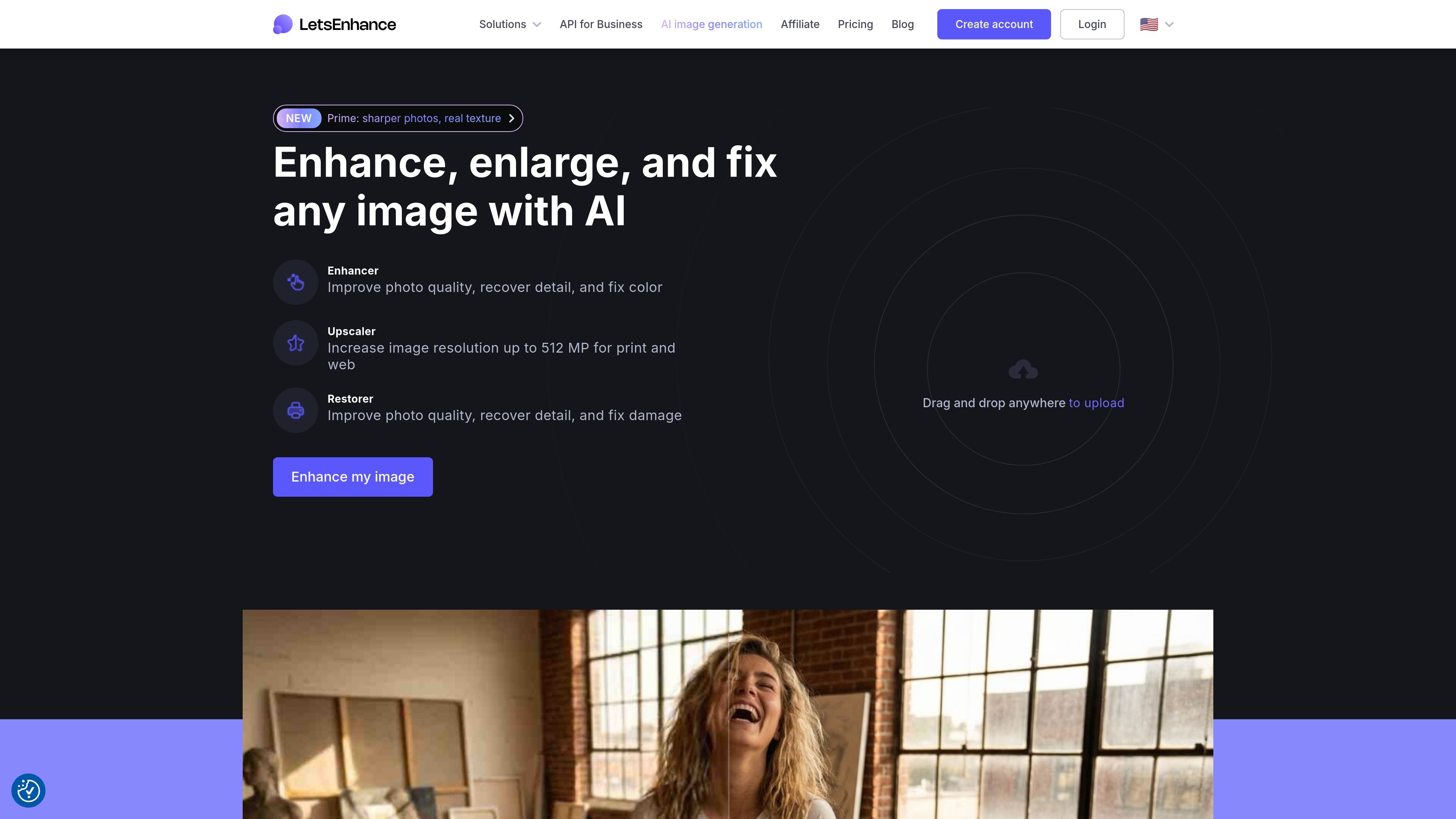
Let's Enhance is an online AI image app for improving, enlarging, and repairing images. The site presents it as a set of tools for enhancement, upscaling, restoration, and related editing workflows, with both free-start usage and paid plans.
The product is aimed at users who need to make photos clearer without heavy manual editing: recovering detail, fixing color, reducing noise, increasing resolution, and restoring older images. The pricing page also shows that it supports credit-based subscriptions and pay-as-you-go bundles, with output limits that vary by plan.
AI enhancement aims to recover real detail, improve clarity, fix color, sharpen edges, and reduce noise while keeping a natural look.
The upscaler can enlarge photos to 4K, 8K, and higher resolutions, with the pricing page stating output support up to 512 megapixels on the Max plan.
The site highlights restoration for old photos, including repair of damaged images and colorization.
The home page describes image tools for enhancer, upscaler, generator, and editor, indicating a broader editing workflow beyond one-off enhancement.
Paid plans include API access, email or chat support on higher tiers, and the ability to save results without a watermark.
Pricing pages specify monthly credit budgets, rollover for unused credits on eligible personal plans, and pay-as-you-go bundles for additional processing.
Improve phone shots, compressed JPEGs, or other files that need cleaner detail and less noise before sharing or publishing.
Increase image resolution for print or web deliverables when the original file is too small, with plan-based upscaling limits.
Repair scans and older family photos by restoring clarity and color, including the site’s old-photo restoration workflow.
Process images through recurring monthly usage when you want a predictable credit allowance, or buy extra capacity as needed.
Use the online tools or API-based workflow when you want image enhancement without building a separate editing pipeline.
Let's Enhance offers an online AI image workflow with enhancer, upscaler, and restorer tools, and the site also mentions API access. The home page describes drag-and-drop uploads and free-to-start usage.
The pricing page says free credits are available on sign-up, with subscription plans and pay-as-you-go bundles also available. Paid users can download processed images without a watermark.
Input images can be up to 64 megapixels or 50 MB on plans listed on the pricing page. Output limits vary by plan, with personal plans up to 256 megapixels and business plans up to 500 megapixels.
The pricing page states that subscriptions use credits at a rate of 1 image per credit. Unused credits roll over while you remain subscribed, and personal plans accumulate unused credits while business plans do not.
The home page and pricing page describe online tools, and the pricing page references support by email and chat. Beyond that, the source does not provide detailed platform compatibility or integration lists.

Upscale.media is an AI image upscaling and enhancement tool from Pixelbin that enlarges low-resolution or pixelated images and improves clarity in the browser. It offers free individual image use, paid credit plans, and team-oriented workflows such as bulk processing and API integration.

ImgUpscaler is a browser-based AI image upscaler that enlarges images by 2x or 4x and improves detail for photos, anime, product images, portraits, and old pictures. It offers free and paid plans for users who need batch processing, more credits, and commercial-ready output.

Pixelcut is an AI photo editor for creating and editing product images, social content, and video assets. It offers free and paid plans, plus mobile app and browser access for individual users and teams.

PhotoAid’s AI Image Enlarger is a free browser-based tool for upscaling images without a standard blur-heavy resize. It supports JPEG, WEBP, and PNG uploads and is described as working best for photos with faces.

Upscale.media is an AI image upscaling and enhancement tool from PixelBin that enlarges low-resolution images and improves visual quality online. It is built for creators, businesses, and teams that need sharper still images or video content with a simple upload-and-process workflow.

Airbrush is an AI-powered photo and portrait editor for web, desktop, and mobile. It helps creators, everyday users, and professionals retouch portraits, remove backgrounds, and enhance images with credit-based AI tools.