
Chrome side panel workflow
Runs as a Chrome extension in a side panel next to your load board so you can work without moving between tabs.

Load Nova is a Chrome extension for freight dispatchers that turns load-board details, broker emails, and manual inputs into structured load drafts with route and pricing context. It is built to help users qualify and book loads without switching tabs.
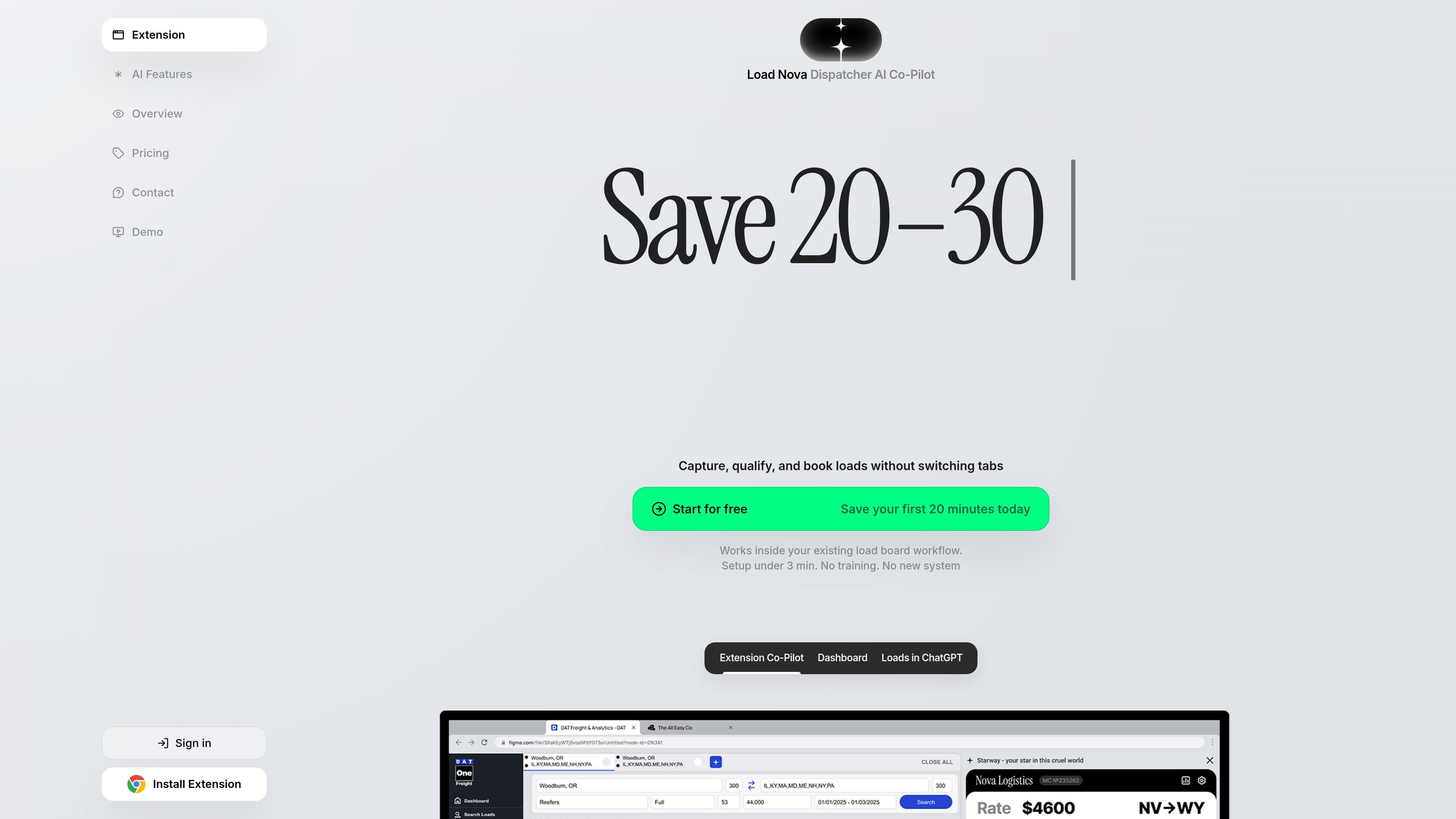
Load Nova is a Chrome extension for freight dispatch work that sits beside a load board and helps users capture, qualify, and book loads faster. The site positions it as an AI dispatch co-pilot for workflows that involve load boards, broker email, and manual inputs such as text, voice, and screenshots.
The product focuses on turning scattered load information into a structured draft with route and pricing context. According to the site, it can parse broker emails, calculate RPM, plan routes with live weather, and keep the load in one flow so dispatchers do not have to switch tabs or rebuild details manually.
The homepage says the setup takes under 3 minutes and that no new system or training is required. It is presented for both solo dispatchers and teams, with a Business plan intended for teams and fleets and dedicated support listed on the pricing page.
Runs as a Chrome extension in a side panel next to your load board so you can work without moving between tabs.
Reads visible load details when you choose to save or process a load, then organizes origin, destination, weight, rate, and posting metadata into a structured record.
Turns broker emails into booking-ready loads and shows key details and confidence signals before you commit time to a load.
Calculates rate per mile, route information, and deadhead so dispatchers can compare loads before wasting time on weak options.
Adds route planning helpers including a multi-stop editor, trip summary, and weather along the route.
Accepts text, voice, screenshots, or email as inputs and converts them into a ready draft for review.
A dispatcher reviewing a board load can capture the visible details, see rate and route context, and decide quickly whether the load is worth calling on.
When a broker email contains the key load information, Load Nova can turn it into a structured draft so the dispatcher does not have to retype everything.
A user can enter information by voice, text, or screenshots and get a ready draft back, which is useful when details arrive outside the load board.
Teams can use the product to keep load information in one place and reduce handoff friction across inboxes, boards, and manual input.
Before booking, dispatchers can check RPM, deadhead, trip summary, multi-stop details, and weather along the route to filter out weak loads earlier.
Load Nova is a Chrome extension that runs alongside your load board and related browser workflows. It can parse broker emails, convert text, voice, or screenshots into structured load drafts, and help calculate RPM, route details, and weather along the route.
The page states that setup takes under 3 minutes and that no training or new system is required. It is designed to work inside your existing load board workflow.
The source material shows that Load Nova supports a Chrome extension workflow, and the privacy policy also refers to related backend services at api.loadnova.app. It is intended to work within the browser while you use third-party load boards and Gmail integration where enabled.
The website shows a 7 day trial on the pricing page and also presents an annual billing option. A Business plan is shown as covering teams and fleets, with dedicated support and contact-sale pricing.
The terms and privacy policy say Load Nova is independent from third-party platforms such as DAT, Truckstop, and Google. The extension is meant for internal freight dispatching use, and you remain responsible for using any third-party platform according to its own terms.

Dirac is an AI email assistant that prepares a morning brief, prioritizes important threads, and drafts replies in your voice. It is positioned for founders and other busy professionals who use Gmail and want to reduce morning inbox triage.

ClawCard gives AI agents a dedicated identity stack: email, US phone number, virtual cards, wallet, on-chain identity, and access to paid APIs. It is built for automated signups, checkouts, credential storage, and machine payments through CLI and REST workflows.

Goldfish is an AI memory app for macOS that helps you reply, write, summarize, and continue using the context already on your Mac. It stores memory locally and writes in your tone.

Biji ist eine vielseitige Plattform, die entwickelt wurde, um die Produktivität durch innovative Werkzeuge und Funktionen zu steigern.

Liam is an AI copilot for managing inboxes, writing replies, prioritizing email, and scheduling meetings. It is offered free for individuals, with custom pricing for teams and enterprise.

Redline is a budgeting tool for Claude Code that paces sessions to stay within time, token, cost, or plan-percentage limits. It uses Claude Code’s native hooks and statusline to help sessions finish with a usable result instead of stopping abruptly.