
Stable names for dev servers
Every project gets a named address based on its folder or container name, so you can open the same project by name instead of chasing whatever port happens to be free.

Localdock is a macOS menubar app that gives local dev servers stable project names and lets them open on the Mac, on Wi‑Fi, or through a temporary public HTTPS link. It is also aimed at AI coding workflows where port changes and orphaned servers are common.
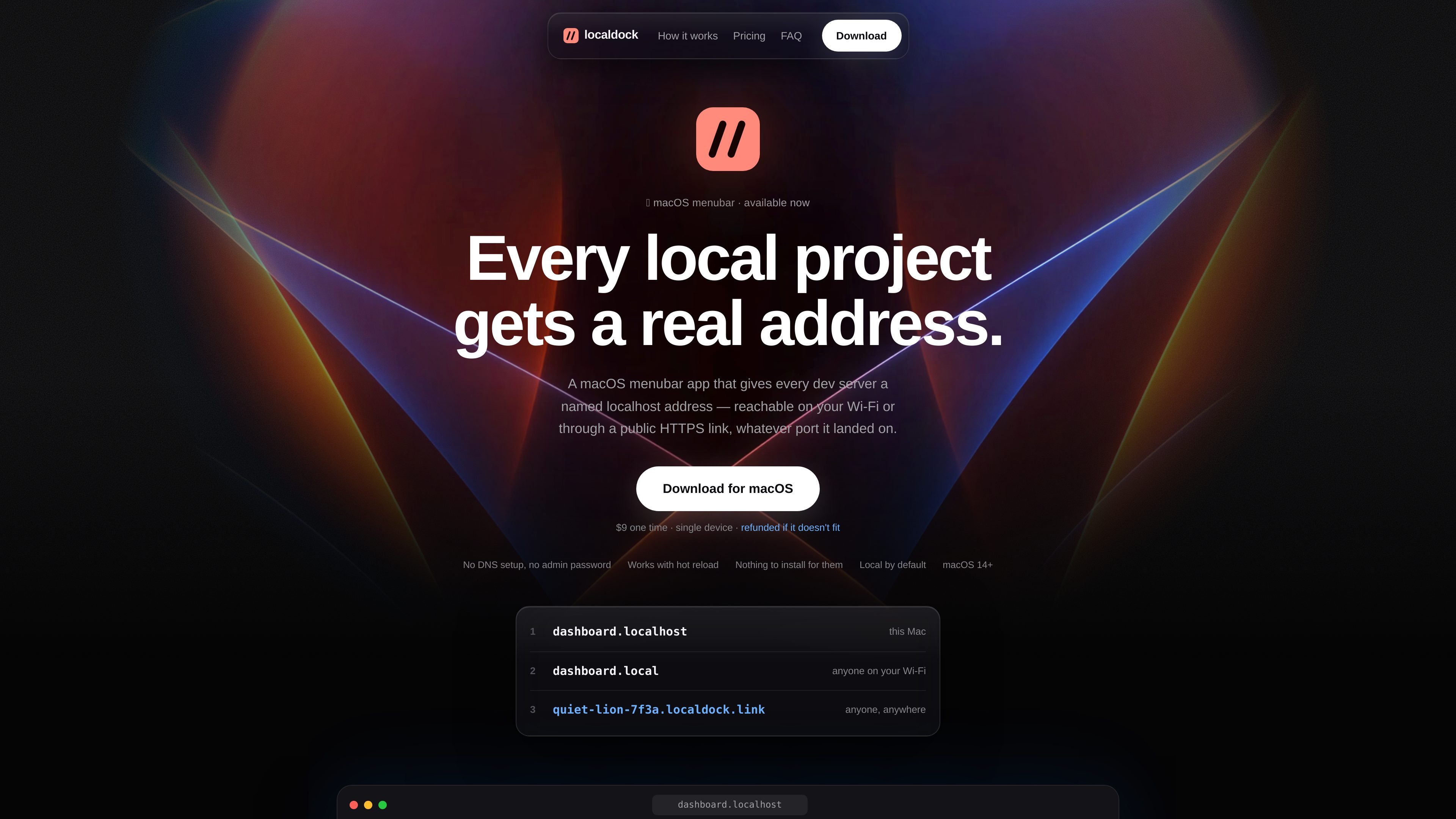
Localdock is a macOS menubar app for naming local dev servers so you can open them by project instead of by port. It gives each project a real address and keeps that name stable even when the underlying port changes.
The same project can be reached at different levels: on the Mac itself through a .localhost address, on the local network through a .local address, or as a temporary public HTTPS link. That makes it useful both for everyday local development and for situations where you need to show work on another device or to someone outside your network.
The product is also positioned for AI coding workflows, where agents may start servers on whatever port is free. Localdock keeps the browser URL pointing at the newest server and provides MCP tools so port collisions and orphaned processes are easier to manage.
Every project gets a named address based on its folder or container name, so you can open the same project by name instead of chasing whatever port happens to be free.
A project can resolve as dashboard.localhost on the Mac itself, dashboard.local on devices on the same Wi‑Fi, or a temporary public HTTPS link when you need to share it further.
The Wi‑Fi mode is designed for real-device testing, including opening the project on a phone in Safari without installing anything on the phone or using a cable.
Public sharing uses a key-gated HTTPS link that expires after an hour and stops when you switch it off or quit, so the share is temporary by design.
The app includes an MCP server with list_ports, get_free_port, and cleanup tools, aimed at keeping agent-driven sessions from colliding on ports or leaving orphaned servers behind.
The app can show which projects are still listening and surface orphaned servers, helping you notice processes that were left running after you moved on.
If you run a local app that changes ports during development, Localdock lets you keep using the same project name in your browser, README, or OAuth callback settings.
When you want to see the real UI on an iPhone or another device on your network, you can switch a project to Wi‑Fi and open the .local address without installing anything on the phone.
If a client, teammate, or webhook provider needs to reach a work-in-progress build, you can move the project to Internet and share a temporary HTTPS link instead of deploying first.
When multiple AI sessions are starting and stopping servers, the MCP tools can help reserve ports, list what is running, and clean up orphaned processes.
No. Localdock is a macOS menubar app, and the public-link flow is built around sharing a dev server from your Mac. The recipient only needs a browser.
Yes, if you switch that project’s Reach to Wi‑Fi. Localdock then lets devices on the same network open the project at a .local address, with nothing installed on the phone.
Yes. The app is described as stable with Claude Code, Cursor, and other MCP-capable agents. It also ships MCP tools for listing ports, getting a free port, and cleaning up localhost processes.
The public link is temporary: it expires after an hour and stops immediately when you switch it off or quit the app. It is intended for best-effort sharing, not always-on hosting.
The pricing page presents Localdock as a one-time purchase for macOS, with a licence key emailed after payment and version 1 updates included. It also states there is no subscription, no account, and no login.

ByteAsk is a terminal-first AI coding agent for C and C++ that edits repositories and verifies changes with the real compiler, debugger, sanitizers, and tests before showing a diff. It offers a free tier plus paid plans, with editor connectors and zero-retention handling described in the source.

Goldfish is an AI memory app for macOS that helps you reply, write, summarize, and continue using the context already on your Mac. It stores memory locally and writes in your tone.

CreateOS Sandbox is an isolated compute environment for running code and agent workloads inside Firecracker micro-VMs. It is designed for workflows that need machine-level isolation, private networking between sandboxes, and programmatic control through SDK, CLI, or MCP.

ArtDeck is a visual reference board app for iPhone, iPad, and Mac that lets artists collect mixed reference material on one canvas and study it with ToolBox lenses. It works offline, supports optional iCloud sync, and is sold as a one-time purchase with no account required.

Biji ist eine vielseitige Plattform, die entwickelt wurde, um die Produktivität durch innovative Werkzeuge und Funktionen zu steigern.

Malyatko is a baby tracker for logging feeding, sleep, growth, teething, and milestones in one app. It works on iPhone, Apple Watch, and widgets, with no sign-up, offline use, and family sharing through iCloud.