
Product upload or product-link input
Upload product images or paste a product URL, and Loova builds an ad around the extracted product information and selling points.

Loova AI UGC Ad Maker turns product images or product URLs into UGC-style video ads using AI avatars, voiceovers, and social-first ad structures. It is designed for brands that want to create product ads quickly without filming or hiring creators.
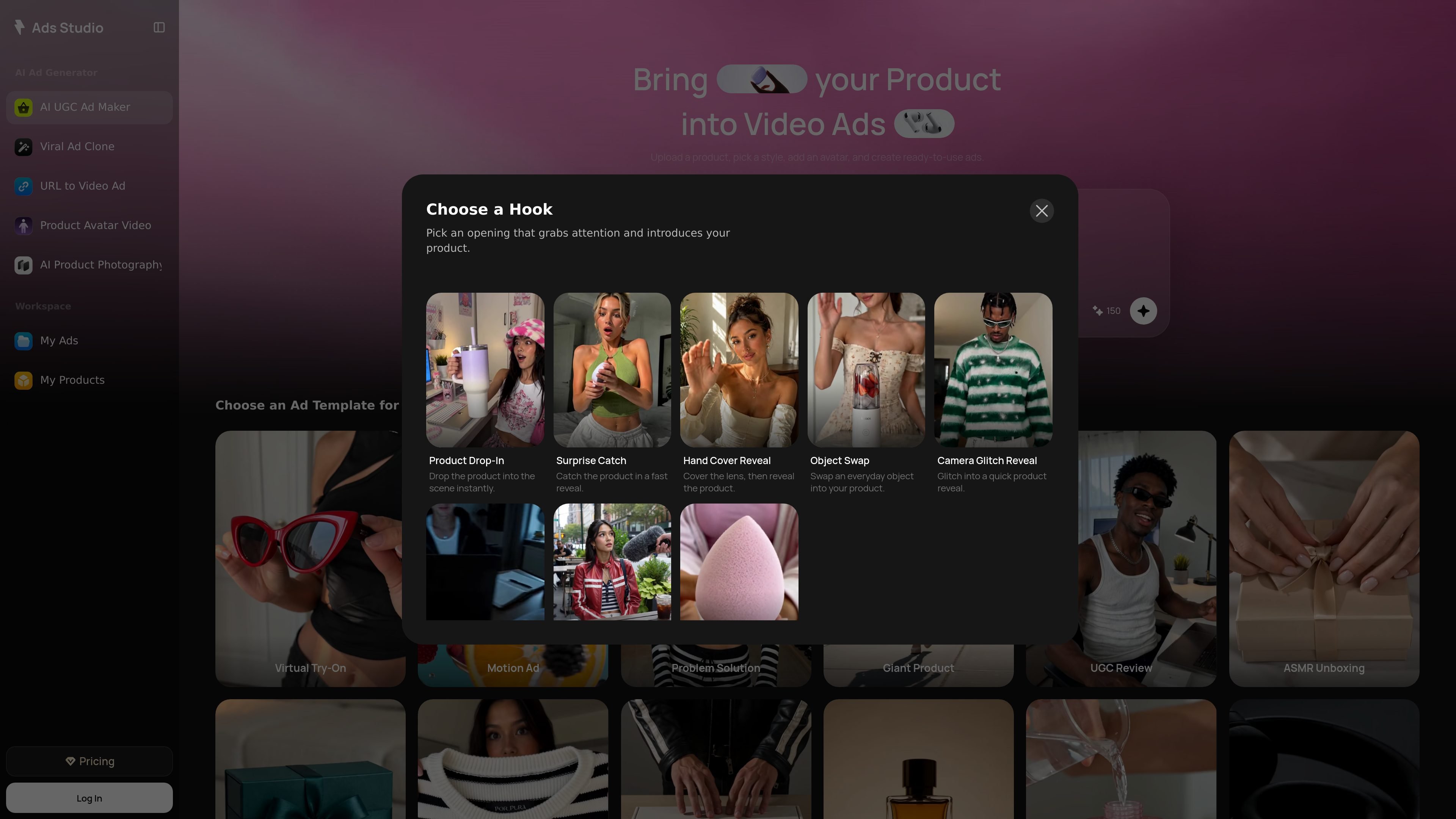
Loova AI UGC Ad Maker is an AI advertising tool inside Loova Ads Studio that turns product inputs into UGC-style video ads. Users can upload product images or paste a product URL, choose an avatar, add a message or call to action, and generate a ready-to-publish ad without filming or hiring creators.
The product is built around a product-to-ad workflow: Loova extracts product details and selling points, then assembles them into a social-first video with realistic voiceover and presentation. The source materials also place it alongside related Ads Studio tools such as Viral Ad Clone, URL to Video Ad, and Product Avatar Video, which suggests it is part of a broader ad-creation suite rather than a standalone editor.
Upload product images or paste a product URL, and Loova builds an ad around the extracted product information and selling points.
Choose from realistic AI UGC creators or build a custom AI spokesperson to match a brand identity and reuse across campaigns.
Write a hook, selling points, or call to action, then generate a complete UGC-style video with social-first storytelling.
The page describes realistic voiceovers, facial expressions, and lip sync to make the ad feel closer to a creator-made social video.
The tool is positioned for fast variation testing, letting users produce multiple versions with different hooks, scripts, avatars, voiceovers, and styles.
Ads are intended for channel-specific use across Facebook, Instagram, YouTube, TikTok, Pinterest, and LinkedIn, according to the source use cases.
Turn a product page or catalog asset into a creator-style ad when you need to launch campaigns without arranging a shoot.
Create multiple versions of the same ad with different hooks, scripts, avatars, and styles to compare performance in paid media.
Build ads for social channels that favor short, authentic-looking video such as TikTok, Instagram Reels, and Facebook Reels.
Use a custom avatar or spokesperson to keep the same on-camera presence across campaigns and products.
Create fast product-promotional assets for channels such as YouTube, Pinterest, and LinkedIn when a team needs channel-specific ad formats.
Loova’s AI UGC Ad Maker lets you upload product images or paste a product URL, choose or create an AI avatar, add a hook or selling points, and generate a UGC-style ad in minutes. The source pages describe the output as ready-to-publish video ads with realistic voiceovers and social-first storytelling.
Yes. The product page says you can create AI UGC ads without filming or hiring creators, and it positions the tool as a way to produce authentic-looking ads from product inputs and prompts.
The source says you can turn one product into multiple ad variations by testing different hooks, scripts, avatars, voiceovers, and styles. This is presented as useful for faster A/B testing and creative iteration.
The page states support for product URLs from Shopify, Amazon, Shopee, TikTok Shop, or your own website. Related Ads Studio pages also mention product links from Shopify, Amazon, TikTok Shop, and Etsy for URL-to-video workflows.
The source does not provide a definitive export list for this specific tool. It does say the ads are ready to publish and that Loova Ads Studio can continue into product ads, UGC-style videos, avatar ads, image creatives, and other campaign assets.

VIDEOAI.ME is an AI video generator for making spokesperson-style videos, ads, explainers, and social content from a script. It is aimed at founders, marketers, agencies, and creators who want to produce videos without filming.

Wisry is an AI advertising studio for ecommerce brands that researches competitor ads, develops evidence-backed campaign concepts, and generates static and video creatives. It also supports editing and connected campaign workflows for Meta and Google.

Krev AI is an ecommerce platform with role-based AI employees for market research, creative production, ad planning, and social publishing. It is built for brands that want product and brand context carried through connected growth workflows.

Topview AI is a web-based AI video creation platform for social ads, ecommerce creatives, avatar videos, and short drama workflows. It combines channel-based templates, prompt-driven generation, reference uploads, and storyboard-based production tools.

Topple.lol is a public pay-to-rank leaderboard where listings start at $1 and their bid balance decays over time and with clicks. It helps makers and marketers buy short-term visibility for product sites or X profiles while tracking live board stats.

DANCING CATS App turns cat pictures into dancing kitty clips. The public homepage is sparse, so the core use case is clear while pricing, outputs, and feature depth remain undocumented.