
Episode-to-content repurposing
Drop in an episode and get clips, captions, show notes, an article, a newsletter, and ready-to-publish social posts from one conversation.

Lucidream is an AI content repurposing tool that turns one podcast or video episode into clips, captions, show notes, long-form copy, and social drafts. It is designed for creators and studios that publish recurring episodes and want a repeatable workflow.
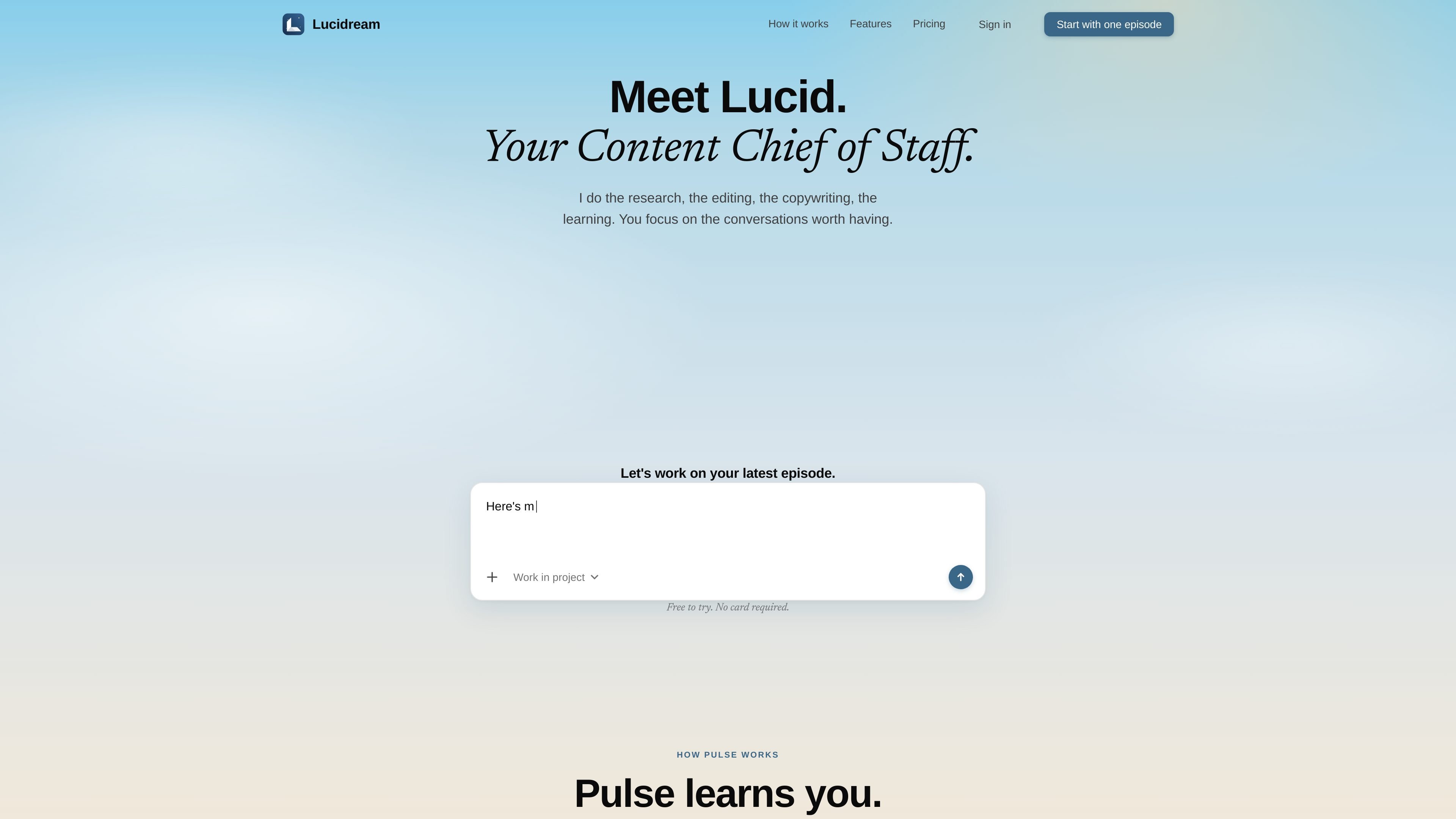
Lucidream, branded on the site as Pulse, is an AI content repurposing tool built around podcast or video episodes. Its core job is to take one episode or conversation and turn it into a week’s worth of publishable content, including clips, captions, show notes, an article, a newsletter, and social posts.
The product flow shown on the site starts with a single episode, then moves through transcription, context analysis, key-moment detection, clipping, captioning, and copywriting. The homepage and pricing page also emphasize that the system learns a creator’s style over time and can be used to schedule and distribute outputs across channels.
Drop in an episode and get clips, captions, show notes, an article, a newsletter, and ready-to-publish social posts from one conversation.
The product says it learns your phrasing, pacing, style, and voice, then gets sharper as you keep using it.
Prompt it in natural language to improve hooks, change caption style, or set a brand template for repeatable output.
Turns transcript work into a sequence that includes understanding context, identifying key moments, cutting clips, adding captions, and writing supporting copy.
The pricing page says Creator can auto-process new episodes, and Pro adds multi-channel subscription support for all your shows.
Outputs include 9:16 shorts, 16:9 clips, show notes with chapters, pull quotes and guest links, plus article, newsletter, and social drafts.
A solo creator can drop in one episode and get clips, captions, show notes, an article, a newsletter, and social drafts without building each asset separately.
A creator who wants output to match their style can let the system learn phrasing and pacing so later clips and posts sound closer to their own writing and editing choices.
A studio or network can use the Pro plan to process multiple shows, use multiple brand templates, and keep work moving across team seats.
A creator who publishes on several channels can use the scheduling and distribution flow to prepare clips and posts for platforms such as TikTok, IG Reels, YouTube Shorts, and X.
Someone who wants a lighter workflow can start on the free tier with one episode and review the generated transcript, clips, and draft content before upgrading.
It is designed to turn a single conversation or episode into a set of content assets, including clips, captions, show notes, an article, a newsletter, and social posts.
The source shows a free tier that lets you try the product with one episode and no card required. Paid Creator and Pro plans are also listed on the pricing page.
The homepage and pricing page show a workflow centered on dropping in an episode, after which Lucidream transcribes it, identifies key moments, cuts clips, adds captions, writes show notes, drafts long-form and newsletter content, and prepares social posts.
The pricing page lists Creator for individual creators and Pro for studios and multi-show creators. Pro includes team seats and support for multiple brand templates.

Fylom is an AI podcast generator that turns a topic or question into a researched narrated episode. It supports typed or spoken prompts, voice selection, and recurring show-style listening.

Topple.lol is a public pay-to-rank leaderboard where listings start at $1 and their bid balance decays over time and with clicks. It helps makers and marketers buy short-term visibility for product sites or X profiles while tracking live board stats.

Eine All-in-One AI-Plattform, die Werkzeuge für Bild, Video, Sprache, Schreiben und Chat kombiniert, um Kreativität und Zusammenarbeit zu fördern.

Slidesgo is a presentation template platform for Google Slides, PowerPoint, and selected Canva workflows. It offers free and Premium templates, plus AI-assisted presentation creation and team-friendly access options.

Tactiq is an AI note taker for Google Meet, Zoom, and Microsoft Teams that transcribes meetings live and turns them into summaries, action items, and follow-up outputs. It is built around a Chrome extension and supports team workflows through sharing and integrations.

CAMB.AI Streams dubs live audio in multiple languages in real time for broadcasts on platforms like YouTube, Twitch, and X. It plugs into existing live workflows using common streaming protocols and avoids a post-production step.