
Isolated agent execution
Agents can gather context from connected tools, research web sources, read and edit documents, run scripts, and prepare work for review in an isolated environment separate from a teammate’s device.

Melete is an AI workspace for teams that uses agents to research, draft, and coordinate work across connected tools such as Slack, Notion, Linear, and GitHub. It supports scoped memory, project collaboration, source-linked outputs, and human approval before consequential actions.
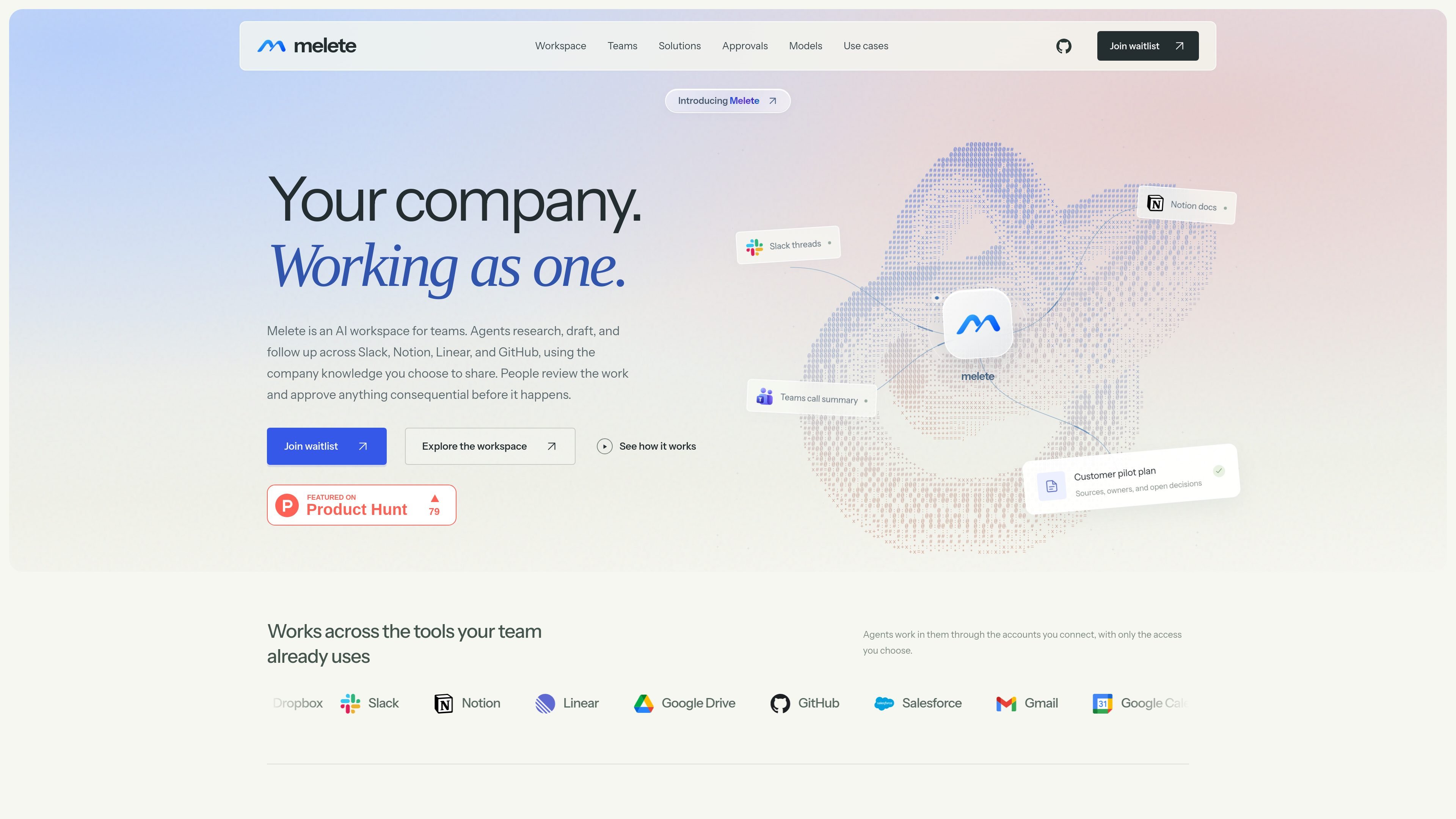
Melete is an AI workspace for teams that coordinates research, drafting, and follow-up work across connected business tools. An agent gathers the context selected for a task, works in an isolated environment, and returns a result for people to review rather than sending consequential actions automatically.
The workspace is organized around projects, shared sources, decisions, and owners. Teams can keep company knowledge, project context, and private notes at different memory scopes, while outputs such as briefs, plans, research memos, and handoffs retain their sources and open questions. Melete also supports individual work before a user shares a task with collaborators.
Agents can gather context from connected tools, research web sources, read and edit documents, run scripts, and prepare work for review in an isolated environment separate from a teammate’s device.
Each task can use only the channels, folders, repositories, documents, and other tools connected to it. Model provider keys remain outside the agent environment.
Memory entries can be shared at company, project, or private scope. Each entry links to its source, can be corrected or deleted, and corrections take effect immediately.
Projects collect the request, source material, drafts, tasks, decisions, and owners so collaborators can follow the work without accessing unrelated personal conversations.
Users can require approval for consequential actions. Melete shows what will happen, records the decision, and holds actions such as external messages until approval.
Agents can run scheduled summaries and checks, resume interrupted tasks without repeating completed steps, and mark an action unconfirmed when its outcome cannot be verified.
Turn a week of parent messages into draft replies, match questions to the syllabus, and set aside messages that require the teacher’s personal response.
Build a customer or sales handoff from call notes, account history, and a deal thread, then present goals, success criteria, owners, and open decisions for review.
Compare support tools against team requirements by checking vendor pricing, integrations, and limits, with source links attached and purchasing decisions left to the team.
Create legal operations material such as deadline calendars from agreements, document-production indexes, redline comparisons, or follow-ups for missing client documents.
Prepare recurring operational work including weekly summaries, escalation checks, research memos, launch briefs, or month-end exception lists while keeping owners and next steps visible.
Melete is an AI workspace where agents research, draft, and carry out tasks across connected team tools. People review the resulting work and approve consequential actions before they happen.
A task can be limited to selected channels, folders, repositories, documents, or other connected tools. Access is chosen for each task, and approvals can be required for actions such as sending an external message.
Projects keep a request, its sources, drafts, tasks, decisions, and owners together. Teammates invited to the project can review the relevant brief and sources without seeing unrelated private conversations.
Agents can return briefs, plans, research memos, customer handoffs, and weekly updates with sources and open questions. These documents can be reviewed, shared, or exported.
The supplied site content does not publish pricing. The pricing URL currently returns a page-not-found message, while the homepage invites visitors to join a waitlist.

Lasso is an ecommerce product data platform for enriching catalog records, processing supplier files, generating product content, and monitoring competitors. It combines a web app with a REST API, SDK, and MCP server for teams and developers.

Dcyde is a decision log for product teams that captures what was decided, the reasoning behind it, and the source in one shared place. It supports pinning decisions from Slack, Figma, or inside Dcyde and keeps the record searchable over time.

runevr is a connected workspace for creative teams that combines boards, media review, chat, recordings, drive, calls, and AI agents in one room-based environment. It is designed to reduce tool switching and keep project context together.

qbrin is an enterprise AI search and governed agent platform that turns company knowledge into cited answers and can abstain when evidence is missing. It is built for teams that need source-backed responses, policy controls, and traceable AI actions.

Goldfish is an AI memory app for macOS that helps you reply, write, summarize, and continue using the context already on your Mac. It stores memory locally and writes in your tone.

ArtDeck is a visual reference board app for iPhone, iPad, and Mac that lets artists collect mixed reference material on one canvas and study it with ToolBox lenses. It works offline, supports optional iCloud sync, and is sold as a one-time purchase with no account required.