
Timed position recall
Study a chess position briefly, then reconstruct it on a blank board using mouse, touch, or keyboard controls.

Memory Chess is a free browser-based chess memory trainer for players who want to test and improve board recall. Study a position, rebuild it after the board clears, and review a square-level accuracy score without creating an account.
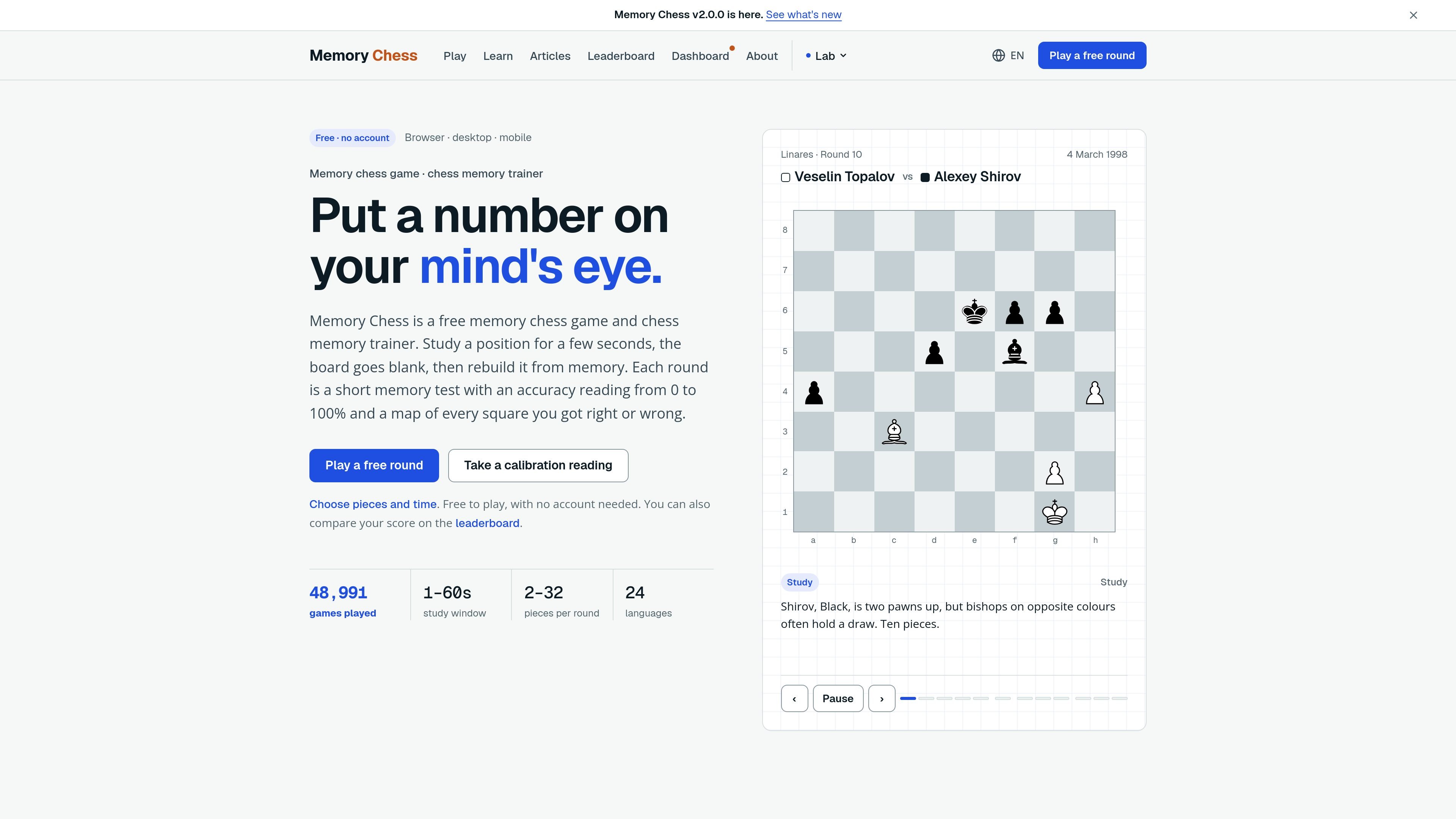
Memory Chess is a browser-based chess memory trainer that tests whether you can retain a position after the board disappears. Each round presents a position for a chosen exposure time, clears the board, and asks you to rebuild the pieces from memory.
The product is designed to make board recall measurable rather than leaving it as an informal part of calculation or blindfold practice. It reports an overall accuracy score and shows where the reconstruction matched or differed from the original, while repeat rounds and dashboard views help users observe performance over time.
Study a chess position briefly, then reconstruct it on a blank board using mouse, touch, or keyboard controls.
Receive an accuracy score from 0 to 100% with square-level markings for correct placements, wrong placements, and missed squares.
Choose from preset challenges including 2, 6, 12, and 20 pieces, or set a custom position size from 2 to 32 pieces and exposure from 1 to 60 seconds.
Review performance by piece type, rebuild time, exposure duration, and other round-level results after completing a run.
Keep rounds on the current device and inspect trend views including accuracy over time, pieces held, recall pace, forgetting curve, miss map, and streak-related figures.
Compare scores on the leaderboard for supported preset rounds; custom counts outside the listed preset counts stay off the leaderboard according to the training guidance.
Run short rounds between chess sessions to check whether you can hold a position in mind instead of relying only on the visible board.
Use the staged piece-count and exposure settings to build toward more demanding blindfold work, starting with two kings or six-piece positions.
Inspect missed squares, wrong placements, and piece-type results to identify whether pawns, distant pieces, or other groups are regularly lost during recall.
Repeat a fixed setting across several sessions and use the dashboard’s trend views to distinguish a one-off result from a developing practice pattern.
No. The site describes Memory Chess as free to play and says no account is needed. Rounds can be played in a browser on desktop or mobile.
You study a chess position for a set exposure time, rebuild it on a blank board, and submit it for scoring. The result shows accuracy from 0 to 100%, along with correct, wrong, and missed squares; some views also show recall by piece type and rebuild time.
Yes. Presets include 2 pieces at 10 seconds, 6 pieces at 10 seconds, 12 pieces at 8 seconds, and 20 pieces at 5 seconds, while custom games allow 2–32 pieces and 1–60 seconds of exposure. The training guidance recommends increasing the piece count after three perfect rounds at the same setting.
The site presents the tool for chess players working on board recall, calculation support, blindfold-chess preparation, and noticing pieces that disappear from a mental position. Its learning material recommends starting with two kings or six pieces rather than beginning with a full blindfold game.
The site says every round is kept on the device and provides dashboard views for trends such as accuracy over time, pieces held, recall pace, a forgetting curve, a miss map, and recall by piece type. The fetched pages do not document team workspaces, exports, or integrations.

GameGrad turns PDF study material into quiz questions that appear inside arcade games, so users can practice active recall while they play. It offers a free tier with one PDF and a Pro plan with more uploads, more questions, and answer explanations.

DailyPlay.ai is a behavioral growth platform that uses AI site scanning and micro-games to help brands improve engagement and conversion. It supports web, mobile, and other digital touchpoints, with a one-line script setup and a free engagement scan.

ChessWoodie is a chess tactics training app based on the Woodpecker Method. It helps players build pattern recognition through repeated puzzle cycles, track speed and accuracy, and review missed tactics from their own games.

PixelForge turns a single photo into a game-ready 2D character sprite pack, including a 4×4 sheet, transparent frames, direction strips, and looping walk GIFs. It is designed for engine-ready use in Godot, Unity, Phaser, GameMaker, and web games.

Loniva is a mobile puzzle app that offers a calm daily mix of games across memory, attention, language, speed, logic, and focus. It runs on iPhone, iPad, and Android, with a free 7-day trial and a free daily workout after the trial.

Mixels.ai is a browser-based AI pixel art generator for creating 8-bit characters, sprites, avatars, and photo-to-pixel conversions. It is designed for users who want grid-aligned retro artwork without installing software.