
Natural-language workflow builder
Describe a process in plain language and turn it into an editable workflow graph that connects tools, data, and agents.

ModuleX is an AI workflow orchestration platform for building automations from natural language, visual editing, or code. It helps individuals, teams, and enterprises connect tools, data, and agents across an existing stack.
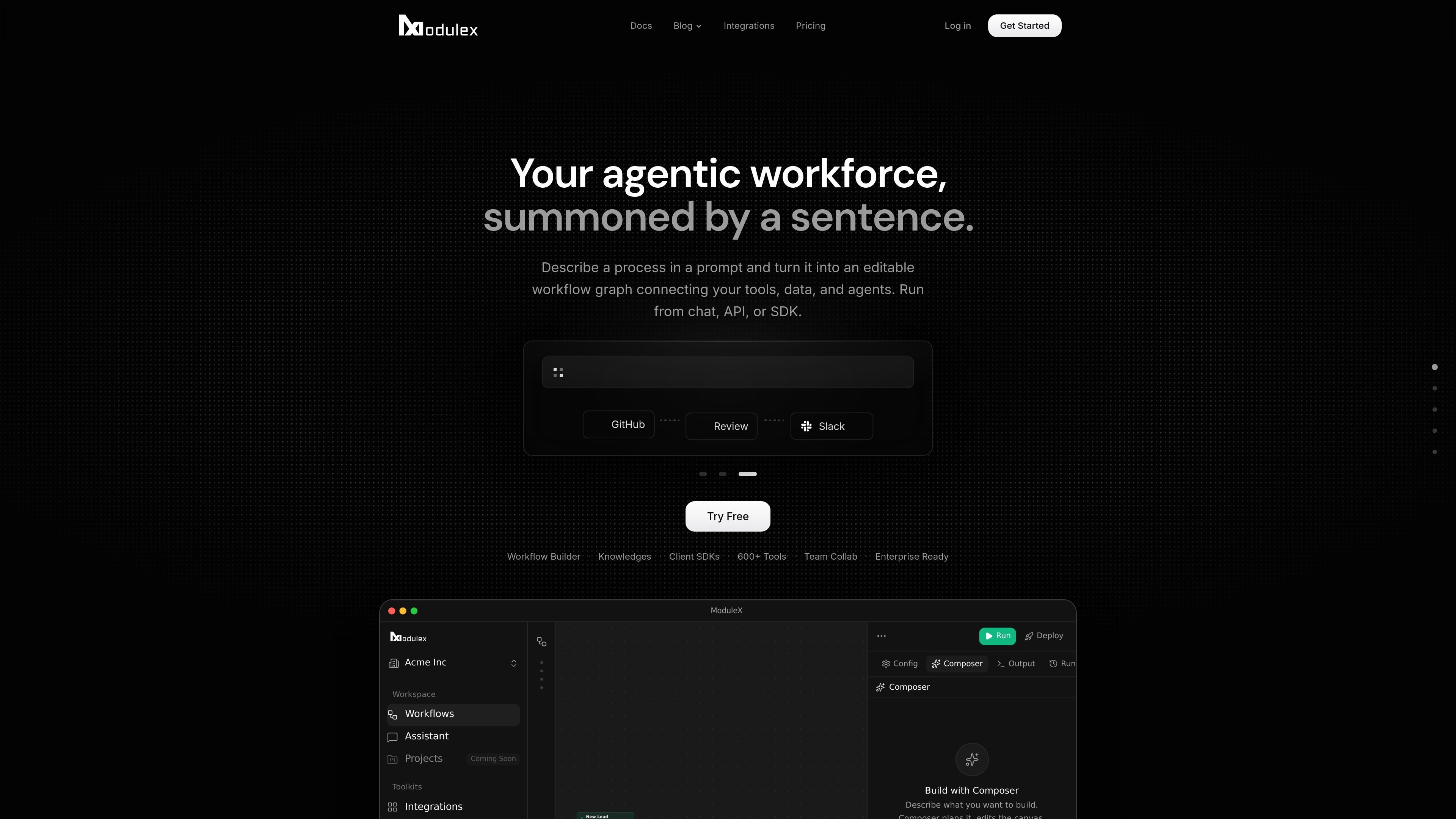
ModuleX is an AI workflow orchestration platform for building automations from natural language, visual editing, or code. It turns a prompt into an editable workflow graph and can run workflows from chat, API, or SDK.
The product is designed to connect tools, data, and agents across an existing stack. The site highlights 600+ tools, support for company knowledge through RAG, and options to use ModuleX DB or external vector databases for retrieval-backed workflows.
Describe a process in plain language and turn it into an editable workflow graph that connects tools, data, and agents.
Run workflows from chat, API, or SDK so the same automation can be triggered by different parts of a product or stack.
Connect company documents and internal data so workflows can retrieve relevant context automatically with RAG.
Choose built-in ModuleX DB or connect external vector databases such as Qdrant, Pinecone, Weaviate, or MongoDB Atlas.
Use a large integration catalog that includes major AI models, CRMs, databases, and collaboration tools, with support for bringing your own API keys.
Expose workflows to teams with collaboration features and an enterprise tier that adds advanced analytics, audit logs, SSO/SAML, self-hosting, and onboarding support.
Build automations for internal processes by describing the workflow in plain language, then refine the generated graph before running it.
Connect company docs, guides, and internal data so support or assistant workflows can answer with grounded context.
Trigger the same workflow from chat, an external API call, or an SDK integration when embedding automations into a product or service.
Orchestrate across tools such as Google Drive, Slack, Notion, HubSpot, Linear, and GitHub when a workflow needs to move data between systems.
Use enterprise features such as custom rate limits, self-hosting, SSO/SAML, and dedicated support when rolling out automation across a larger organization.
ModuleX lets you describe a process in natural language and turn it into an editable workflow graph. The source says workflows can be run from chat, API, or SDK.
The pricing page shows a Free plan, Pro for individuals, Max for teams, and Enterprise for organizations that need custom credits, limits, deployment, and support. The contact-sales page also mentions SSO/SAML, self-hosting, custom rate limits, advanced analytics, audit logs, dedicated Slack support, and onboarding for enterprise rollouts.
ModuleX surfaces workflows through chat, API, and SDK, and the home page shows a code example alongside the visual workflow builder. The product also emphasizes a visual canvas and code-based integration alongside natural-language workflow creation.
The source does not spell out every limit or unsupported workflow type. It does show that pricing and capabilities vary by plan, so teams should confirm requirements such as rate limits, deployment model, and support before adopting it at scale.

Codex Plugins bundle reusable skills, app integrations, and MCP servers into workflows you can install in the Codex app or use from Codex CLI. They help extend Codex with connected-service tasks, reusable instructions, and shared team workflows.

Awish is an AI-powered no-code automation platform that turns natural-language requests into automated workflows across connected apps. It serves individuals and teams that want to automate repetitive tasks, chat-based assistants, and workflow updates without manual configuration.

CreateOS Sandbox is an isolated compute environment for running code and agent workloads inside Firecracker micro-VMs. It is designed for workflows that need machine-level isolation, private networking between sandboxes, and programmatic control through SDK, CLI, or MCP.

Struere is an AI-native platform for turning spreadsheet data into structured operational software with dashboards, alerts, and automations. It is aimed at teams that want to replace manual spreadsheet workflows without building custom tools from scratch.

Wallie is an open-source AI streamer that watches your screen, hears chat, and generates live commentary in a configurable persona. It runs locally on your machine with your own keys and is aimed at faceless content, autonomous streams, and real-time reactions.

Make Real is a Next.js app that turns hand-drawn wireframes into working HTML prototypes using the tldraw SDK and AI models. It helps users sketch on a canvas, generate code, and review the result in an embedded preview.