
Two-way text translator
Convert English text into Morse code or paste dots and dashes to decode them back into readable text. The tool automatically detects which direction you need.

MorseClue is a free browser-based Morse code translator and generator that converts text to Morse, decodes Morse to text, and supports clear audio and image translation. It is useful for learners and anyone who needs quick Morse conversion without installing software.
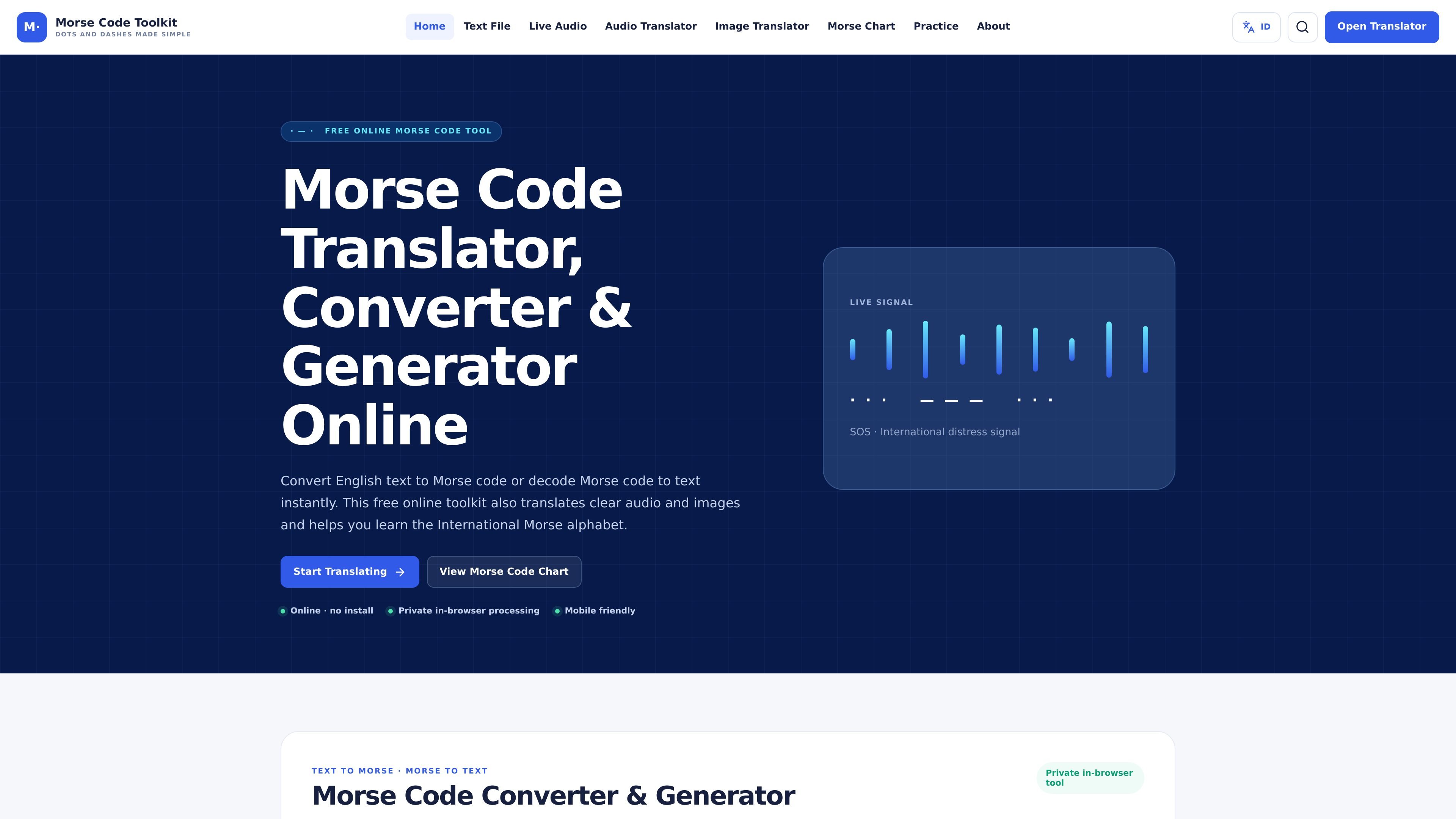
MorseClue is a free online Morse code translator, converter, and generator that runs in the browser. It converts English text to Morse code, decodes Morse code back to text, and also supports clear audio and image-based translation.
The toolkit is aimed at people learning Morse code or checking a signal quickly without installing software. It includes an interactive chart, audio playback controls, and local processing so text, files, images, and microphone samples stay in the browser.
Convert English text into Morse code or paste dots and dashes to decode them back into readable text. The tool automatically detects which direction you need.
Translate clean Morse tones captured through your microphone or from supported audio files. This gives the tool a second input path beyond plain text.
Upload a clear Morse code image and convert the pattern into text. The source specifies that high-contrast images with one clear line of dots and dashes work best.
Open the Morse code chart to study letters, numbers, symbols, and audio examples. This is useful for checking characters while learning the alphabet.
Adjust playback speed, tone frequency, and volume, then listen, flash, copy, share, or download the result as a WAV file.
Use the toolkit in the browser on phones or low-bandwidth connections. The site states that processing happens locally, with no upload requirement.
Paste a word, phrase, or sentence to generate Morse code instantly, then copy or download the result for reference or practice.
Enter dots and dashes from a received signal and let the converter return readable text without switching tools.
Use the live audio translator or audio file decoder to work with clear Morse beeps captured from a microphone or recording.
Upload a clear Morse code image to recover the message when the signal is presented visually rather than as text.
Open the chart and examples to study the alphabet, numbers, punctuation, and timing model while learning Morse code.
Type English text into the translator to generate dots and dashes, or paste Morse code into the same tool to decode it back into readable text. The converter detects the direction automatically.
Yes. The site includes a live audio translator for microphone input and an audio file decoder for compatible recordings. The source notes that clean, steady tones work best.
Yes. You can upload a clear, high-contrast Morse code image and convert its dots and dashes to text in the browser.
No. The site says text, files, images, and microphone samples are processed locally in the browser, with no upload API, account system, analytics, or database.
It is designed for clean, single-frequency beeps and clear Morse images. Speech, music, noisy recordings, and ambiguous timing are not reliable input.

Microsoft Translator is a Bing translation web app for translating short text between English and more than 100 languages. It also supports image capture translation and basic output actions like listen and copy.

LangPanda is a browser extension for learning languages from streaming video and other supported sites. It combines instant subtitle lookup, flashcard creation, vocabulary tracking, and spaced-repetition review for 36 languages.

Asụsụ Ọma is a free guided Igbo learning app for beginners, with short lessons, native-speaker audio, memory practice, games, and speaking rehearsal. It is designed for adult and young-adult learners, diaspora learners, children, and families studying Igbo at home or abroad.

Talkpal is an AI-powered language learning web and mobile app for practicing speaking, listening, writing, and pronunciation. It offers guided courses, roleplays, and call-style conversation practice across 130+ languages.

MagicSlides is an AI presentation generator that turns text, topics, documents, URLs, and videos into slide decks. It creates presentations in Google Slides by default and supports PowerPoint export, with multilingual output and AI-assisted editing.

Letra is a menu bar OCR utility for macOS Sonoma 14 or later that copies text from screen regions, videos, PDFs, screenshots, and screen shares to the clipboard. It also supports on-device recognition, QR and barcode decoding, searchable capture history, and copied image or file input.