
Browser-based room entry
Start a room with a six-digit invite code and let participants join from a browser without installing an app.

MUSIXQUARE is a browser-based multi-device audio system that lets phones, tablets, and laptops share synchronized playback in one room. It also supports remote listening, chat, and co-watching without requiring an installed app.
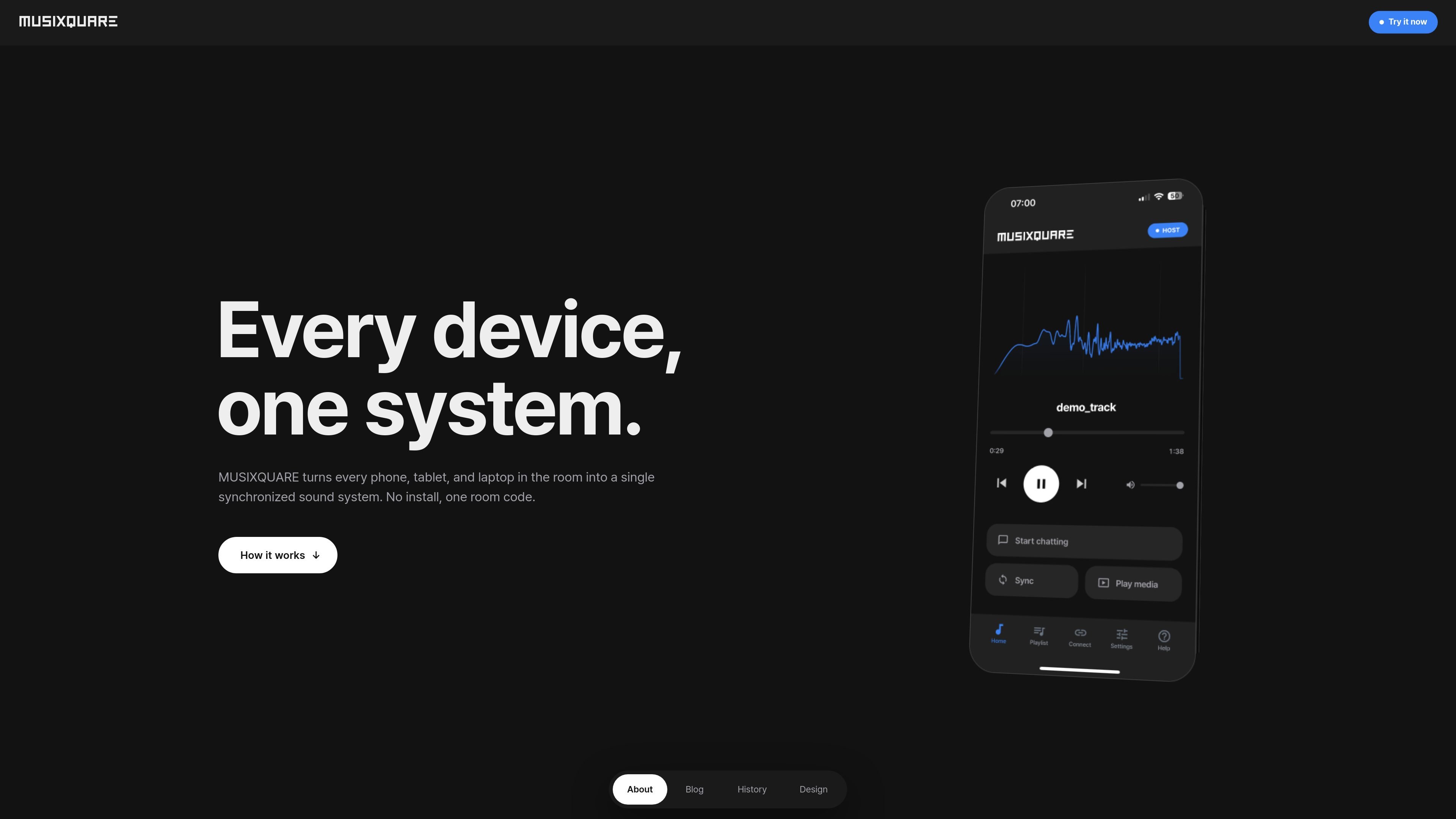
MUSIXQUARE is a browser-based multi-device audio system for turning nearby phones, tablets, and laptops into one synchronized sound setup. It is designed for room-scale listening, shared playback, and co-watching without requiring a local app installation.
The product centers on a host-and-join workflow: one person starts a session, shares a six-digit code, and other devices connect in the browser. Devices can be assigned different roles for left, center, right, bass, or full stereo playback, and the system uses latency measurement and a shared master clock to keep media aligned across devices and networks.
Start a room with a six-digit invite code and let participants join from a browser without installing an app.
Assign each device a playback role such as left, center, right, bass, or full stereo so the room can function like a shared speaker system.
Measure round-trip latency against the host and align playback to a shared master clock for synchronized media playback.
Use peer-to-peer transport with WebRTC for real-time connection between devices across networks.
Apply supported playback effects including 5-band EQ, reverb, and virtualizer for music sessions.
Share system audio from Chromium-based browsers on Windows and Mac, with the stated limitation that this mode adds unavoidable latency.
Start a listening room when several people are in the same physical space but want to use the devices they already have as the audio system.
Assign different devices to left, center, right, or bass roles to create a coordinated multi-device speaker setup.
Invite someone to listen or watch from elsewhere and keep a YouTube session synchronized across devices.
Use the built-in chat and whisper features when the group wants to coordinate music picks or send private side comments during a session.
Use a phone or tablet as a temporary speaker source when a computer’s built-in audio is weak or unavailable.
It is a browser-based multi-device audio system. One device can host a session, and other phones, tablets, or laptops join with a six-digit room code.
The source says it works on iOS, Android, macOS, and Windows, and it runs in any browser. System audio sharing mode is available on Chromium-based browsers on Windows and Mac.
A host starts a session and shares a six-digit code. Other devices join in seconds, then each device can be assigned a role such as left, center, right, bass, or full stereo.
For media playback, MUSIXQUARE uses a shared master clock and round-trip latency measurement to align devices. The site also describes peer-to-peer transport with WebRTC.
The pricing page shows a demo-style flow with device-role setup and audio effects like bass boost, treble boost, reverb, and surround, but the source does not publish plan names or prices.

Hype is a web tool for finding trending YouTube topics by category, time range, and scoring mode. It helps creators spot emerging ideas, inspect source videos, and decide what to cover next.

CAMB.AI Streams dubs live audio in multiple languages in real time for broadcasts on platforms like YouTube, Twitch, and X. It plugs into existing live workflows using common streaming protocols and avoids a post-production step.

VForms lets you place questionnaires directly inside YouTube videos so viewers answer in context instead of switching to a separate form. It is aimed at collecting feedback and insights through timestamped, embeddable video forms.

TubeKit turns public YouTube videos and playlists into AI-powered tools that creators can customize and share. It is free to try and requires no signup for the initial workflow.

LALAL.AI is an AI audio processing platform for stem separation, voice cleanup, and voice transformation. It supports browser-based upload, preview, and download workflows for audio and video files, plus premium and enterprise options.

Optimo is a free, open-source CLI for optimizing and converting images and videos with format-specific commands built on ImageMagick and FFmpeg. It helps developers prepare web assets, batch process media, and automate compression from the shell or a Node.js script.