
Declarative markup with typed updates
Interfaces are written in native markup and updated through a typed message handler, which keeps state changes explicit instead of hidden in ad hoc event logic.

Native SDK is a toolkit for building native desktop applications with declarative markup, a message-based state model, and a native renderer. It is aimed at developers who want app UI to run without a browser or WebView.
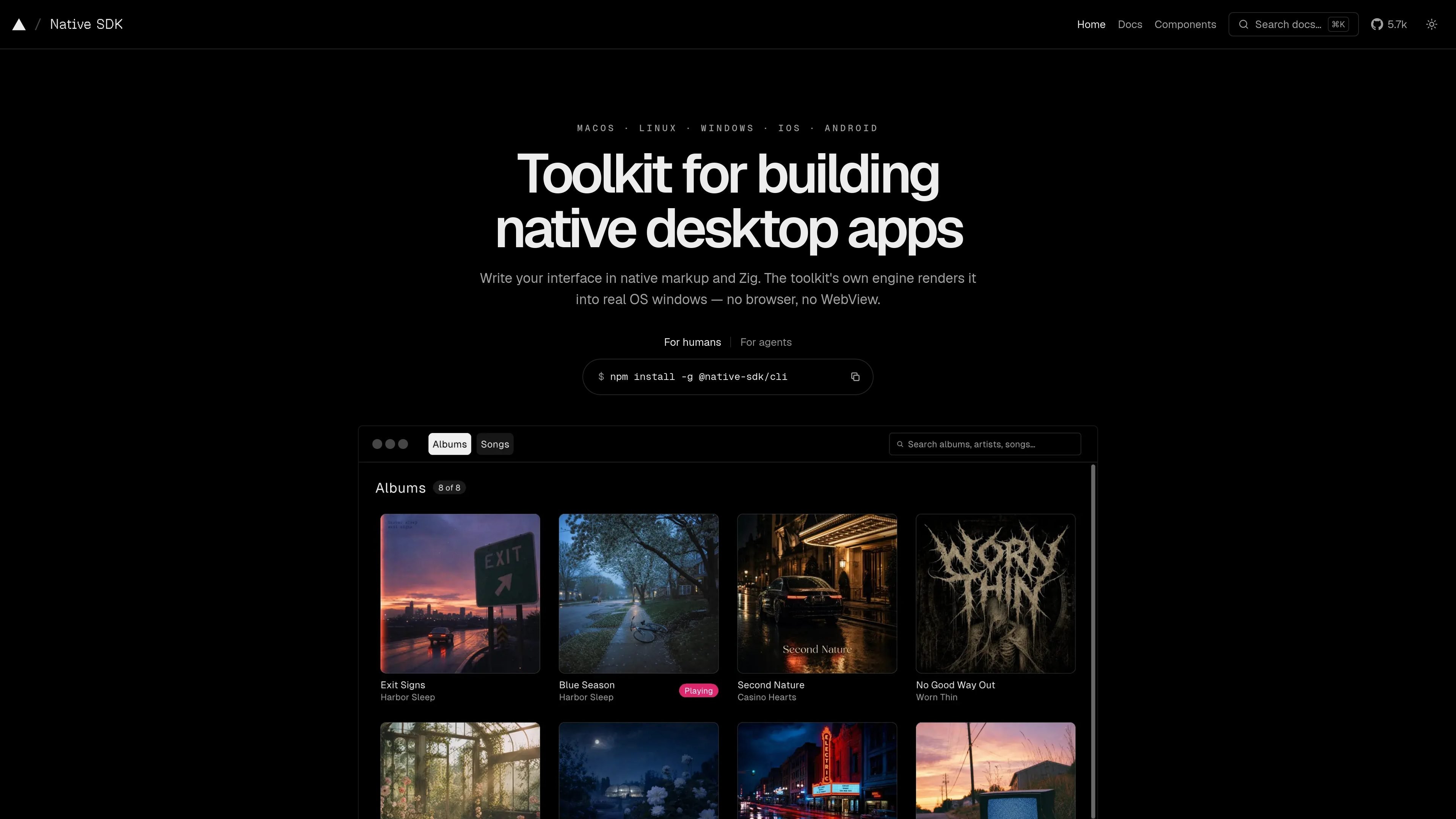
Native SDK is a toolkit for building native desktop applications with declarative markup, a message-based state model, and a native renderer. It is intended for developers who want interfaces to run in real OS windows without bundling a browser or WebView.
The system centers on explicit messages and state updates, so interface changes are easier to follow and debug. The site also documents desktop-first platform support, with experimental mobile coverage on iOS and Android.
Interfaces are written in native markup and updated through a typed message handler, which keeps state changes explicit instead of hidden in ad hoc event logic.
The toolkit renders directly into real operating-system windows, with no browser or WebView required for native-rendered apps.
Events produce messages, messages update state, and state renders the interface, which gives the app a single place where behavior changes are applied.
The runtime preserves native behavior such as scroll physics, menus, dialogs, file drop events, IME composition, and HiDPI rendering where the platform supports it.
Native SDK includes an automation server for snapshots, assertions, synthetic input, screenshots, and record/replay, plus the `native doctor` command for environment checks.
The documentation presents packaging as part of the toolkit, with platform-specific outputs and static release binaries described for the desktop workflow.
Build a native desktop application that needs standard windows, menus, dialogs, and responsive interaction without embedding a browser engine.
Create operational interfaces such as dashboards, editors, and utilities where predictable state changes and a compact runtime matter.
Use the declarative markup and typed update model as a surface that agents can author, inspect, and automate reliably.
Ship to macOS, Linux, and Windows with platform-specific behavior, while also evaluating experimental mobile support on iOS and Android when needed.
Use the built-in automation server to capture snapshots, drive input, and assert on running app state during development or CI-style workflows.
It is a toolkit for building native desktop applications, with experimental support for mobile canvas apps on iOS and Android.
Native-rendered apps do not require a browser or WebView. The docs describe a native renderer that draws directly into OS windows.
The source documents macOS, Linux, and Windows as desktop platforms, and iOS and Android as experimental mobile platforms.
`native doctor` checks the local development environment for issues such as host platform details, WebView availability where relevant, manifest validity, log directory writability, CEF presence for Chromium configurations, and signing tools.
Yes. The documentation describes an embedded automation server that supports snapshots, assertions, input, screenshots, and record/replay.

ByteAsk is a terminal-first AI coding agent for C and C++ that edits repositories and verifies changes with the real compiler, debugger, sanitizers, and tests before showing a diff. It offers a free tier plus paid plans, with editor connectors and zero-retention handling described in the source.

CreateOS Sandbox is an isolated compute environment for running code and agent workloads inside Firecracker micro-VMs. It is designed for workflows that need machine-level isolation, private networking between sandboxes, and programmatic control through SDK, CLI, or MCP.

hob is an independent workspace for coding agents that keeps agent sessions, terminals, history, and follow-up work organized around the tools and providers you already use. It is aimed at developers who want local control over routing, history, and workspace structure rather than a bundled model stack.

Manta AI is an autonomous web app testing tool for teams that want to map application behavior, catch regressions, and generate tests without writing scripts or maintaining selectors. It works from a URL and supports plain-English test flows, run results with screenshots, and scheduled or deployment-triggered checks.

SonOf connects to your repo and PM tool, audits the codebase and surrounding product context, and turns approved work into shipped tickets with senior engineering review. It is aimed at founders and engineering leaders who need backlog help without hiring a full team immediately.

Ghost ist ein terminalbasierter KI-Assistent für Chats, Code-Generierung und Aufgaben direkt in der Kommandozeile. Mit kostenlosen Modellen, Linux, macOS und Windows. Open Source.