
Cloud-based iOS builds
Runs signed iOS release builds on cloud Macs, so the build and signing steps happen outside your local machine.

NoMac is a cloud-based iOS publishing pipeline that lets developers or AI agents build, TestFlight, and submit apps to the App Store without using a Mac. It automates signing, distribution, and release tasks while still requiring the standard Apple account setup.
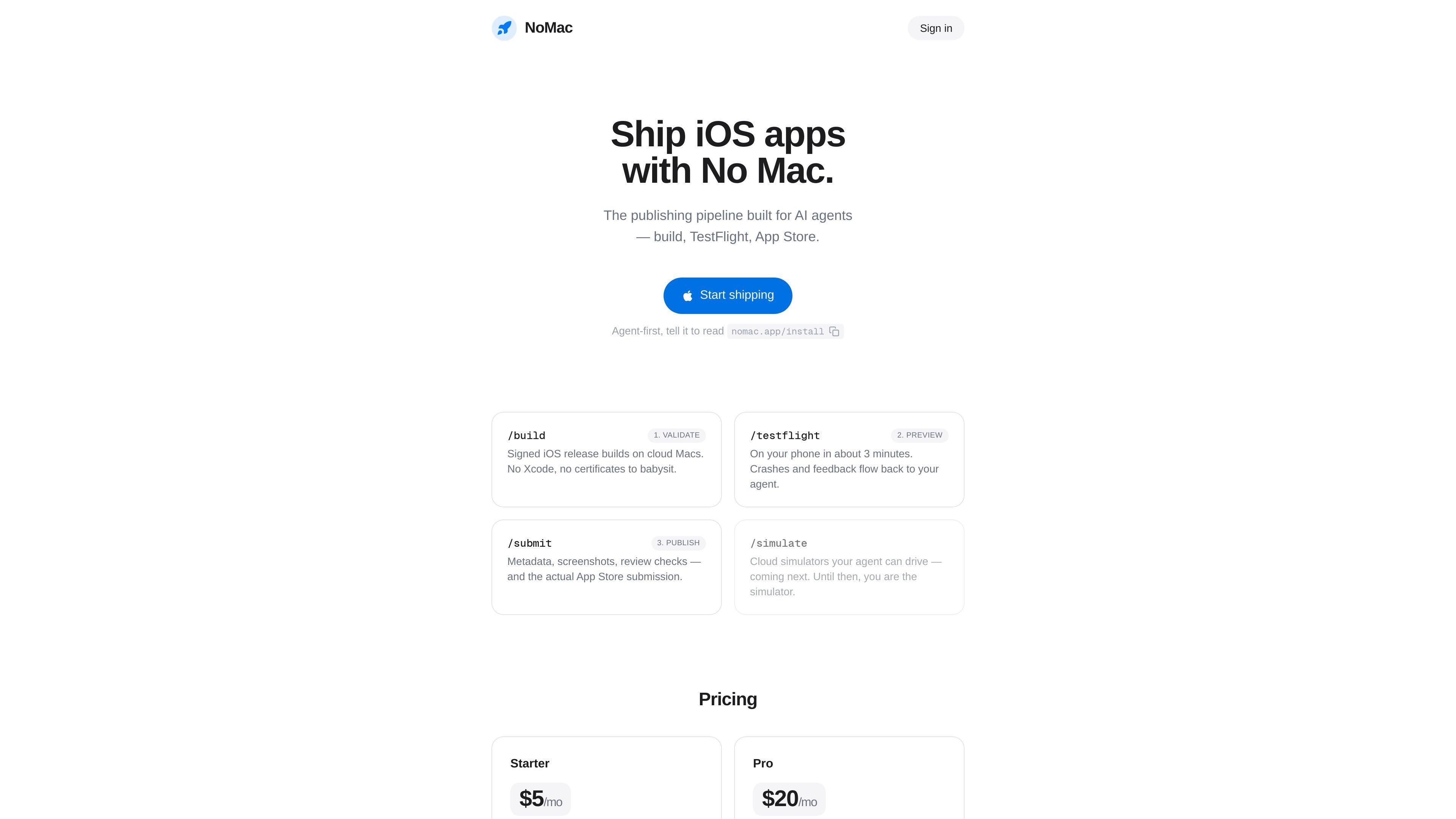
NoMac is an iOS publishing pipeline designed to be driven by an AI agent rather than a local Mac. It builds signed release versions of iOS apps in the cloud, sends them to TestFlight, and continues through App Store submission.
The product is aimed at developers and agent-driven workflows that want to move from build to distribution without managing Xcode, certificates, or a Mac-based release setup. The site says the setup wizard verifies the required Apple-side steps and that the first build can reach your phone in minutes.
Runs signed iOS release builds on cloud Macs, so the build and signing steps happen outside your local machine.
Uploads builds to TestFlight and manages distribution to your iPhone for hands-on testing.
Handles App Store metadata, screenshots, review-readiness checks, and the final submission flow.
Collects crash reports and tester feedback so your agent can react to issues after a build is shared.
Exposes the workflow through a CLI, API, and MCP so agents or developers can drive it from different environments.
Provides an install and login path through the CLI, including a documented npx-based login command from the app folder.
Use NoMac when you want an AI agent to take an iOS app from source code to a signed release build without setting up a local Mac build machine.
Use it to send a fresh build to TestFlight, then test the app on your own iPhone while the setup and distribution steps stay automated.
Use it for the release-management work around an App Store launch, including metadata, screenshots, review checks, and submission.
Use it in a CLI- or MCP-driven environment where your agent needs a tool it can call directly from an editor or terminal.
Use it when you want post-build feedback, such as crash reports and tester comments, to flow back into the agent after distribution.
NoMac is an iOS publishing pipeline that runs in the cloud. It builds signed release builds, uploads them to TestFlight, and handles App Store submission, while you or your AI agent drive the workflow through a CLI, API, or MCP.
Yes. The product states that builds run on cloud Macs and that testing happens on your own iPhone through TestFlight, so you do not need to open Xcode or keep a Mac for the publishing workflow.
You need an Apple Developer account, an App Store Connect API key, the App Privacy questions completed before your first release, and TestFlight on your iPhone. The setup wizard walks you through the steps and verifies them live.
After setup, NoMac automates certificates, provisioning and signing, cloud-Mac release builds, TestFlight upload and distribution, crash and tester-feedback collection, App Store metadata and screenshots, review-readiness checks, and the App Store submission itself.
NoMac says it works with any agent that can speak MCP or run a CLI, including Claude Code, Codex, and Cursor. The product itself does not include an LLM; your agent provides the intelligence.

Speculos is a deployment tool for Claude Code that publishes what you built to a shareable URL. It supports private, org-wide, or public apps and adds team controls for company domains, data connections, and customer-cloud deployments.

ByteAsk is a terminal-first AI coding agent for C and C++ that edits repositories and verifies changes with the real compiler, debugger, sanitizers, and tests before showing a diff. It offers a free tier plus paid plans, with editor connectors and zero-retention handling described in the source.

CreateOS Sandbox is an isolated compute environment for running code and agent workloads inside Firecracker micro-VMs. It is designed for workflows that need machine-level isolation, private networking between sandboxes, and programmatic control through SDK, CLI, or MCP.

hob is an independent workspace for coding agents that keeps agent sessions, terminals, history, and follow-up work organized around the tools and providers you already use. It is aimed at developers who want local control over routing, history, and workspace structure rather than a bundled model stack.

Ably Chat is a chat API platform for building custom realtime chat applications. It supports room-based messaging, typing indicators, presence, reactions, and message updates, with usage-based pricing options for different deployment stages.

Manta AI is an autonomous web app testing tool for teams that want to map application behavior, catch regressions, and generate tests without writing scripts or maintaining selectors. It works from a URL and supports plain-English test flows, run results with screenshots, and scheduled or deployment-triggered checks.